Why Does My Wi-Fi Keep Disconnecting? 7 Fixes That Work
The signal is fine, then it's gone, then it's back. A Wi-Fi connection that drops repeatedly almost always traces back to one of these seven causes.

A Wi-Fi network that disconnects every few minutes is worse than one that's simply offline — you never quite trust it. The pattern matters: if every device drops, look at the router. If only one device drops, look at that device. Here's how to chase it down.
1. Reboot the Router Properly
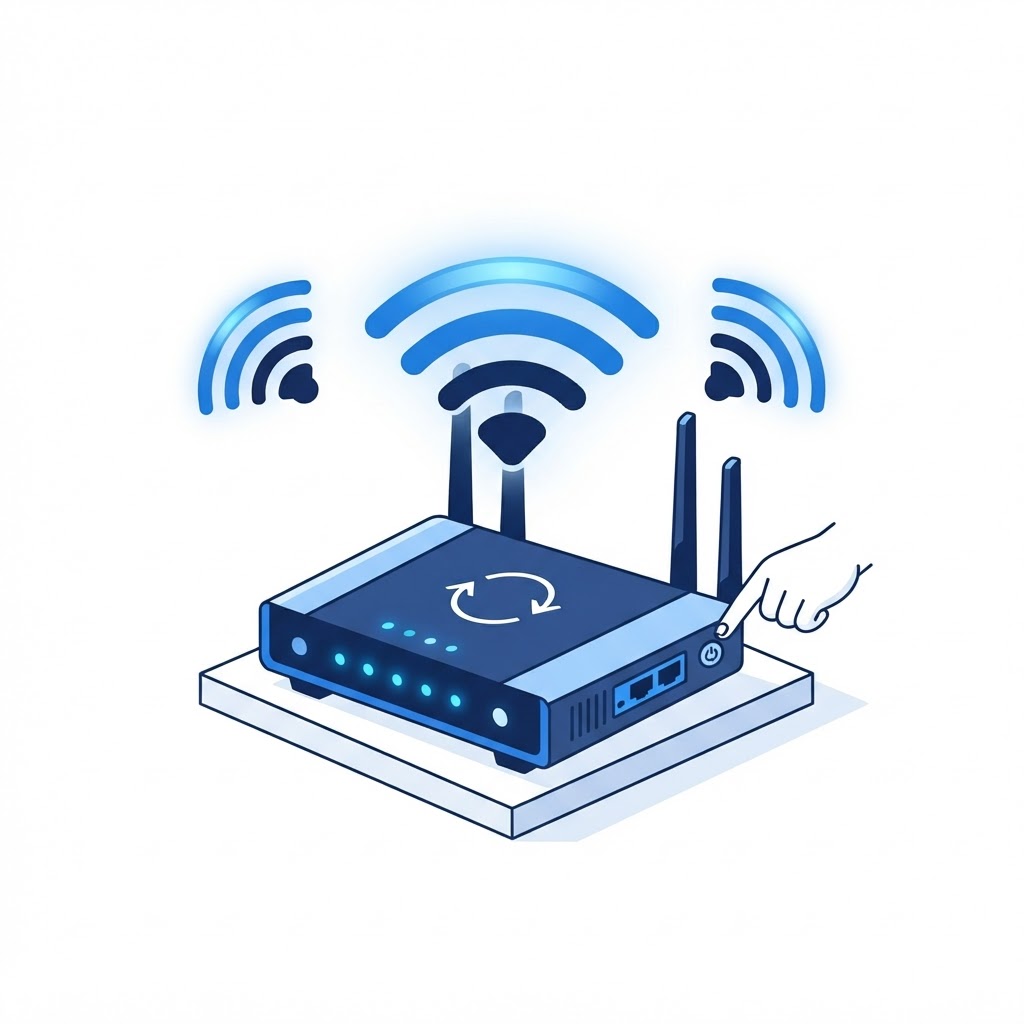
Unplug the router and modem from power for a full 60 seconds, then plug in the modem first, wait for it to fully connect, then the router. Quick toggles don't clear memory; a real power cycle does. If this fixes it for a few days and it degrades again, the router may be overheating or its firmware is buggy — move on to fixes 5 and 6.
2. Check Whether It's Just One Device
When your laptop drops but everyone else's connection holds, the laptop's Wi-Fi driver is usually the problem. On Windows: Device Manager > Network adapters > your wireless adapter > Update driver, or reinstall it fresh from the manufacturer's site. Also disable the power-saving option: adapter properties > Power Management > uncheck "Allow the computer to turn off this device."
3. Move Closer or Check the Distance Pattern
Drops at the edge of your home are a coverage problem, not a connection problem — see our guide to fixing Wi-Fi dead zones. A mesh system or a wired access point in the far rooms ends edge-of-range disconnects for good.
4. Get Off a Crowded Channel
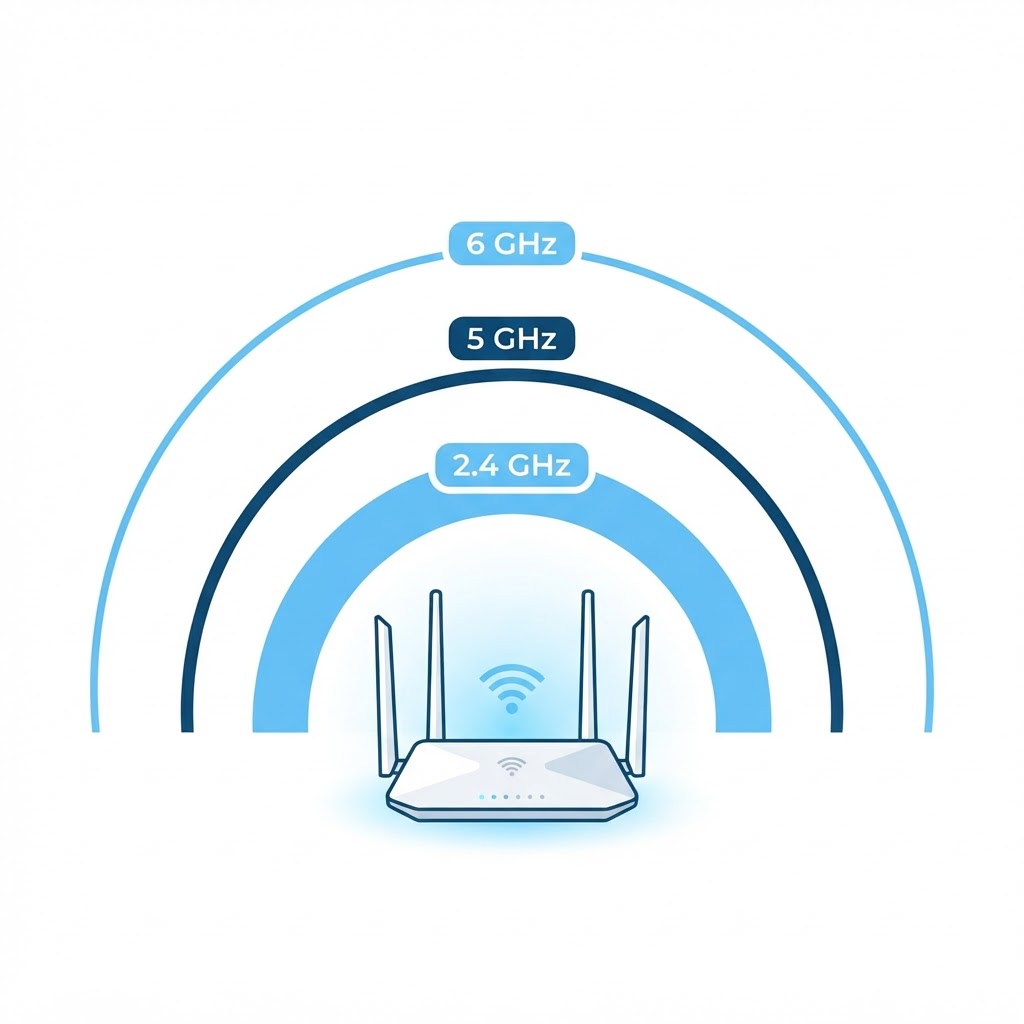
In dense housing, dozens of neighboring networks compete for the same channels. Set your 2.4 GHz band to channels 1, 6, or 11 (whichever is least used near you), and prefer 5 GHz on capable devices. Our 2.4 vs 5 vs 6 GHz guide explains the trade-offs.
5. Update the Router's Firmware
Router makers patch disconnection bugs regularly. Look up your model, download the latest firmware, and apply it through the router's admin page. This alone fixes a surprising share of chronic dropouts.
6. Replace an Aging Router
Routers slow down as they age — memory fills, heat degrades components, and newer devices simply expect more from them. If yours is more than five years old, chronic drops are often its way of retiring.
7. Rule Out the ISP
If drops happen even on wired connections, the fault is upstream. Call your provider and ask them to check line errors — and note that their first fix is always a reboot, so do it before you call.
Still Dropping?
A technician can read your router's logs, identify whether drops are interference, signal, driver, or provider-side, and configure the fix directly. Book a remote session — Wi-Fi stability issues are among the fastest problems to resolve remotely.
Wi-Fi Still Acting Up?
Our technicians fix computers, Wi-Fi, printers and smart home devices remotely — anywhere in the US, same-day sessions available.