All ArticlesNetworking
How to Fix WiFi Dead Zones in Your Home
Identify and eliminate signal obstructions to ensure consistent coverage.
January 6, 2026 3 min readBy Technico Team
Identify Physical Obstacles
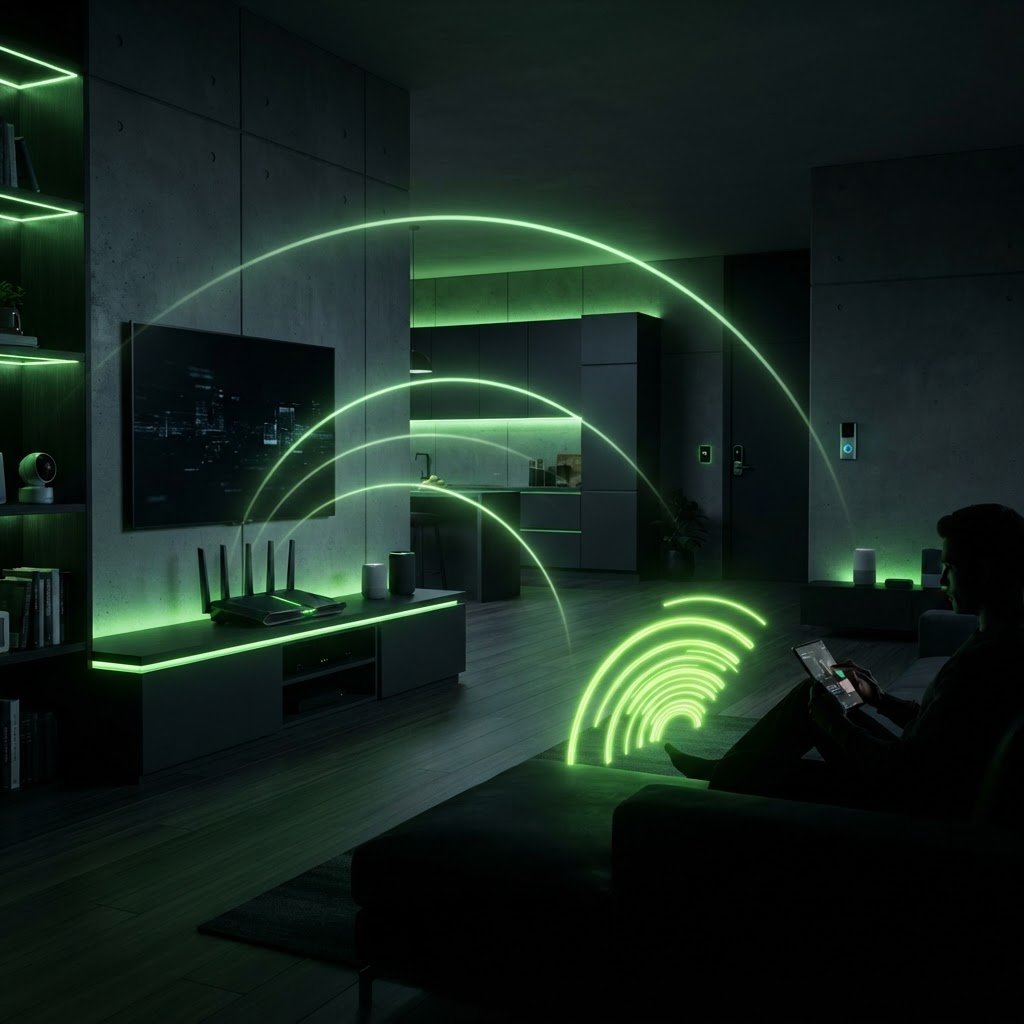
Dead zones are often caused by heavy materials like brick, concrete, or metal acting as shields. Move your router to a central, elevated location away from dense furniture or large appliances like refrigerators, which can disrupt signals.
Deploying Access Points
If relocating the router fails, install a wired access point in the affected area. Unlike repeaters, which cut your speed in half, access points connect back to your router via ethernet, ensuring full speed at the edge of your home.
Need a Hand With Your Tech?
Our technicians fix computers, Wi-Fi, printers and smart home devices remotely — anywhere in the US, same-day sessions available.