How to Tell If Your Computer Has a Virus: 9 Warning Signs
Slowness, pop-ups, and a suddenly crowded browser toolbar — here's how to distinguish an infection from ordinary computer clutter, and what to do next.
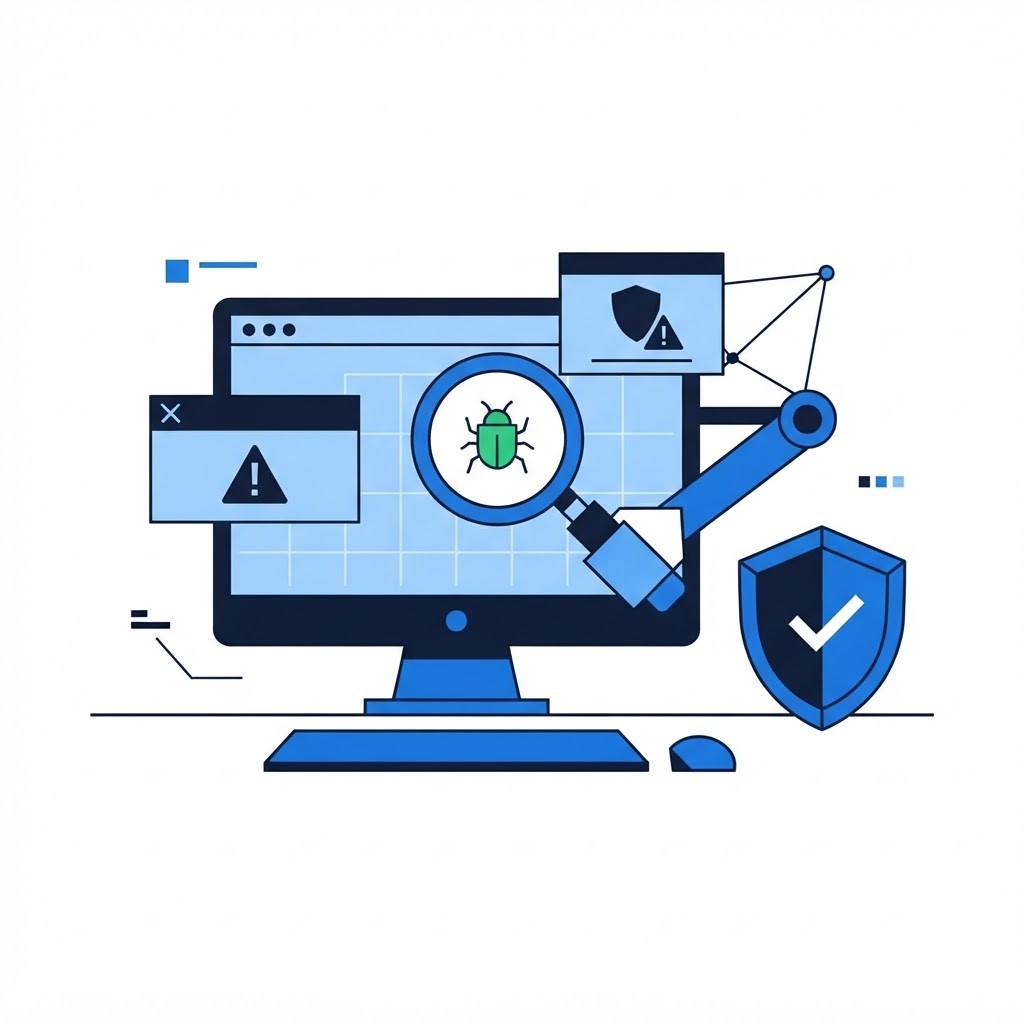
Modern malware doesn't always announce itself with dramatic pop-ups. Much of it works quietly in the background. These nine signs — and how much each one actually matters — will tell you whether you're dealing with an infection or just an overloaded machine.
High-Confidence Signs
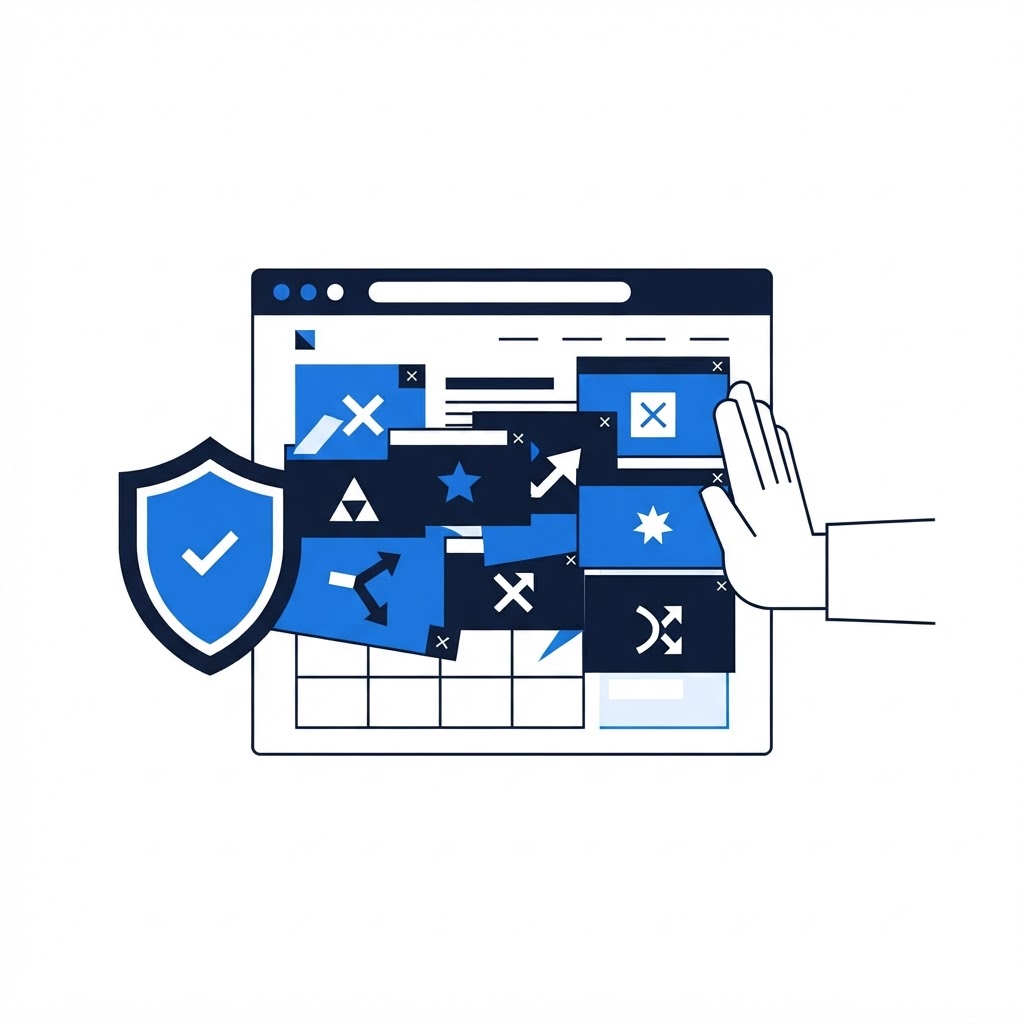
1. Pop-ups and new tabs you didn't ask for. Ads appearing outside the browser, or a homepage and search engine you didn't set, mean something is redirecting you. This is adware or a browser hijacker and it rarely fixes itself.
2. Programs you don't recognize. New toolbars, browser extensions, or apps that appeared without you installing them. Check your installed programs list and browser extension page for anything unfamiliar.
3. Your antivirus is disabled and won't turn back on. Malware frequently kills security software first. If Windows Security turns itself off, or real-time protection keeps failing, that's an infection signature, not a settings glitch.
4. Your accounts are behaving strangely. Passwords that stop working, sent messages you didn't write, or login alerts from places you've never been. Assume credentials are compromised and change them from a different, trusted device.
Moderate Signs
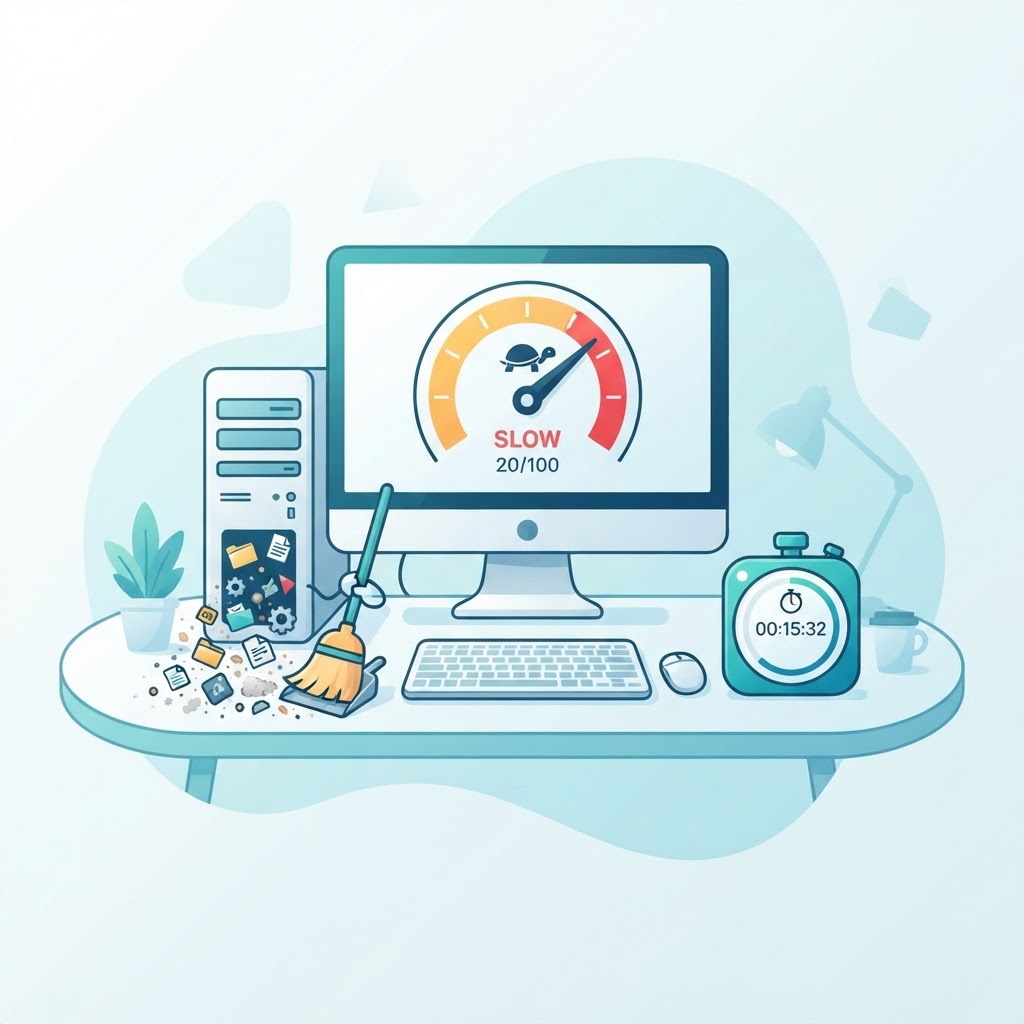
5. Sudden, severe slowness. One day it's fine, the next it crawls. Malware burning CPU (often mining cryptocurrency) produces a distinctive heat-and-slowness combo. Check Task Manager (Ctrl+Shift+Esc) for unfamiliar processes with high CPU.
6. The fan runs hard at idle. Same story: unexplained constant activity when you're doing nothing points to background processes that shouldn't exist.
7. Files you can't open, or new files with strange extensions. Encrypted files with renamed extensions are the signature of ransomware — disconnect from the network immediately and get professional help before touching anything else.
Softer Signs
8. Crashes and error messages that didn't happen before. Blue screens and app crashes have many causes, but a sudden onset after installing something new is worth investigating.
9. Your browser's settings won't stick. You change the homepage or default search engine, and it reverts. A persistent hijacker has written itself into more places than the settings page.
What to Do If You See These Signs
-
Disconnect from the internet if you suspect ransomware or see account-takeover signs; otherwise proceed online.
-
Run a full scan — not a quick scan — with Windows Security or Malwarebytes, in Safe Mode if possible.
-
Change important passwords (email first, then banking) from a different device if you saw sign #4.
-
Don't pay any ransom and don't call any phone number shown in a pop-up — those are part of the scam. Our guide on avoiding tech support scams covers this pattern.
For thorough removal, our malware removal guide walks through the manual cleanup steps — or book a remote session and a technician will clean the infection while you watch, verifying nothing was left behind.
Think You Might Have an Infection?
Our technicians fix computers, Wi-Fi, printers and smart home devices remotely — anywhere in the US, same-day sessions available.