Clicked a Phishing Link? Here's What to Do Right Now
You clicked before you thought — it happens to everyone. What you do in the next ten minutes determines how much damage is possible. Here's the sequence.
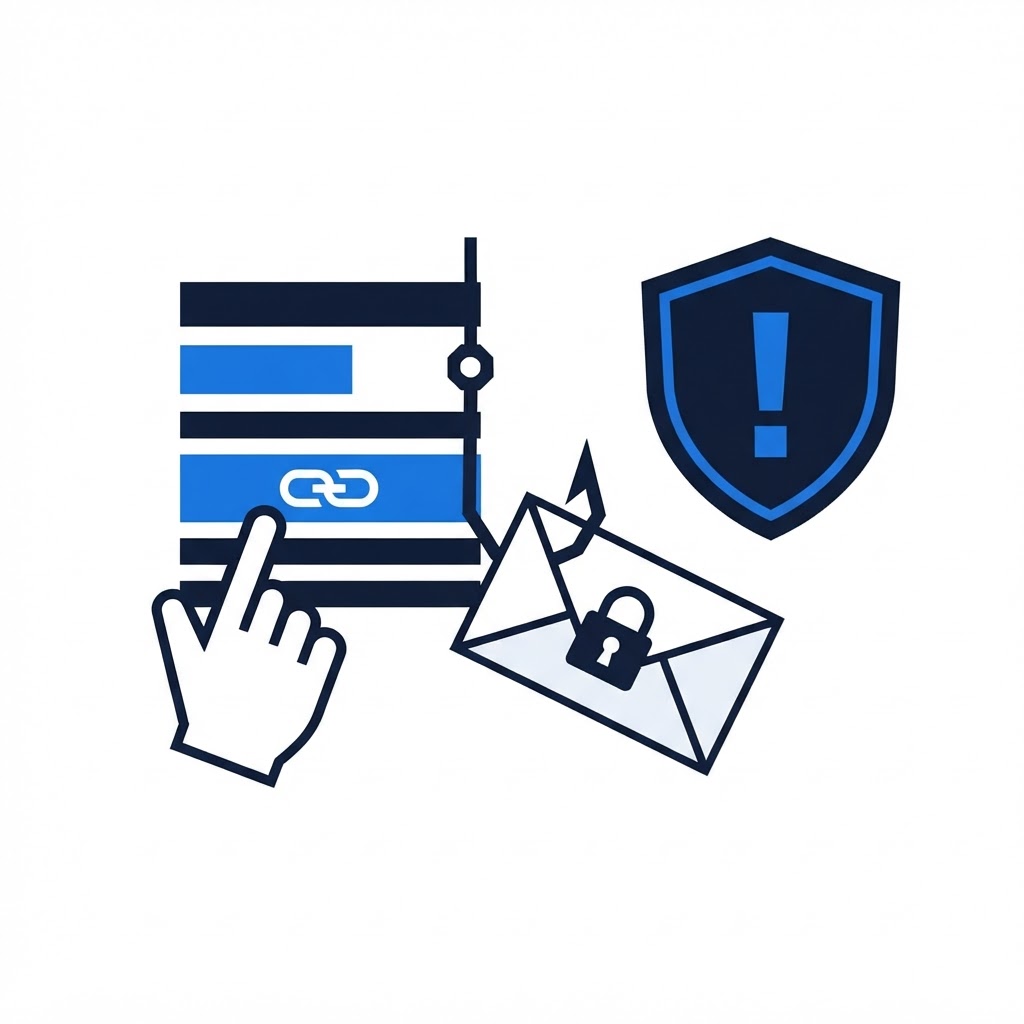
It happens to careful people too: a convincing email, one click, and then that sinking feeling. Speed matters now more than perfection. Here's exactly what to do, in order, depending on what happened after the click.
First, Assess What Kind of Click It Was
A. You clicked, looked around, closed the page, entered nothing. Lowest risk. Malicious pages can't do much through a browser alone — but continue to the checklist below, because drive-by downloads are possible.
B. You clicked and entered a password, or personal details. Highest urgency. The credentials are likely captured. Move to step 3 immediately and treat every account sharing that password as compromised.
C. You clicked and downloaded/opened a file. Treat the device as infected until proven otherwise. Disconnect it from Wi-Fi now, then run the full checklist.
D. You gave financial info or paid. In addition to the steps below, call your bank's fraud line immediately — minutes matter for reversing transfers.
The Checklist (In Order)
-
Disconnect the device from the internet if you downloaded anything. Unplug the Ethernet cable or turn Wi-Fi off. This stops data theft in progress.
-
From a different device, change your email password first. Your email is the master key — whoever controls it can reset everything else. Then change banking, then anything else that shared the exposed password.
-
Enable two-factor authentication on email, banking, and social accounts. If you've never set it up, our two-factor authentication guide takes you through it in minutes.
-
Run a full antivirus scan on the affected device. If you opened an attachment (especially .exe, .zip, or Office files with "enable macros" prompts), also install and run Malwarebytes.
-
Check for unauthorized access you already granted. Review connected apps and sessions: Google account > Security > Your devices and third-party access. Revoke anything you don't recognize. Do the same for Microsoft, Facebook, and any account the phishing page impersonated.
-
Watch for the follow-up scam. Days later you may get a call or email claiming to "help with the breach" — sometimes the same attackers, always a new hook. Real security teams don't call you unprompted. See our guide on tech support scams.
What NOT to Do
- Don't delete the email yet — you may need it to report the phishing to your provider (Gmail: Report phishing; Outlook: Report > Phishing).
- Don't run "cleanup tools" the phishing page suggested.
- Don't keep using a device you suspect is infected for banking until it's been scanned and cleaned.
If You're Not Sure It's Clean
Malware from phishing is often designed to hide from basic scans. A remote technician can inspect running processes, startup entries, and browser hooks with you in real time and remove anything found — typically within a single session. Book remote support if anything on the checklist felt uncertain.
Think You Might Have an Infection?
Our technicians fix computers, Wi-Fi, printers and smart home devices remotely — anywhere in the US, same-day sessions available.