How to Identify and Avoid Tech Support Scams
Don't fall for fake error messages or cold calls; learn how to keep your data and money safe from predators.
Recognizing the Red Flags
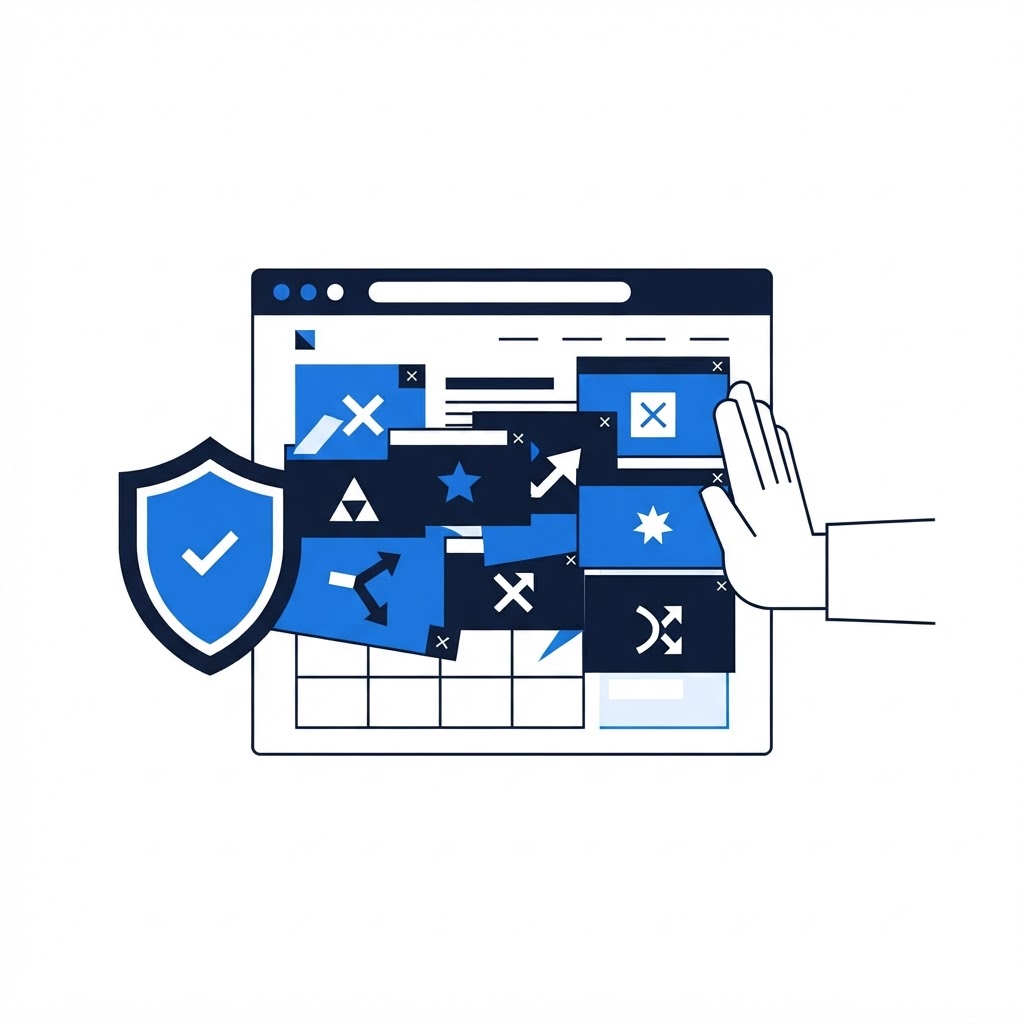
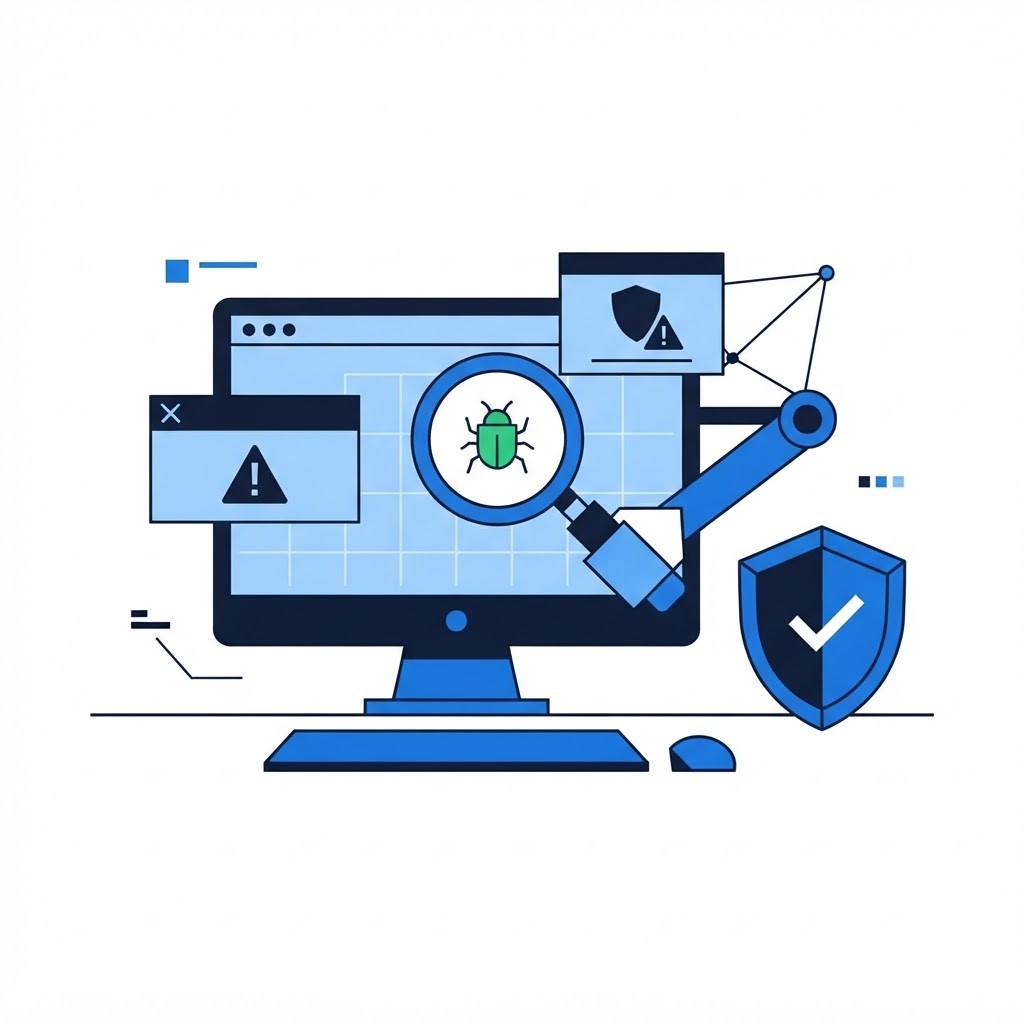
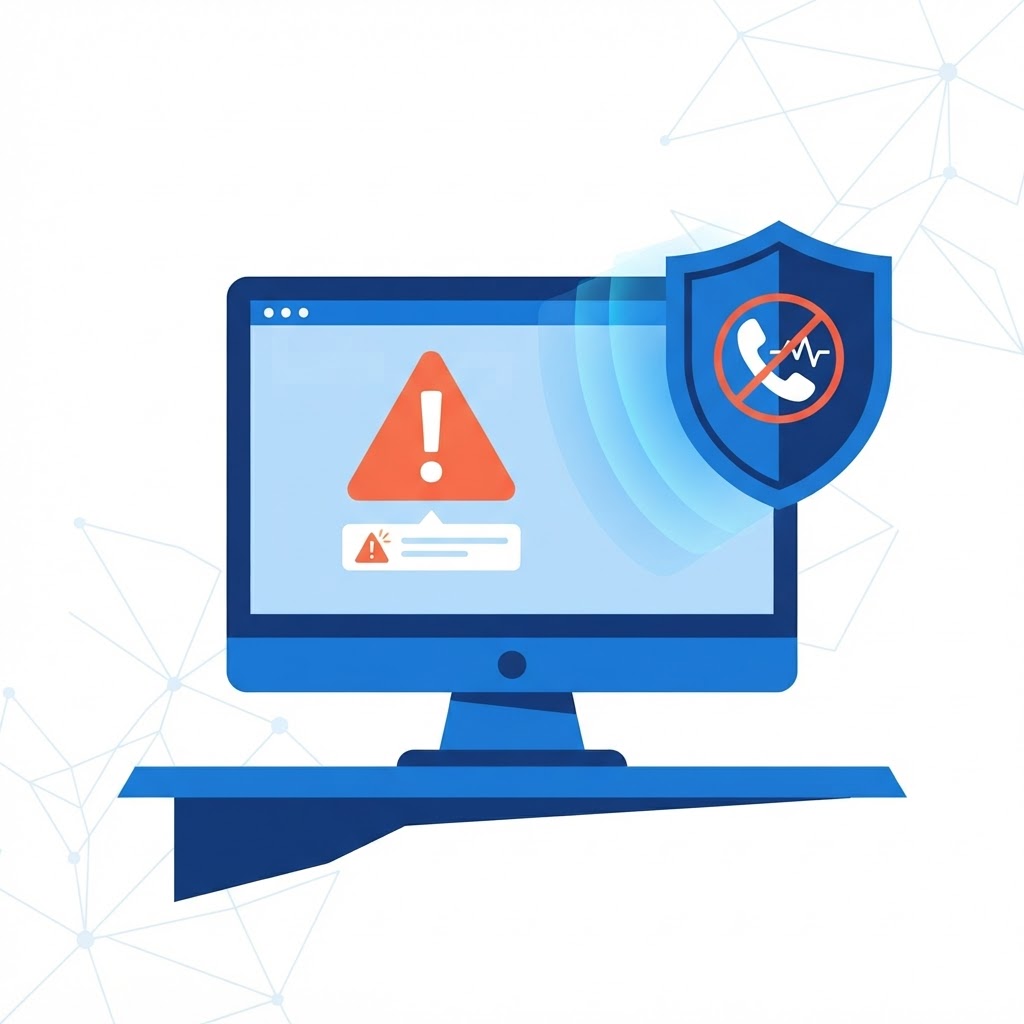
Scammers often use fake pop-up windows that claim your computer has a 'critical virus' or 'security flaw.' They will provide a phone number to call for 'support.' Real tech companies will never proactively contact you to fix a virus they did not find, nor will they ask you to grant remote access to your device or pay in gift cards.
Protective Measures
If you receive a suspicious pop-up, do not click anything. Force-quit your browser or restart your computer immediately. If someone calls you claiming to be from a tech company, hang up. Remember: legitimate support will never ask for your passwords or bank details over the phone. When in doubt, call the official customer support line listed on the company's verified website.
Need Immediate Remote Tech Support?
A certified US technician connects to your computer remotely, often within 2 hours. Pick a flat-rate service and check out in under a minute.