Why Your WiFi Is Slow and How to Fix It
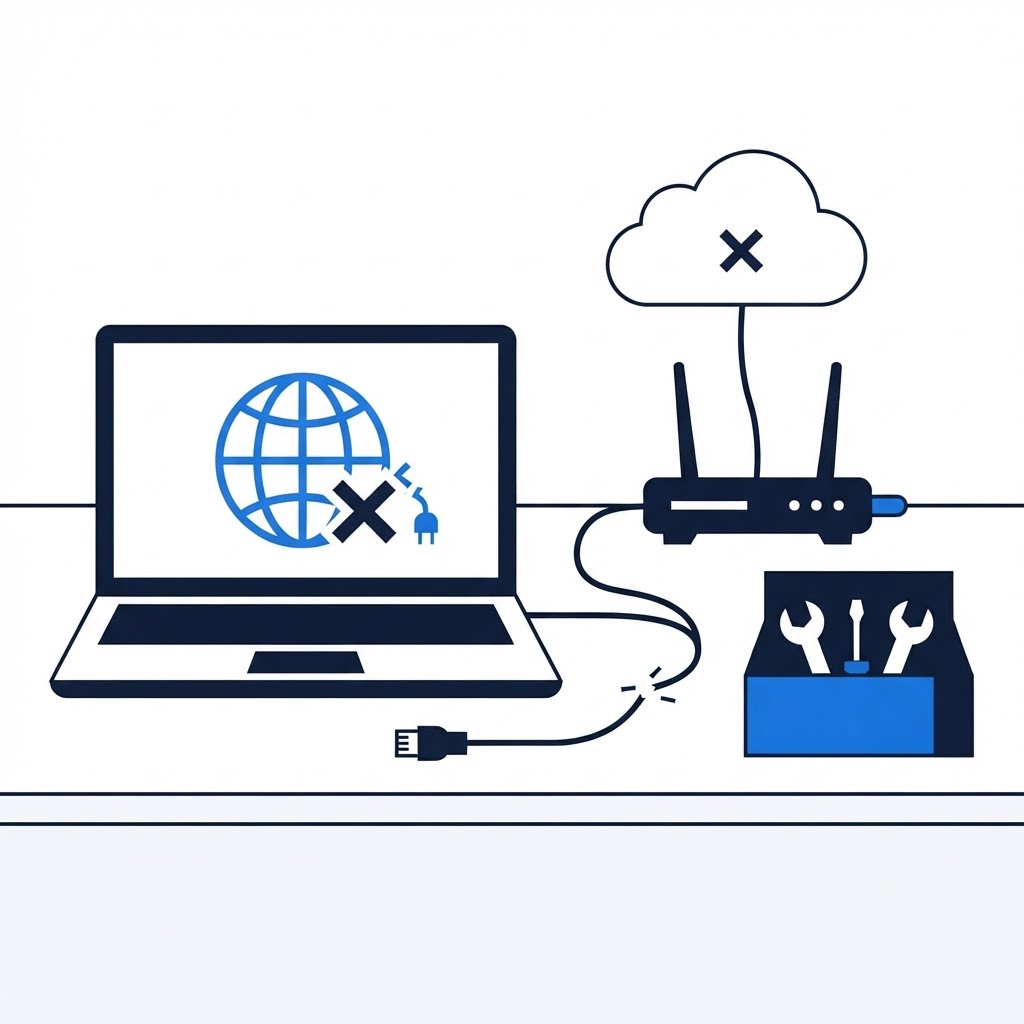
Slow internet is often a result of simple interference or poor router placement.

Common Culprits of Slow WiFi
WiFi signals are radio waves that can be blocked by dense materials like brick, concrete, or metal cabinets. If your router is hidden behind a TV or tucked away in a closet, your signal is already struggling. Additionally, overcrowding on the 2.4 GHz channel from neighbors' networks can lead to sluggish speeds.
Simple Fixes
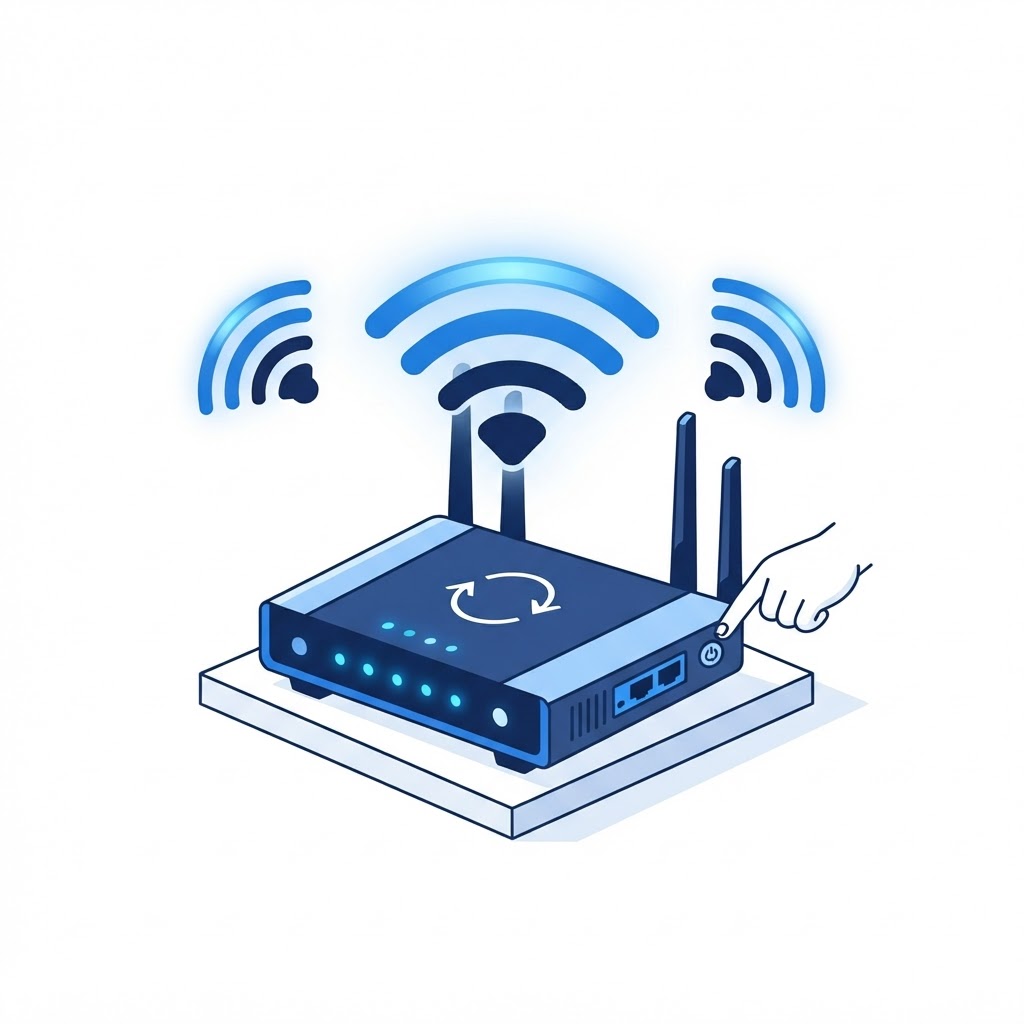
First, move your router to an open, elevated location. Second, restart your router once a month to clear its cache. If you live in a dense NYC apartment, try changing your router's wireless channel through the admin settings to avoid interference from your neighbors. Sometimes, a simple reboot is all it takes to restore full speed.
Need Immediate Remote Tech Support?
A certified US technician connects to your computer remotely, often within 2 hours. Pick a flat-rate service and check out in under a minute.