What to Do When Your WiFi Is Not Working
Don't panic when the internet goes down; follow this logical troubleshooting process.
The Power Cycle
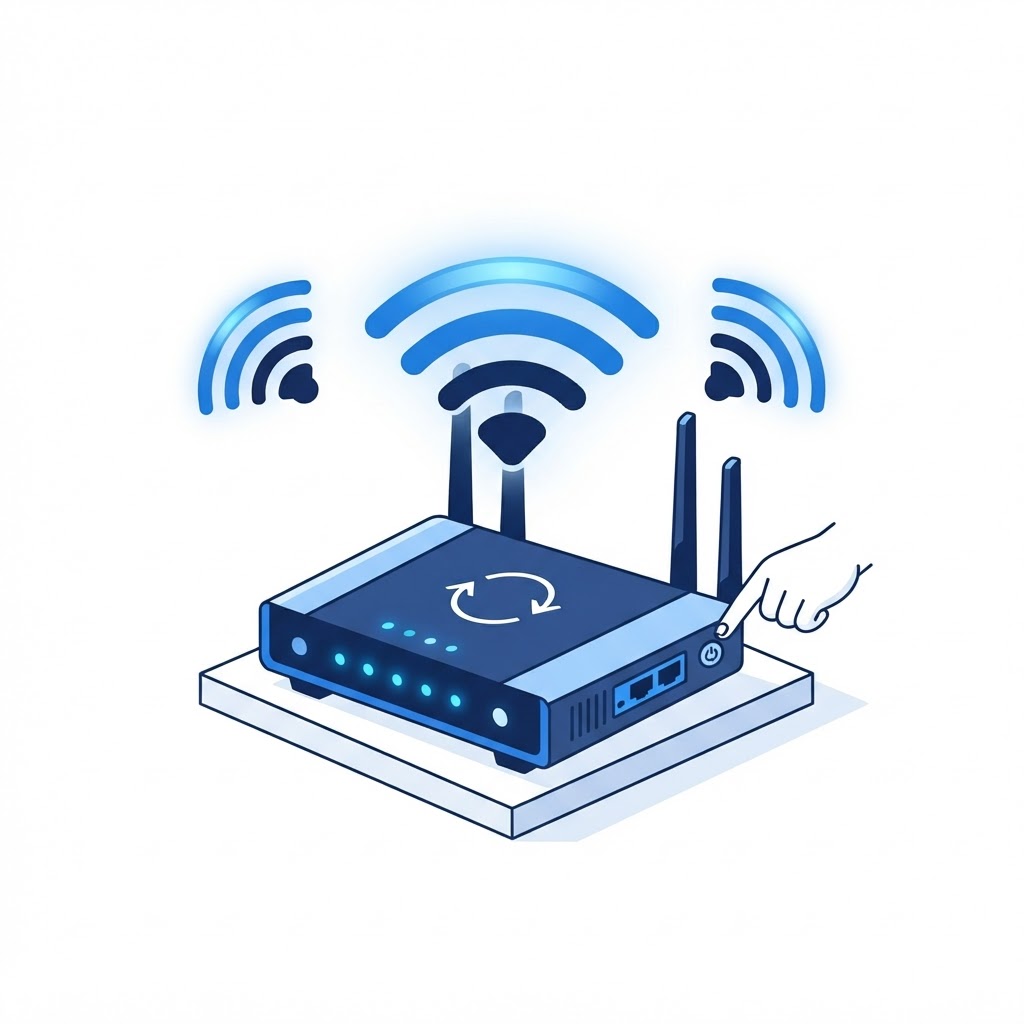
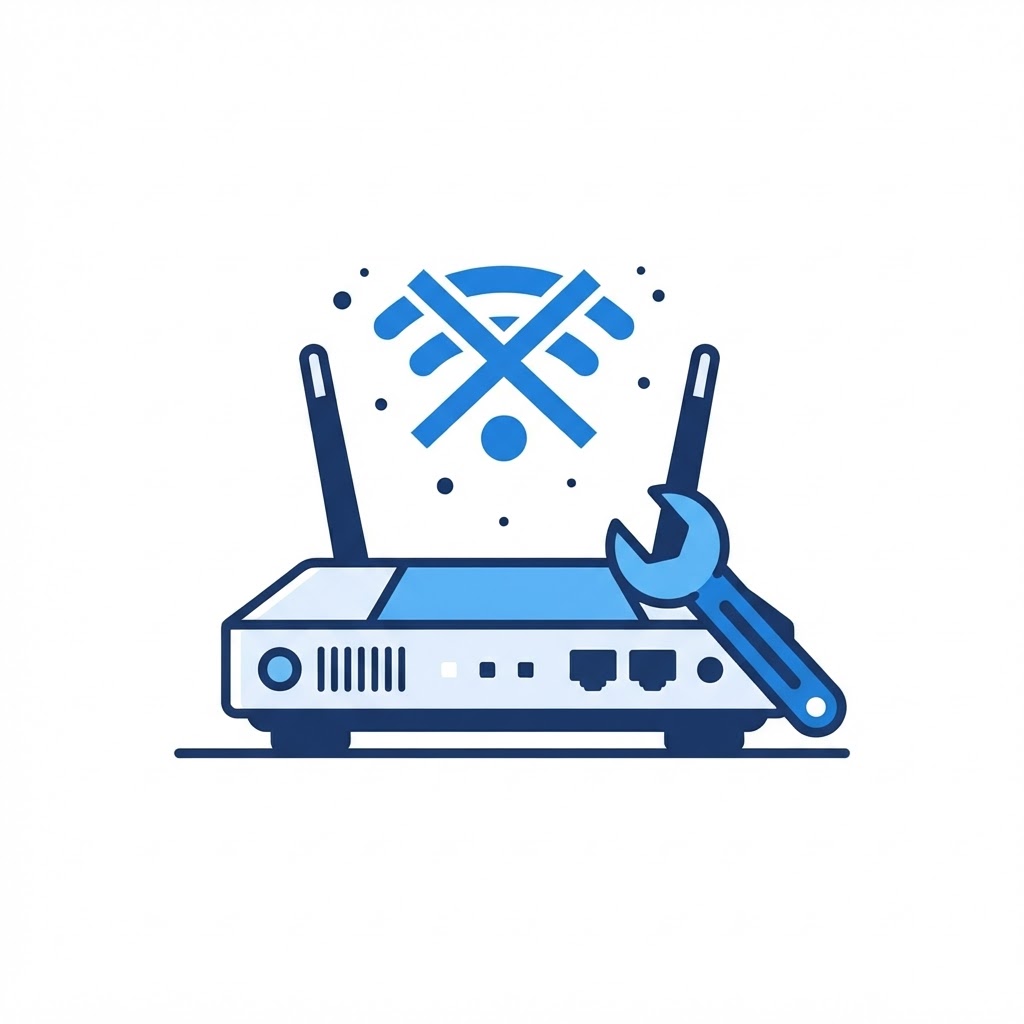
The oldest trick in the book is often the most effective. Unplug both your modem and router for 60 seconds. Plug the modem in first, wait for the lights to stabilize, then plug in the router. This solves 90% of connectivity issues by refreshing the IP handshake between your equipment and your ISP.
Checking the Connections
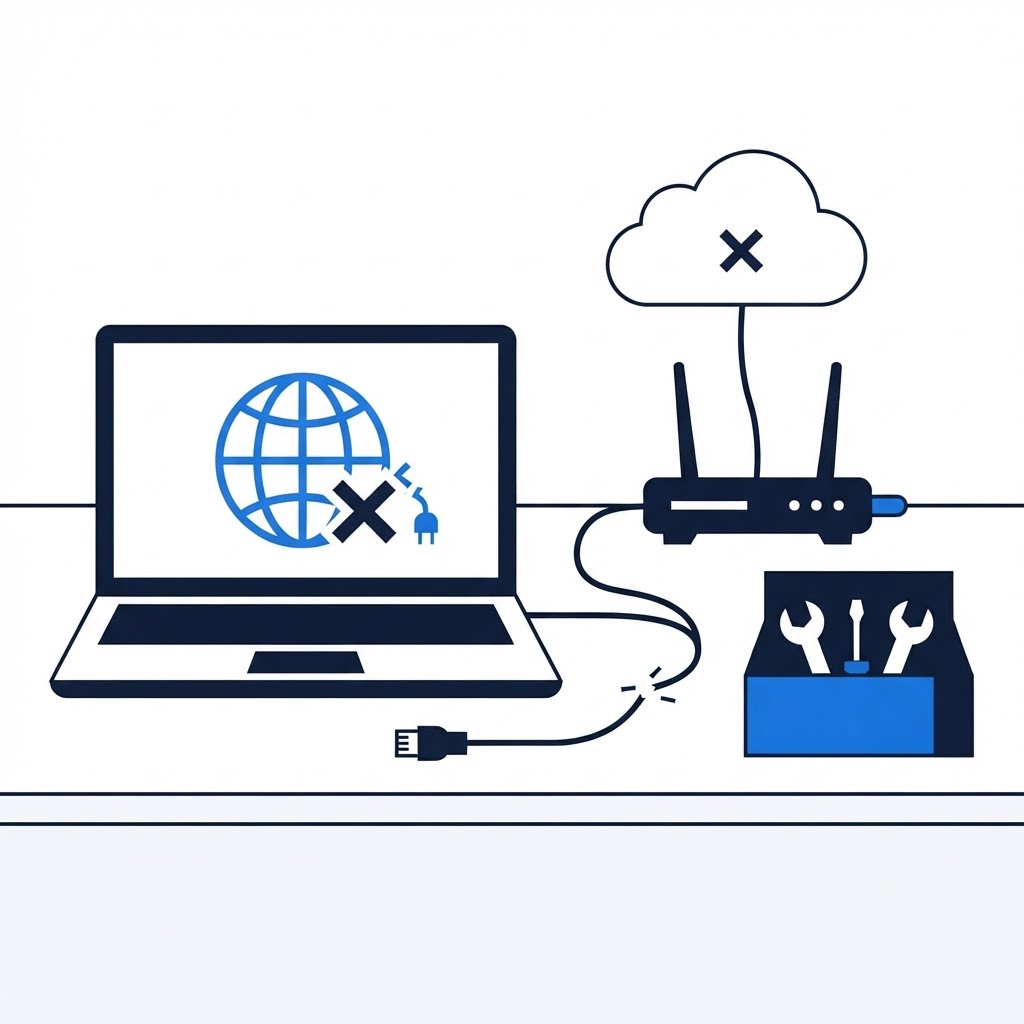
Ensure that all ethernet cables are clicked firmly into their ports. If the router's lights are red, check with your service provider to see if there is an outage in your area. If your lights are green but you still cannot connect, log into the admin portal to see if the router requires a software update or a factory reset.
Need Immediate Remote Tech Support?
A certified US technician connects to your computer remotely, often within 2 hours. Pick a flat-rate service and check out in under a minute.