The Best Router Security Settings to Protect Your WiFi Network
Secure your home network by enabling these essential settings to keep unauthorized users out.
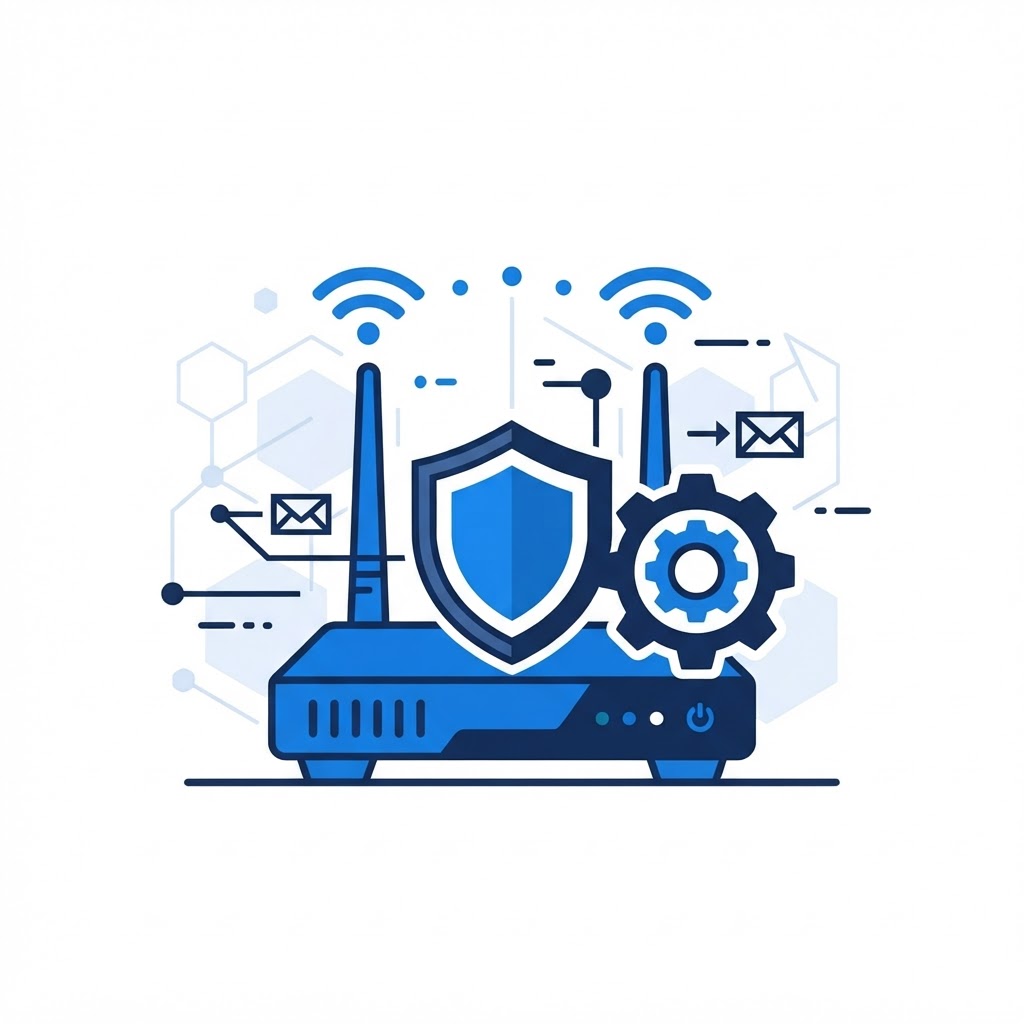
Enable WPA3 Encryption
The most important step in securing your network is ensuring you are using the latest encryption standard. Access your router settings and look for the Security or WiFi settings tab. Always select WPA3 if your devices support it, or WPA2-AES if they do not. Avoid WEP or WPA-TKIP as they are outdated and easily compromised.
Change Default Credentials
Router manufacturers often use identical default usernames and passwords for every device they ship. Hackers know these defaults by heart. Log into your router immediately after installation to change the admin password to something long and unique. Additionally, update your WiFi network name (SSID) so it does not identify your router model or your home address.
Need Immediate Remote Tech Support?
A certified US technician connects to your computer remotely, often within 2 hours. Pick a flat-rate service and check out in under a minute.