How to Turn Your Old Phone Into a Mobile Hotspot
Repurpose your spare smartphone into a functional mobile hotspot for emergency connectivity.
Configure Hotspot Settings
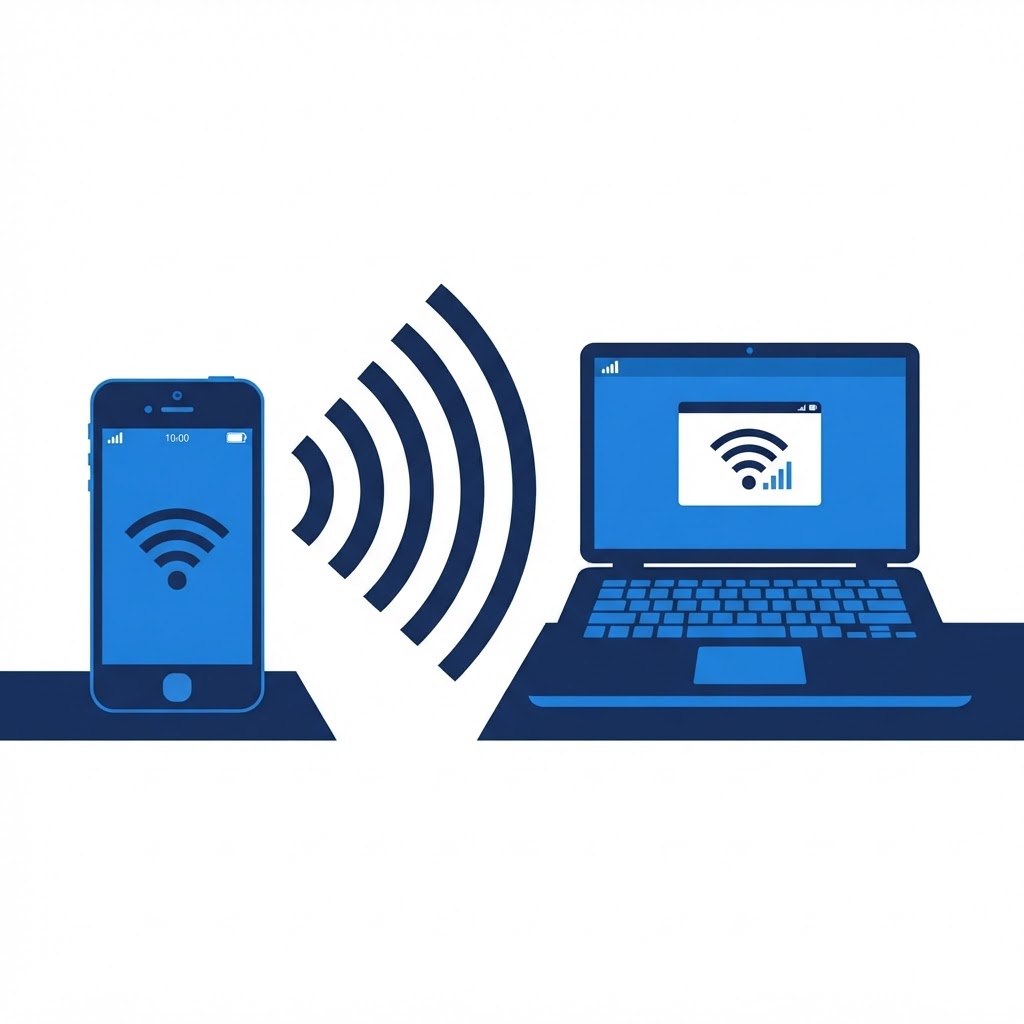
Most modern smartphones have built-in tethering capabilities. Go to your phone’s Settings menu and select 'Network & Internet' or 'Personal Hotspot.' Here, you can set a custom network name and a strong password to ensure your data usage is controlled and secure.
Manage Data and Power
Since using a phone as a hotspot consumes significant battery life, keep it plugged into a power source when possible. To prevent your primary data plan from being exhausted by background updates, ensure that connected devices are set to 'metered' connections within their own network settings.
Need Immediate Remote Tech Support?
A certified US technician connects to your computer remotely, often within 2 hours. Pick a flat-rate service and check out in under a minute.