11 Ways to Secure Your WiFi Network
Keep your home network private and safe from intruders with these essential security tips.
Foundational Security
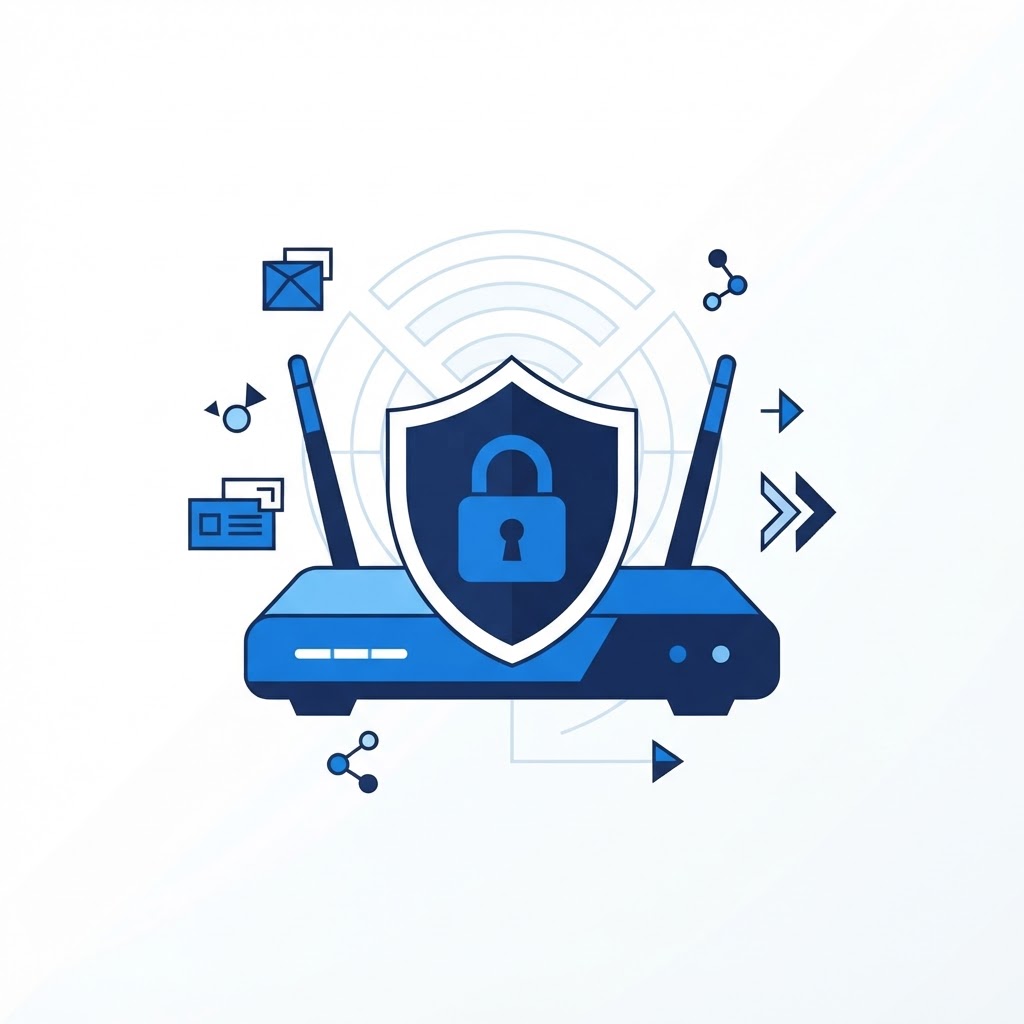
Start by changing your default admin username and password immediately. Hackers know the default credentials for every router model. Second, enable WPA3 encryption, or WPA2 if your devices are older. Disable 'WPS' (WiFi Protected Setup), as this feature is often a security vulnerability.
Ongoing Maintenance
Keep your router firmware updated to the latest version. Turn on a guest network for visitors so they cannot access your private computers or smart home cameras. Finally, turn off remote management features unless you absolutely need them. By following these steps, you build a digital fortress that protects your personal data from external threats.
Need Immediate Remote Tech Support?
A certified US technician connects to your computer remotely, often within 2 hours. Pick a flat-rate service and check out in under a minute.