What Is Motion Smoothing (and How to Turn It Off)
That weird, cheap-looking effect on new TVs has a name: motion smoothing. Here's why filmmakers hate it and how to switch it off.
The Soap Opera Effect
If your new TV makes movies look like they were shot on cheap video — oddly smooth, almost like a live soap opera — you're seeing motion smoothing. It's the setting most film buffs switch off the moment they unbox a television.
How It Works
Most video is shot at 24 frames per second (movies) or 30 (TV). Modern TVs refresh the image 60, 120, or more times per second. To fill the gap, the TV invents extra in-between frames and inserts them. That's motion smoothing, also called motion interpolation.
The result: motion that looks unnaturally smooth and flat. It's great for sports, where you want to track a fast ball. It's terrible for cinema, which relies on 24-frame motion blur for its filmic feel.
Why Filmmakers Hate It
Directors including Tom Cruise and Christopher Nolan have publicly asked viewers to turn it off. Motion smoothing changes the look the filmmaker intended.
How to Turn It Off
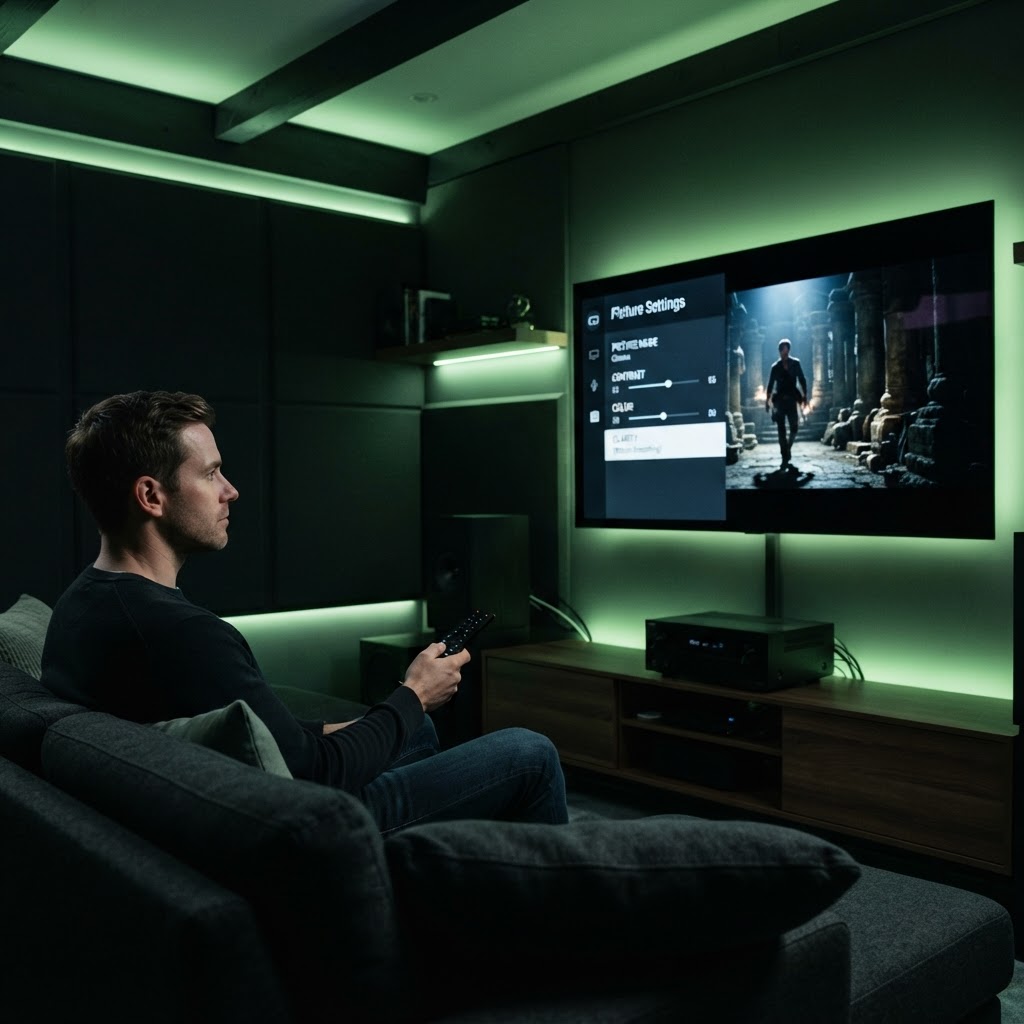
The setting hides under different names on every brand. Look in Settings > Picture or Display > Advanced/Expert Settings:
- LG: TruMotion (set to Off)
- Samsung: Auto Motion Plus (set to Off)
- Sony: Motionflow (set to Off)
- TCL / Hisense: Motion Enhancement or MEMC (set to Off)
- Vizio: Clear Action or Motion Control (set to Off)
Some TVs let you leave smoothing on only for sports and off for movies — ideal if you watch both.
One More Tip
If movies still look slightly off, make sure the TV is set to Film or Cinema picture mode rather than Vivid or Dynamic. Vivid mode is tuned for bright showroom floors, not your living room.
Need a Hand With Your Setup?
Our pros install TVs, sound systems, and smart home tech across NYC and Long Island — same-day service available.