How to Clean a TV Screen Without Damaging It
Smudges and dust on your TV are easy to fix — but the wrong cleaner can ruin the screen's anti-glare coating. Here's the safe method.
The One Rule That Matters Most
Never use window cleaner, alcohol, ammonia, vinegar, or any household spray on a TV screen. Modern screens have a thin anti-glare and anti-static coating. Solvents eat through it, leaving permanent cloudy streaks you can't undo.
What You Actually Need
- A clean, dry microfiber cloth (the kind used for eyeglasses)
- Distilled water — only if the screen is actually grimy
- Optionally, a screen-cleaning spray made specifically for electronics
No paper towels (they scratch), no tissues (they shed lint), no Windex.
The Method
- Turn the TV off. A dark screen shows every smudge and lets you see what you're doing. It also avoids static buildup.
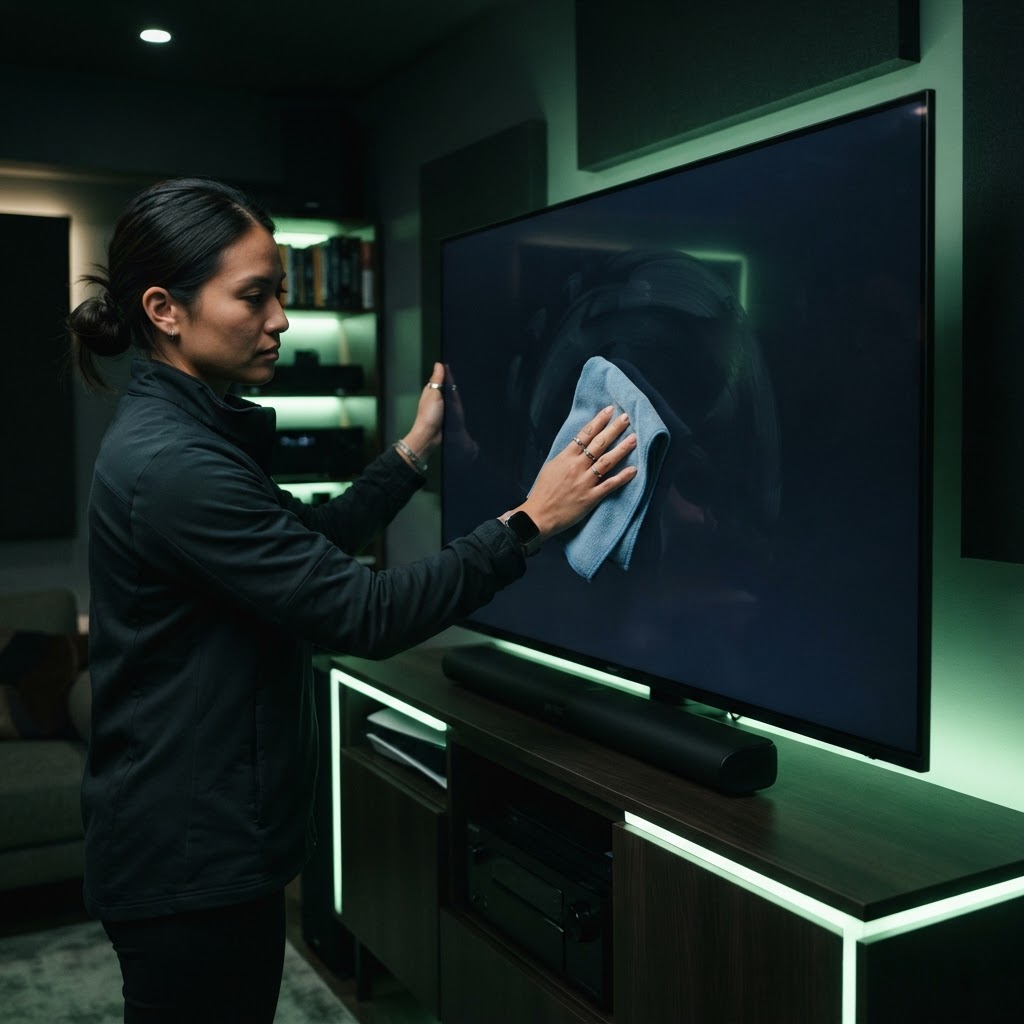
- Dry-wipe first. With the microfiber, wipe in gentle circles to lift dust. Most cleaning jobs end here.
- For smudges: lightly dampen one corner of the cloth with distilled water (never spray the screen directly). Wipe gently, then immediately go over the area with the dry part of the cloth.
- For fingerprints: a dedicated electronics screen cleaner works better than water. Apply it to the cloth, not the screen.
Things to Avoid
- Pressing hard — screens are thin glass or plastic; pressure can damage pixels
- Cleaning in direct sunlight or while the TV is warm
- Reusing a dirty cloth — grit from last time can scratch
How Often?
A quick dry microfiber wipe every week or two keeps dust down. A damp clean once a month or so is plenty unless you have kids who touch the screen. Keep the microfiber cloth near the TV and it becomes a 30-second habit, not a chore.
Need a Hand With Your Setup?
Our pros install TVs, sound systems, and smart home tech across NYC and Long Island — same-day service available.