Updating Roku and Refining Recommendations
Keep your device current and ensure the interface reflects your personal viewing habits.
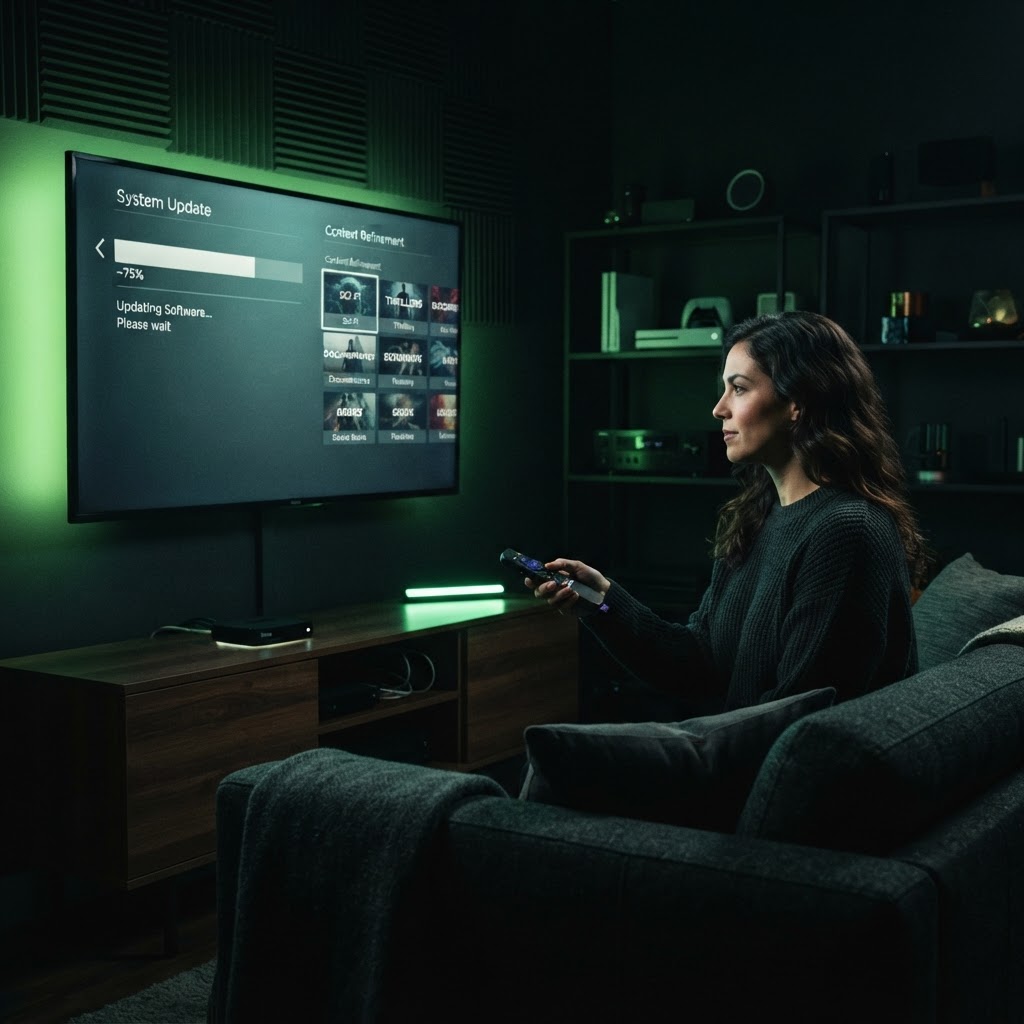
Performing a System Update
Your Roku device performs better when it is running the latest software. To check for updates, go to 'Settings,' select 'System,' and choose 'System Update.' Keeping your firmware current ensures that new features and security patches are installed automatically, preventing lag and playback errors.
Customizing Your Home Screen
To get better recommendations, you need to tell Roku what you like. Navigate to 'Settings' and explore the 'Privacy' section to manage how your data is collected. By actively using the 'Add to Watchlist' feature on titles you enjoy, the Roku algorithm learns your preferences and begins surfacing more relevant content on your home screen.
Need a Hand With Your Setup?
Our pros install TVs, sound systems, and smart home tech across NYC and Long Island — same-day service available.