TV Mounting Dos and Don'ts
Mounting a TV looks simple until it's on the floor. Here are the mistakes that wreck screens and the rules that keep them on the wall.
Do: Find the Studs First
A TV mount must anchor into wood studs or solid masonry — never drywall alone. Toggle bolts hold maybe 50 pounds in perfect conditions and fail unpredictably. Use a stud finder, mark both edges of each stud, and confirm by drilling a tiny test hole. Standard studs sit 16 inches apart; some older homes are 24 inches.
Don't: Trust the Hardware That Comes With a Cheap Mount
Budget mounts often include low-grade lag bolts that strip or snap. If a mount feels flimsy, upgrade the lag screws to 3/8-inch by 3-inch and use washers. The mount is cheap; the TV on it isn't.
Do: Check the Weight Rating
Match the mount's capacity to your TV with comfortable headroom — at least 50% more than the screen weighs. A 65-inch OLED is surprisingly light; a 75-inch LCD is not.
Don't: Mount Too High
The most common mistake is mounting the TV where it looks balanced on the wall — which puts the center of the screen at standing eye level. You watch sitting down. Aim for the center of the screen at eye height when seated, about 42 inches from the floor. Above a fireplace is the one exception; even then, a tilt mount helps.
Do: Use the Right Wall Anchors
- Wood studs: lag bolts directly into the stud
- Concrete or brick: sleeve anchors or tapcons
- Metal studs: toggle anchors rated for the load (and consider a professional)
Don't: Forget the Cables
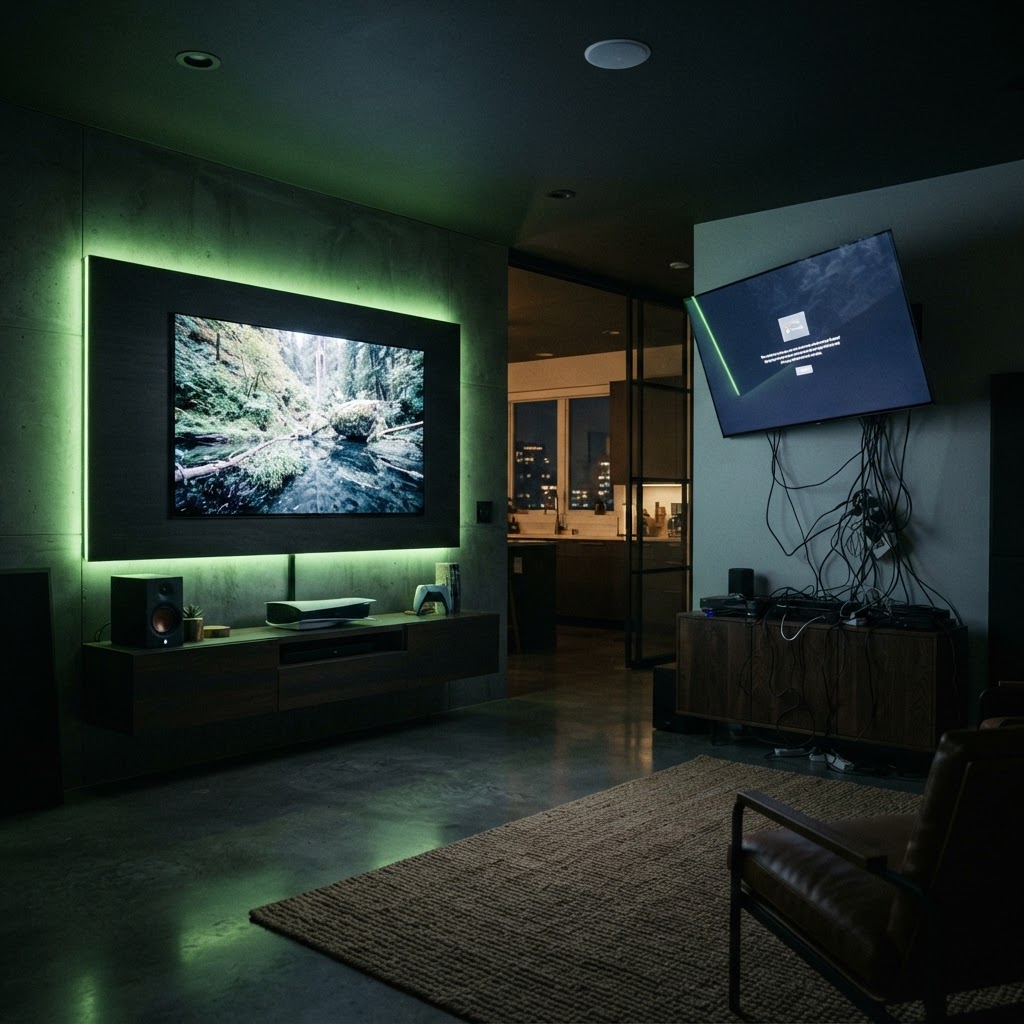
Run HDMI, power, and Ethernet before you hang the TV. Once the mount is up and the TV is lifted, reaching behind it is nearly impossible. Better yet, plan your cable path and install an in-wall or raceway solution in the same job.
Do: Have a Second Person
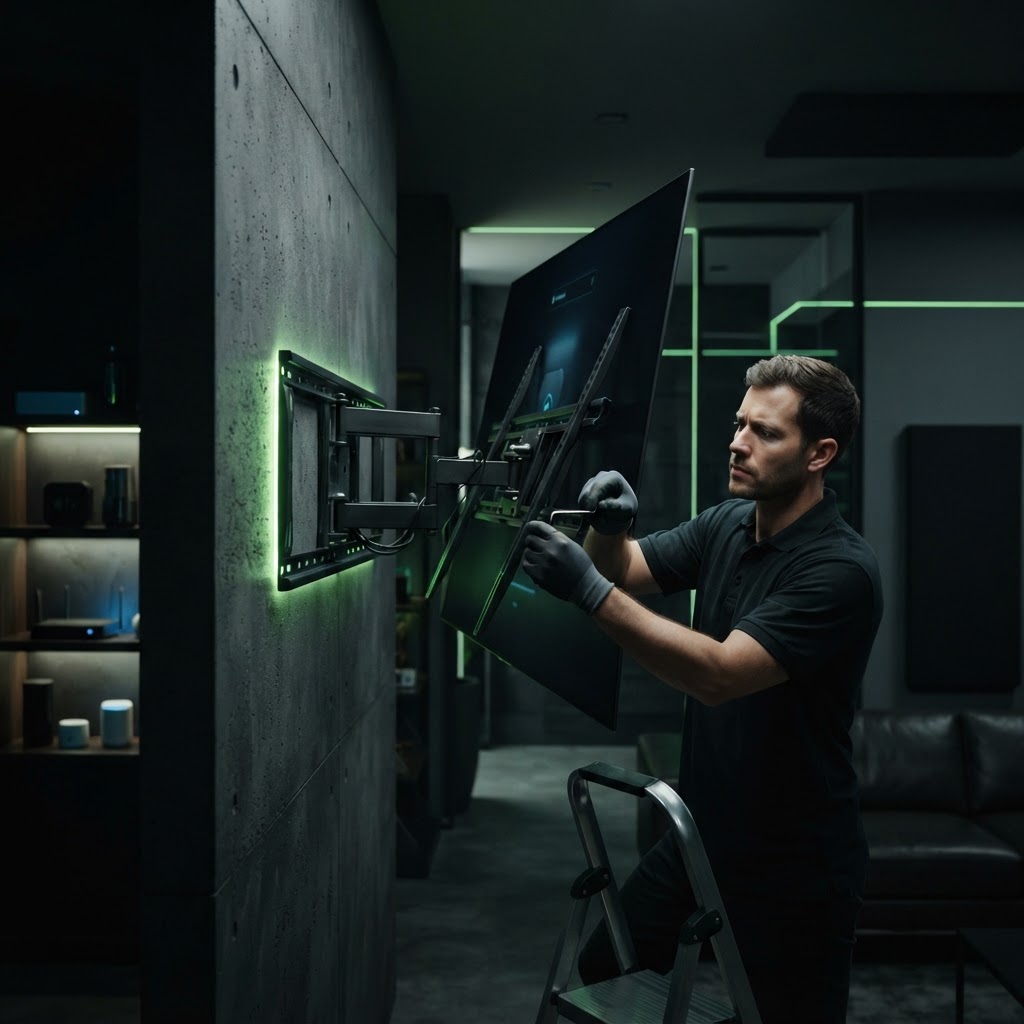
Lifting a 55-inch-plus TV onto a wall mount alone is how screens get cracked and backs get thrown out. Two people, one lifting, one guiding the brackets onto the rail.
Don't: Overtighten
Snug is enough. Cranking lag bolts can split studs and strip the heads. Tighten until the mount doesn't move, then stop.
The Smart Shortcut
If any of this gives you pause — especially on metal studs, brick, or above a fireplace — it's a 45-minute job for a pro and a $1,000 mistake if it goes wrong.
Need a Hand With Your Tech?
Our technicians fix computers, Wi-Fi, printers and smart home devices remotely — anywhere in the US, same-day sessions available.