All ArticlesHome Theater
Maximizing Your Apple TV Experience
Unlock the full potential of your streaming device with these essential configuration tips.
December 9, 2024 3 min readBy Technico Team
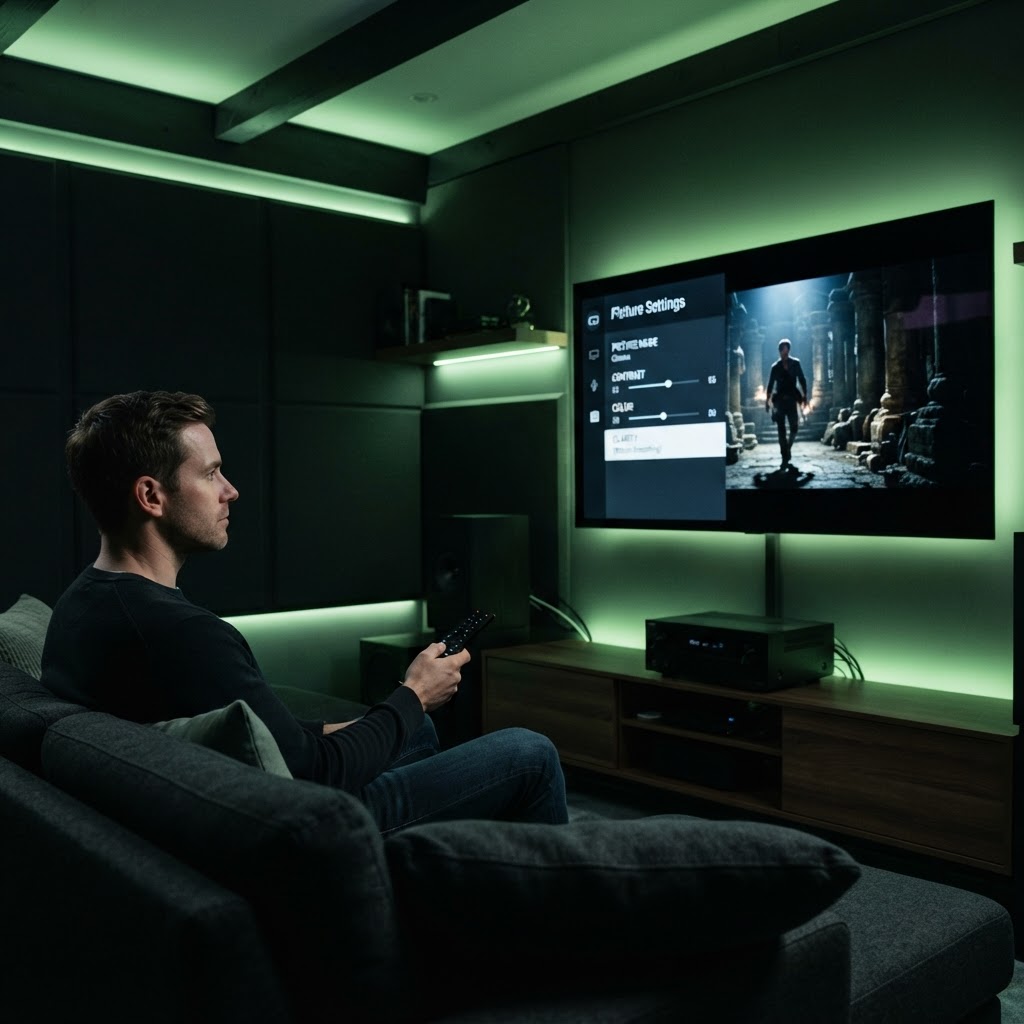
Customizing Your Home Screen You can declutter your Apple TV interface by moving your most-used apps to the top row. Simply hold the select button on your remote while hovering over an app to enter edit mode, allowing you to organize your space for faster access. ## Advanced Audio and Color Calibration Did you know you can use your iPhone to calibrate your TV's color output? Under the Video and Audio settings, use the Color Balance feature to ensure your picture looks natural. Also, consider pairing two HomePods to your Apple TV for an immersive, virtual surround sound experience without the need for bulky wires.
Need a Hand With Your Tech?
Our technicians fix computers, Wi-Fi, printers and smart home devices remotely — anywhere in the US, same-day sessions available.