All ArticlesHome Theater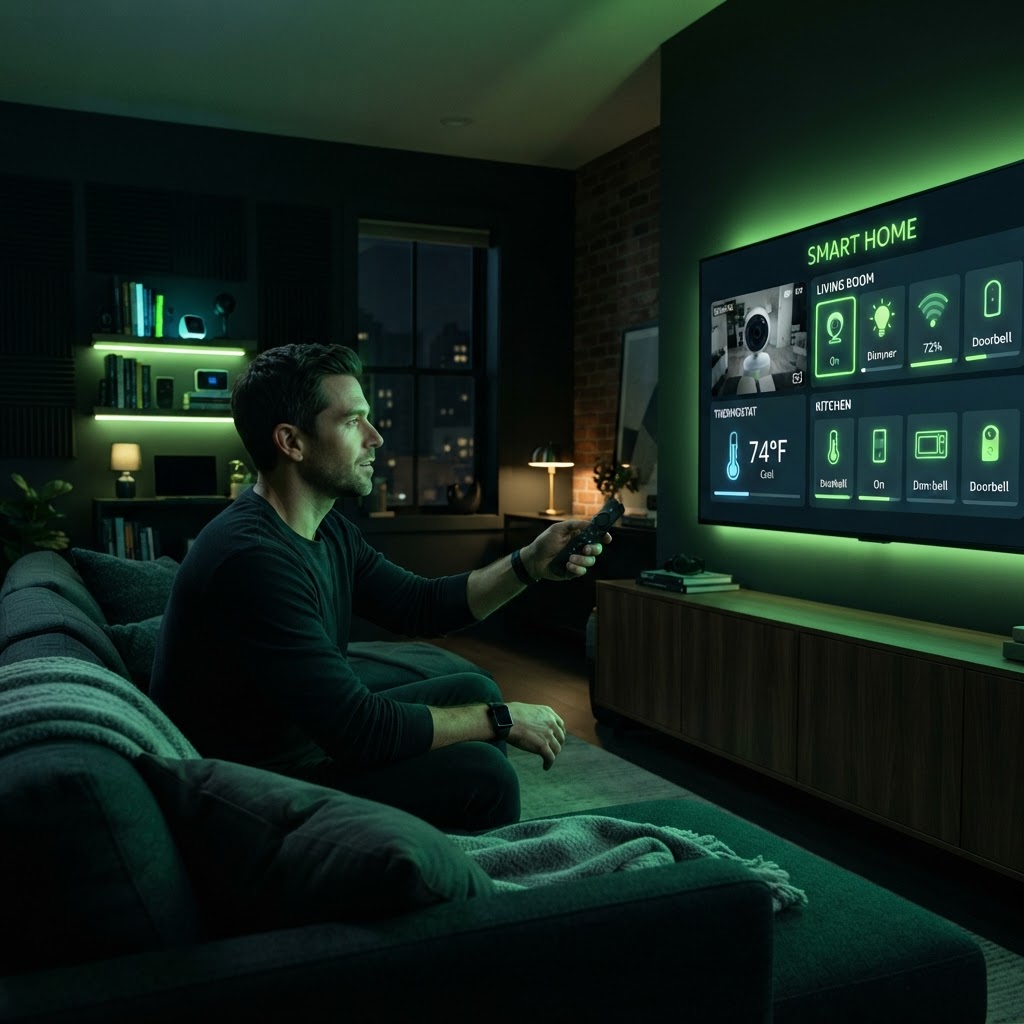
Mastering the Fire TV Smart Home Dashboard
Manage your connected devices directly from your television screen.
December 9, 2025 3 min readBy Technico Team
Accessing the Dashboard
The Fire TV Smart Home Dashboard is a centralized hub for all your compatible connected devices. By holding the home button on your Fire TV remote, you can select the 'Smart Home' icon. This brings up a control panel showing your lights, cameras, and thermostats.
Managing Your Ecosystem
From this screen, you can toggle smart bulbs or view live camera feeds, such as a Ring doorbell. It is a highly practical way to monitor your home security while watching a movie. Ensure your devices are registered to the same Amazon account to see them appear automatically in your dashboard.
Need a Hand With Your Setup?
Our pros install TVs, sound systems, and smart home tech across NYC and Long Island — same-day service available.