All ArticlesHome Theater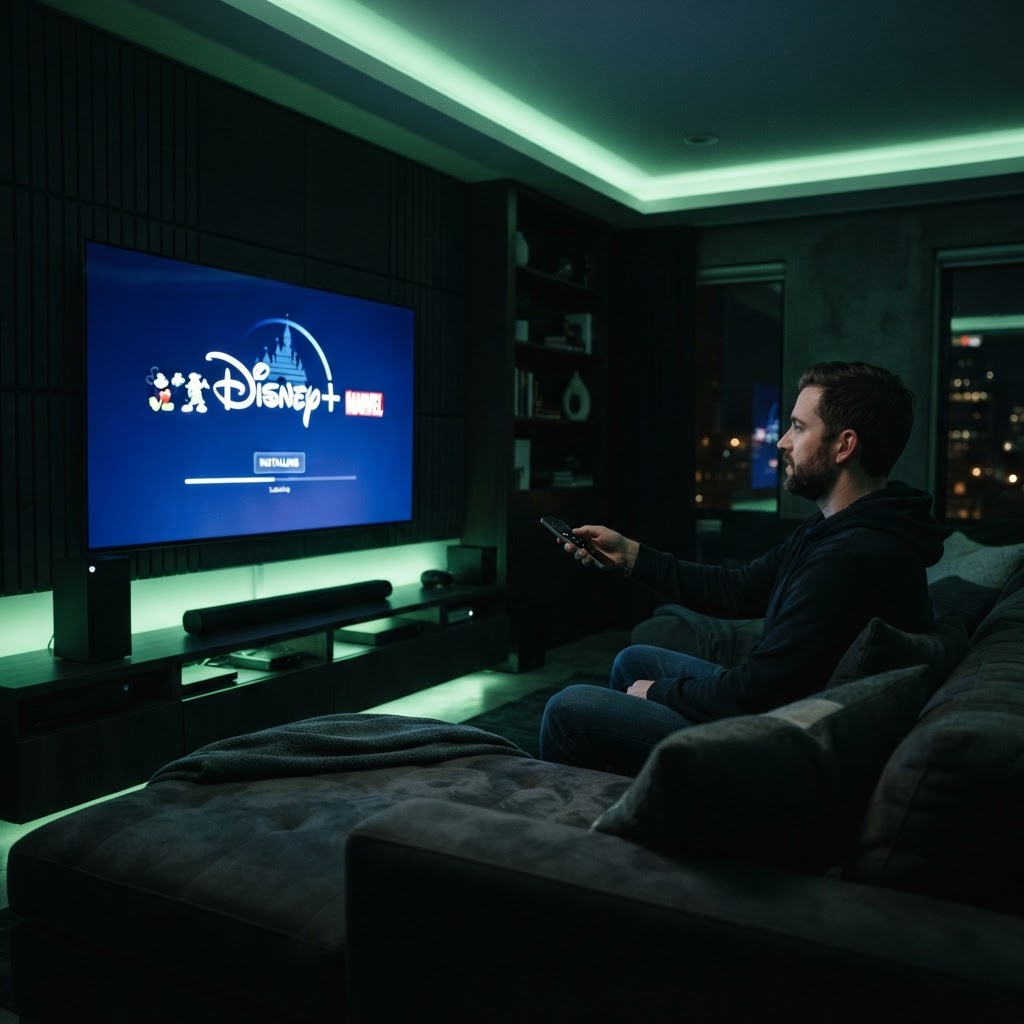
Installing Disney Plus on Your Smart TV
Follow these steps to start streaming your favorite classics on the big screen.
July 16, 2025 3 min readBy Technico Team
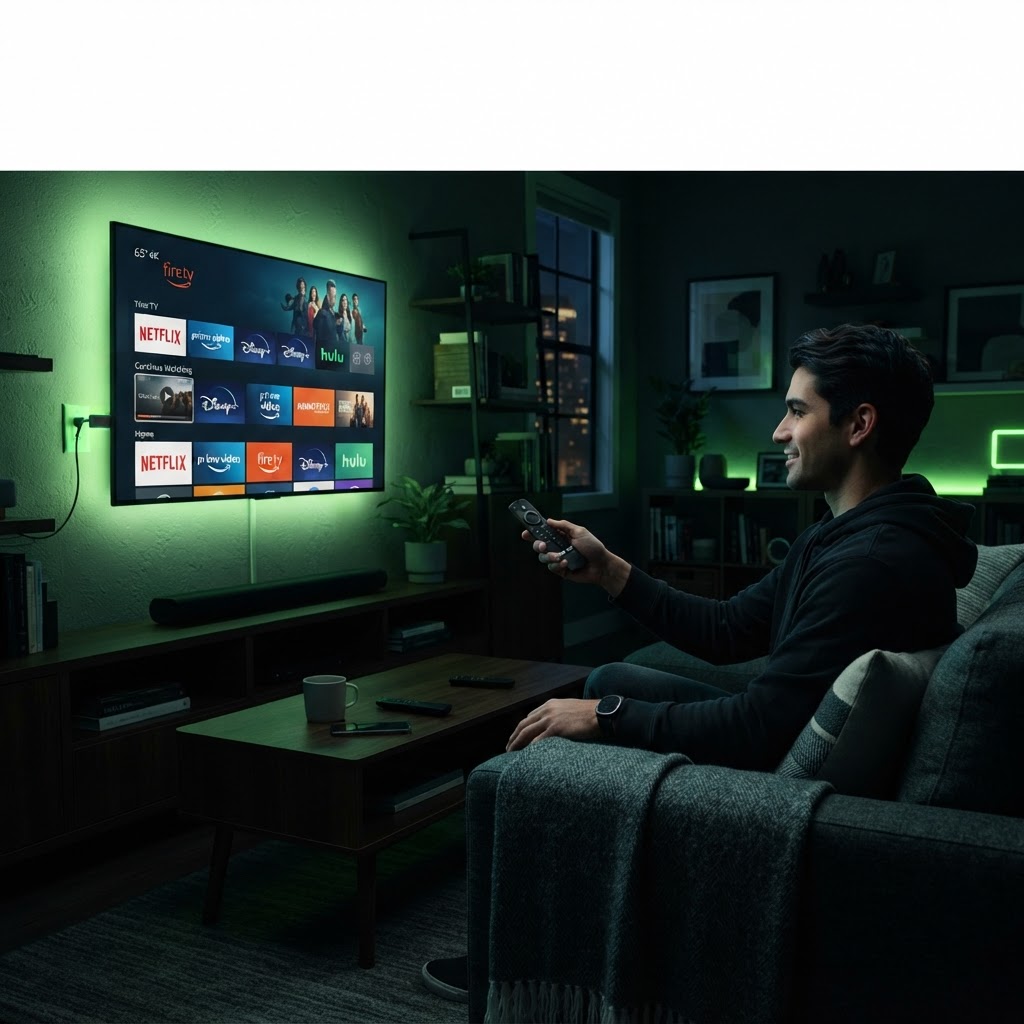
Checking Compatibility Almost all modern smart TVs manufactured in the last five years support the Disney Plus app. First, visit your television's app store or app hub and search for 'Disney Plus'. If your TV is older, you may need an external streaming device like a Roku stick or Fire TV, which simply plugs into an HDMI port. ## Activation Once the app is installed, open it and select 'Log In' or 'Sign Up'. You will likely see a QR code on the screen. Scan this code with your smartphone to quickly link your account. Once completed, your TV will be synced, and you can begin browsing the vast library of Pixar, Marvel, and Star Wars content immediately.
Need a Hand With Your Setup?
Our pros install TVs, sound systems, and smart home tech across NYC and Long Island — same-day service available.