How to Turn Off Autoplay on Netflix
Stop the auto-playing previews and trailers while browsing Netflix with these simple account settings adjustments.
Adjusting Your Account Preferences
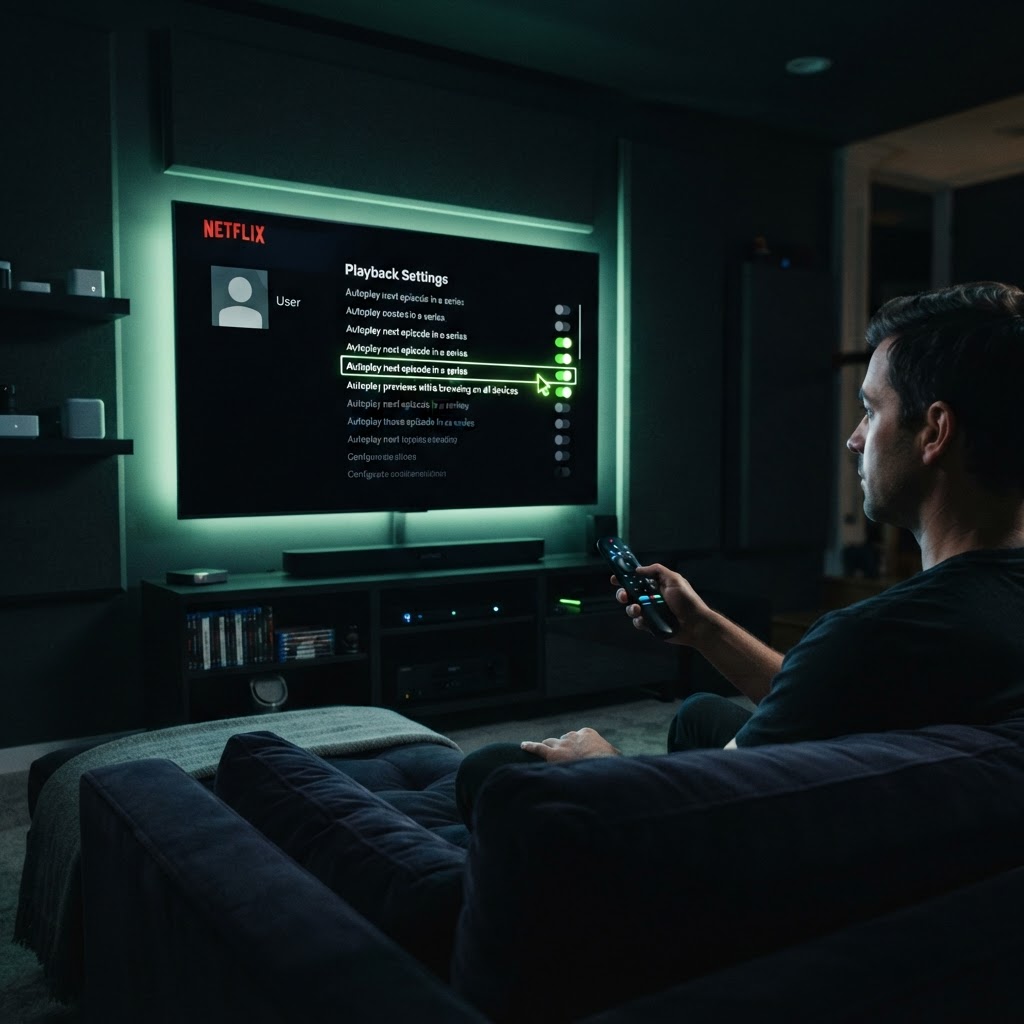
Netflix automatically plays previews as you scroll, which can be disruptive if you are just browsing titles. To disable this, log into your Netflix account via a web browser.
Step-by-Step Settings Change
Go to your Profile & Parental Controls, select your profile, and locate the 'Playback settings' section. From there, you can toggle off the option that says 'Autoplay previews while browsing on all devices.' Once you save these changes, your navigation experience will be much calmer. Note that this change applies to your account globally, so your TVs and mobile devices will stop playing those noisy previews immediately.
Need a Hand With Your Setup?
Our pros install TVs, sound systems, and smart home tech across NYC and Long Island — same-day service available.