How to Stream YouTube TV on a Firestick
A simple guide to accessing your favorite live channels using Amazon's popular streaming device.
Installation and Setup
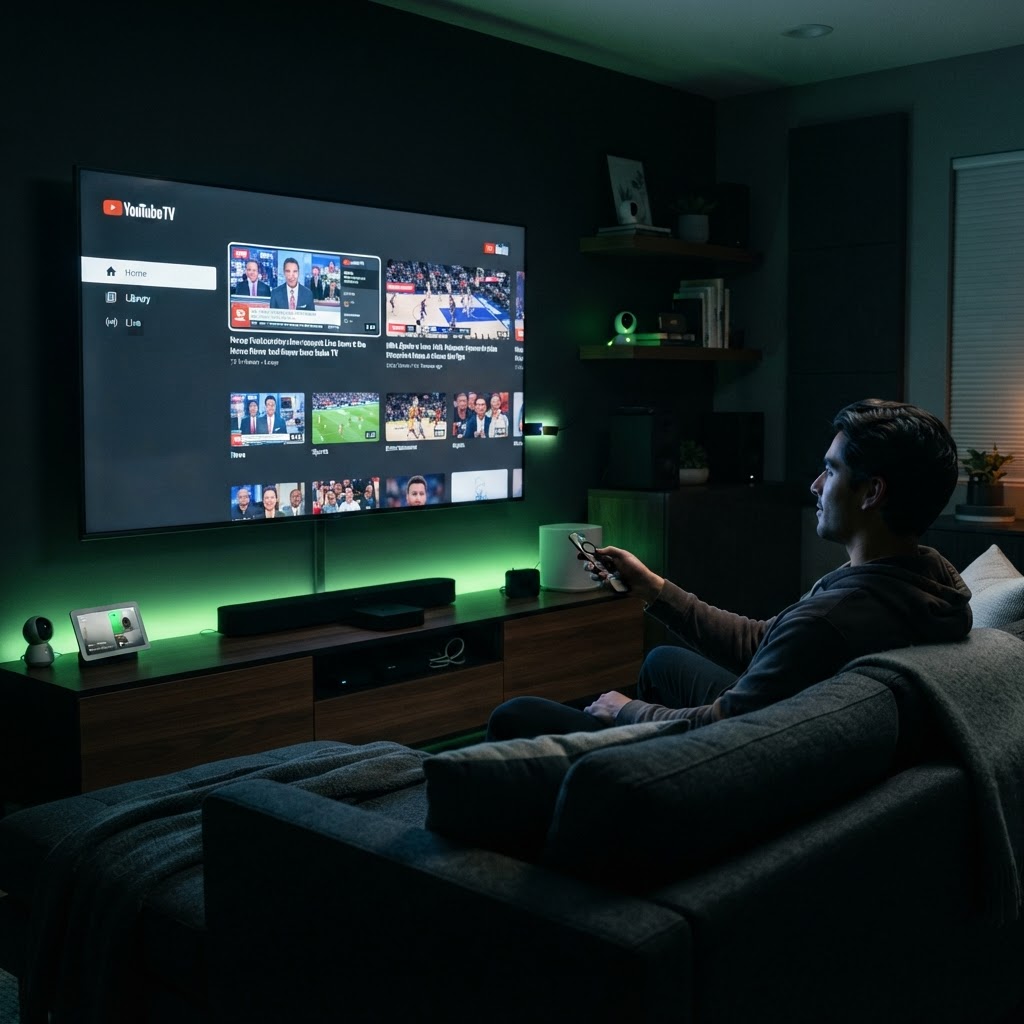
Streaming YouTube TV on a Firestick is a straightforward process that makes your television much more versatile. To get started, navigate to the 'Find' or 'Search' tab on your Firestick home screen and type in 'YouTube TV.' Once the app appears, select it and click 'Get' to download and install it onto your device. After the installation is complete, launch the app and sign in with your Google account credentials.
Navigating Your Content
Once logged in, the interface will automatically sync with your subscription. You can easily navigate the live guide using the Firestick remote, which mimics the experience of traditional cable. A key advantage of using a Firestick for this purpose is the voice control integration; you can use the Alexa button on your remote to jump directly to specific channels or search for content without manually scrolling through the guide. If you experience buffering, ensure your Firestick is connected to a strong 5GHz Wi-Fi network for the best possible streaming quality.
Need a Hand With Your Setup?
Our pros install TVs, sound systems, and smart home tech across NYC and Long Island — same-day service available.