Why Is My Browser So Slow? Speed Up Chrome and Edge
Pages crawl, tabs freeze, and switching between them takes seconds. A slow browser is usually fixable in under 15 minutes — here are the steps that work.
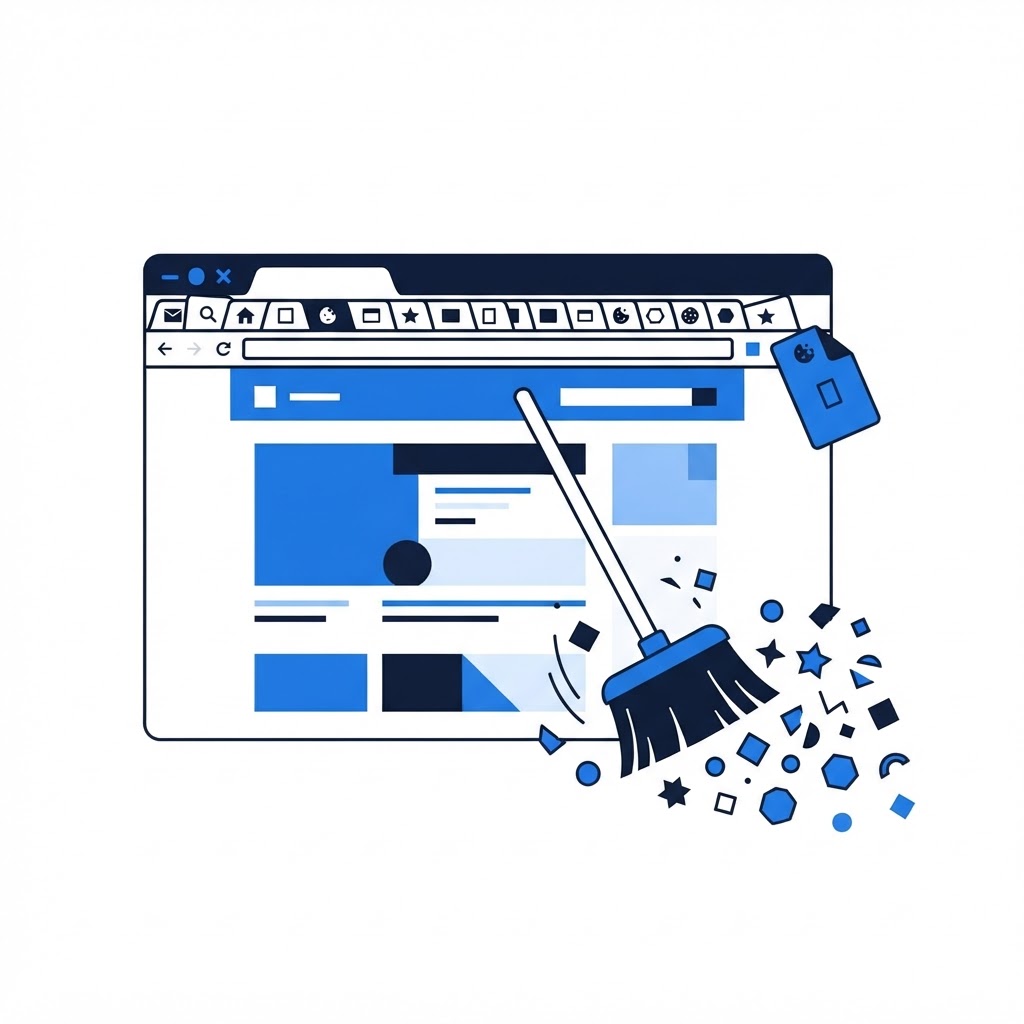
Your computer might be fast, but if the browser drags, everything online feels slow. Because Chrome and Edge are where we spend most of our screen time, browser slowdown is one of the most common complaints we hear — and one of the easiest to fix.
The Usual Suspects
Too many tabs. Every open tab is a running process. 20+ tabs can consume several gigabytes of RAM on their own, starving the tab you're actually using.
Extensions. Ad blockers, coupon finders, screenshot tools, and shopping assistants all run constantly. A single badly behaved extension can slow every page load.
An overloaded cache and cookies. Cached files speed up repeat visits when small, but a cache that's grown to gigabytes starts doing the opposite.
Outdated browser. Older versions miss years of performance work.
How to Fix It, Fastest First
-
Close tabs you're not using. Be honest about which ones you'll actually return to. In Chrome, right-click a tab group and save it instead of leaving everything open.
-
Update the browser. Chrome: three-dot menu > Help > About Google Chrome. Edge: three dots > Help and feedback > About Microsoft Edge. Let it install and relaunch.
-
Audit your extensions. Type
chrome://extensions(oredge://extensions) in the address bar. Remove anything you don't recognize or haven't used in a month. If slowdown persists, toggle all off, then re-enable one at a time to find the offender. -
Clear the cache. Press Ctrl+Shift+Delete, select "Cached images and files" (keep passwords and autofill unless you want to re-enter them), and clear. Sites will load slightly slower the first time, then faster than before.
-
Enable Memory Saver (Chrome) or Efficiency Mode (Edge). Built-in settings put inactive tabs to sleep so they stop consuming RAM. Find them in Settings > Performance.
-
Check for a hardware conflict. If Chrome flags "hardware acceleration" errors, toggle Settings > System > "Use hardware acceleration" and restart.
When It's Not the Browser
Try a different browser on the same PC. If every browser is slow, the problem is likely the computer itself (startup bloat, low disk space, or malware) — see our guides on why your computer is slow and signs your computer has a virus. If only one site is slow, the problem is on that site's end, not yours.
Still crawling after all this? A remote support session can pinpoint which processes and settings are the drag — most browser slowdowns are resolved in a single visit.
Still Running Slow?
Our technicians fix computers, Wi-Fi, printers and smart home devices remotely — anywhere in the US, same-day sessions available.