How to Set Up Apple TV
A simple guide to getting your Apple TV device connected and configured for a seamless media experience.
Initial Hardware Setup
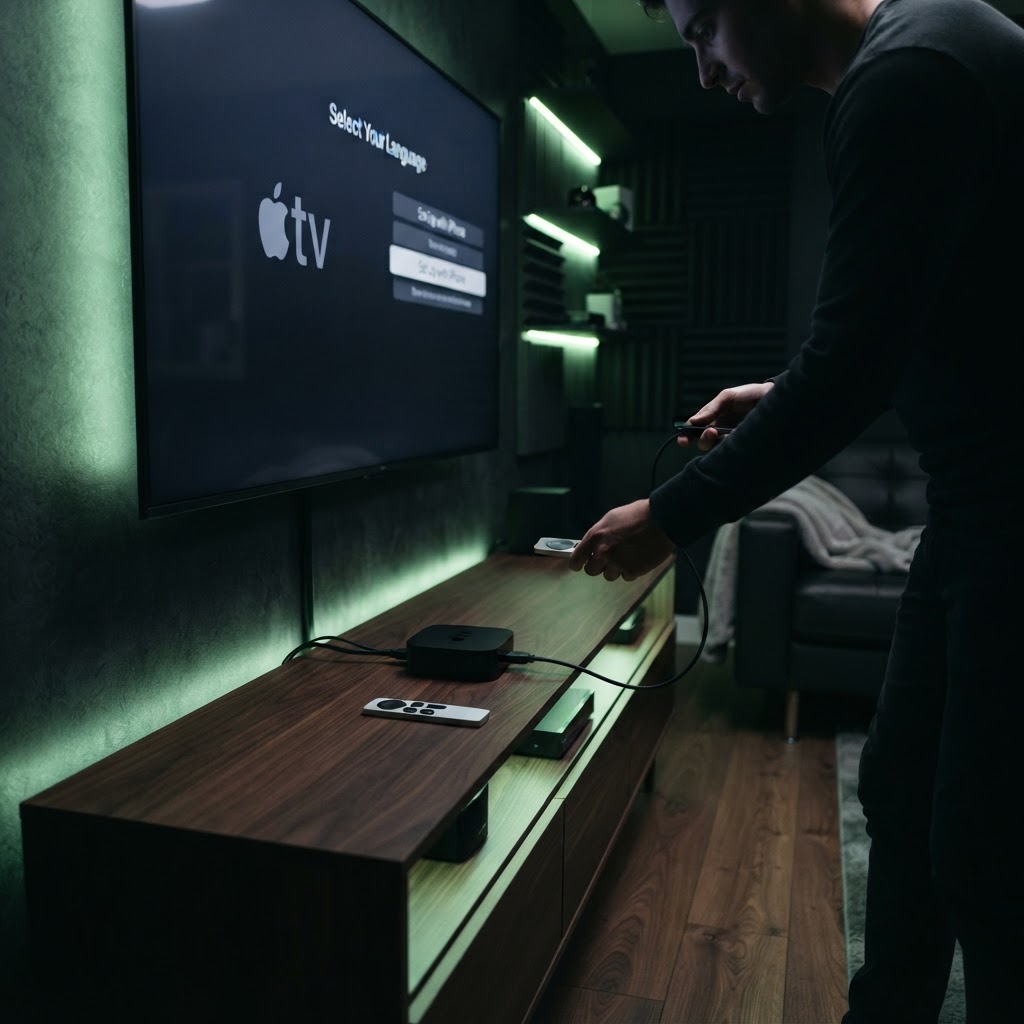
Begin by connecting your Apple TV to your television via an HDMI cable. Ensure you use an HDMI 2.1 certified cable if you have a 4K model to support high frame rates. Plug the power cable in and turn on your TV, selecting the corresponding input.
Configuring with an iPhone
The setup process is remarkably simple if you own an iPhone. Hold your unlocked phone near the Apple TV, and a setup card will appear on your screen. This will automatically transfer your Wi-Fi credentials and Apple ID information from your phone to the device, saving you the trouble of typing with a remote. Once finished, you can customize your home screen and download your favorite streaming apps from the App Store.
Need a Hand With Your Setup?
Our pros install TVs, sound systems, and smart home tech across NYC and Long Island — same-day service available.