How to Set Up an Amazon Fire TV Stick
Get your Fire TV Stick running quickly with this straightforward setup guide for new users.
Getting Connected
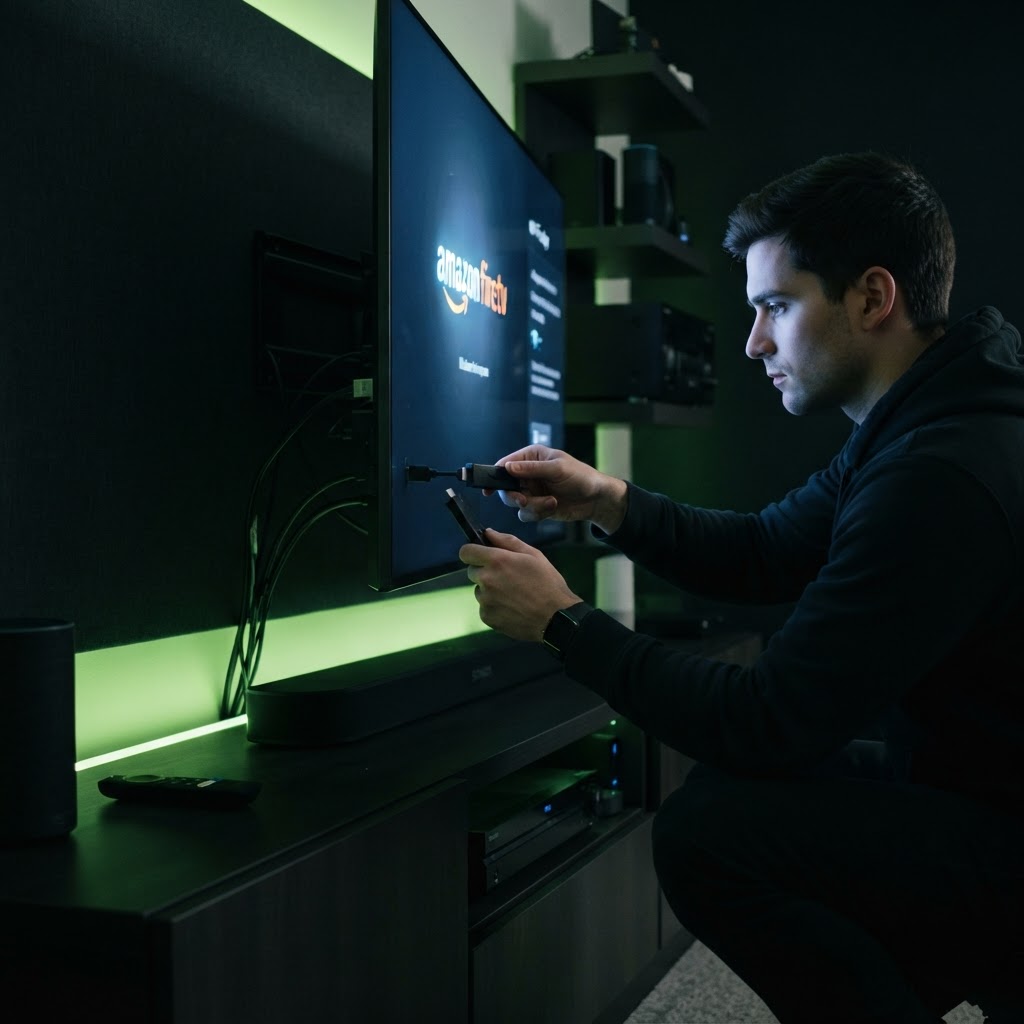
Plug the Fire TV Stick into an available HDMI port on your TV. If your TV’s HDMI ports are spaced tightly, use the included HDMI extender cable. Connect the power adapter to a wall outlet rather than a USB port on the TV for more consistent performance and faster updates.
Registering Your Device
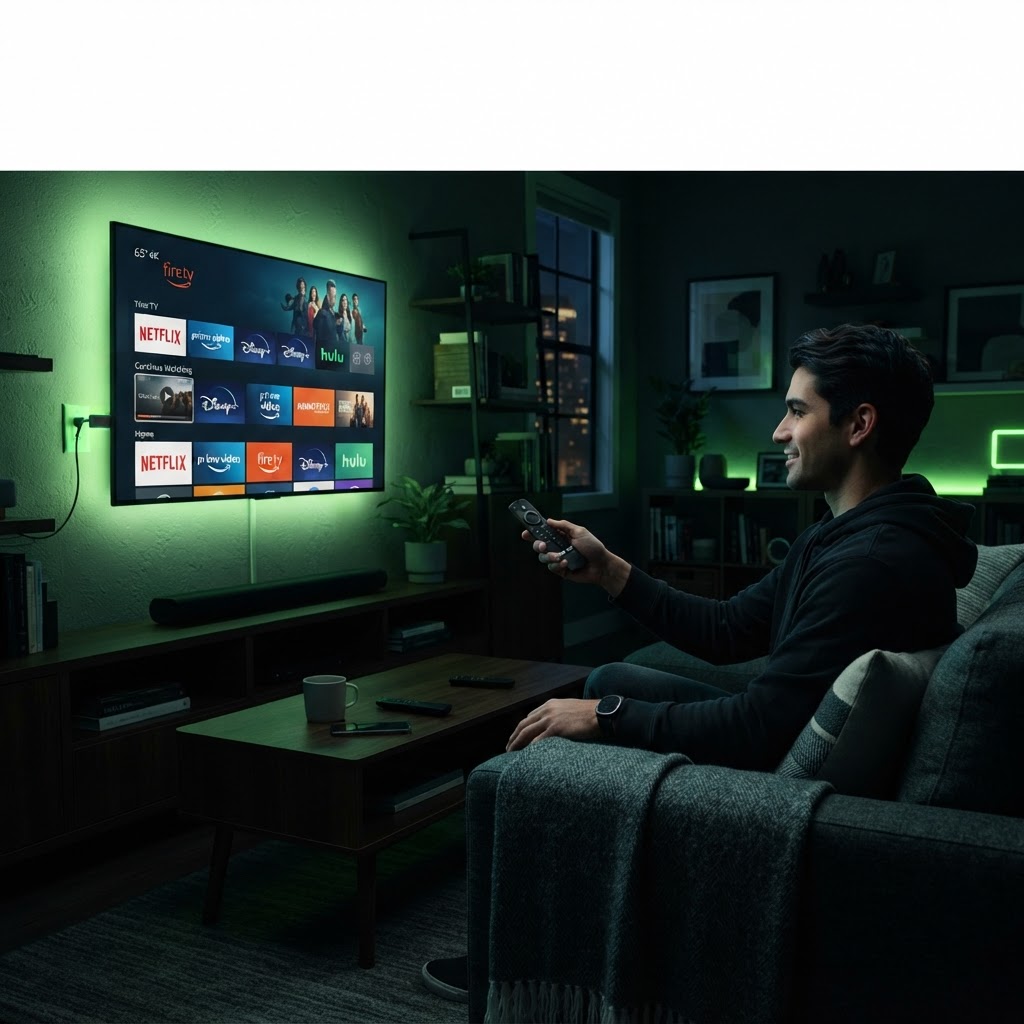
Once powered on, the Fire TV Stick will guide you through connecting to your Wi-Fi network. You will be prompted to log in with your Amazon account. If you do not have one, you will need to create one. After login, the device will install necessary updates. Once complete, you can download your preferred streaming apps like Netflix, Hulu, or Prime Video directly through the Fire TV interface.
Need a Hand With Your Tech?
Our technicians fix computers, Wi-Fi, printers and smart home devices remotely — anywhere in the US, same-day sessions available.