How To Connect Your Soundbar to a TV for the Best Audio Quality
Upgrade your audio setup by using the right connection methods for your soundbar.
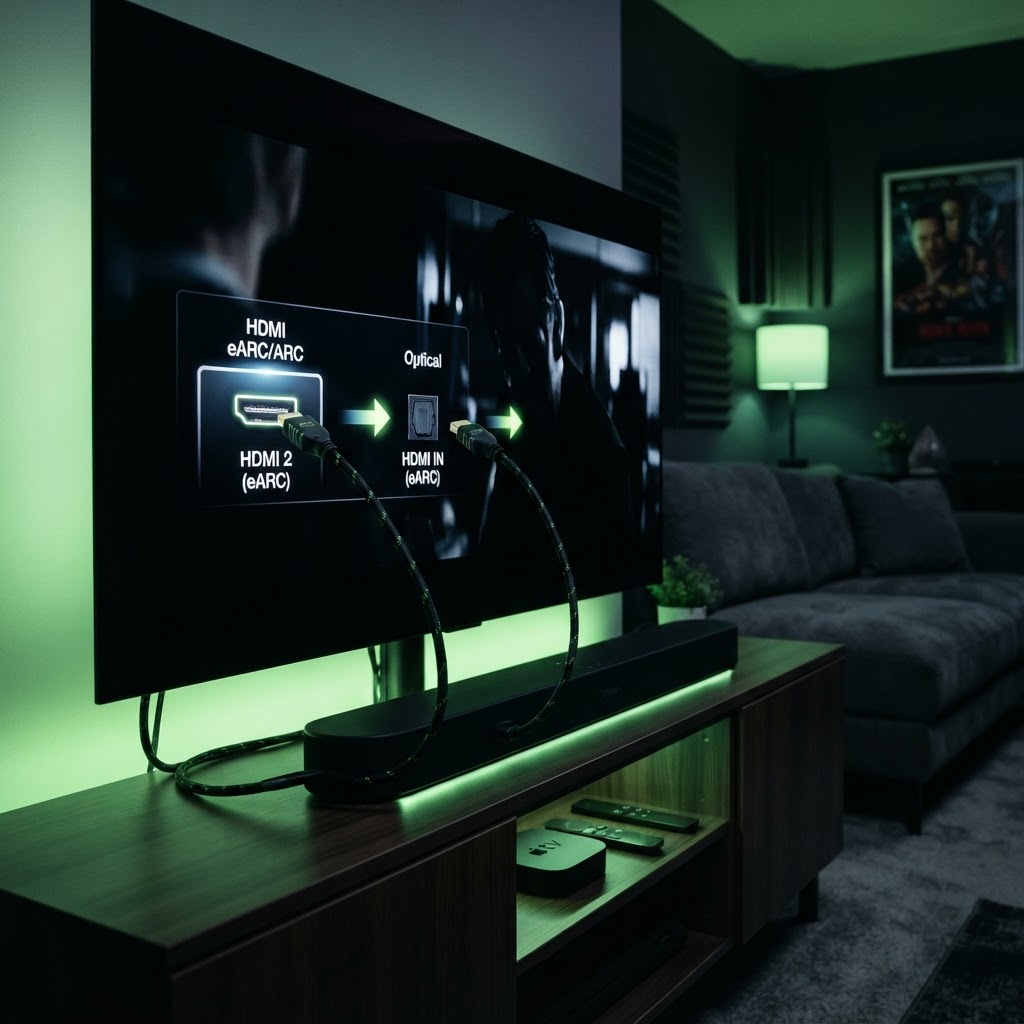
The Power of HDMI ARC/eARC
The best way to connect a soundbar is via the HDMI ARC (Audio Return Channel) port on your TV. This allows your TV remote to control the soundbar volume automatically and supports higher-quality audio formats like Dolby Atmos. Ensure your HDMI cable is high-speed and labeled as ARC-compatible.
Alternative Connections
If your TV lacks an HDMI ARC port, the optical cable (Toslink) is the next best option. While it does not support advanced surround sound formats as well as HDMI, it provides a stable, digital connection that is far superior to standard analog cables. Always check your TV’s audio output settings to ensure the output is set to 'External Speaker' or 'HDMI ARC' for the best results.
Need a Hand With Your Tech?
Our technicians fix computers, Wi-Fi, printers and smart home devices remotely — anywhere in the US, same-day sessions available.