How to Choose the Right HDMI Cable for Your Setup
Don't overpay for marketing hype; learn the basic specifications needed to ensure high-quality video and audio transmission.
Understanding HDMI Standards
With HDMI technology, the most important factor is the 'bandwidth rating' rather than the brand name. For most modern 4K setups, you need cables labeled as 'Ultra High Speed.' These cables support 48Gbps, ensuring they can handle high refresh rates and HDR metadata without losing signal. Avoid buying extremely expensive cables claiming to 'improve picture quality.' In digital signaling, a cable either transmits the data perfectly or it fails—the picture does not get 'sharper' just because a cable is expensive.
Cable Length and Quality
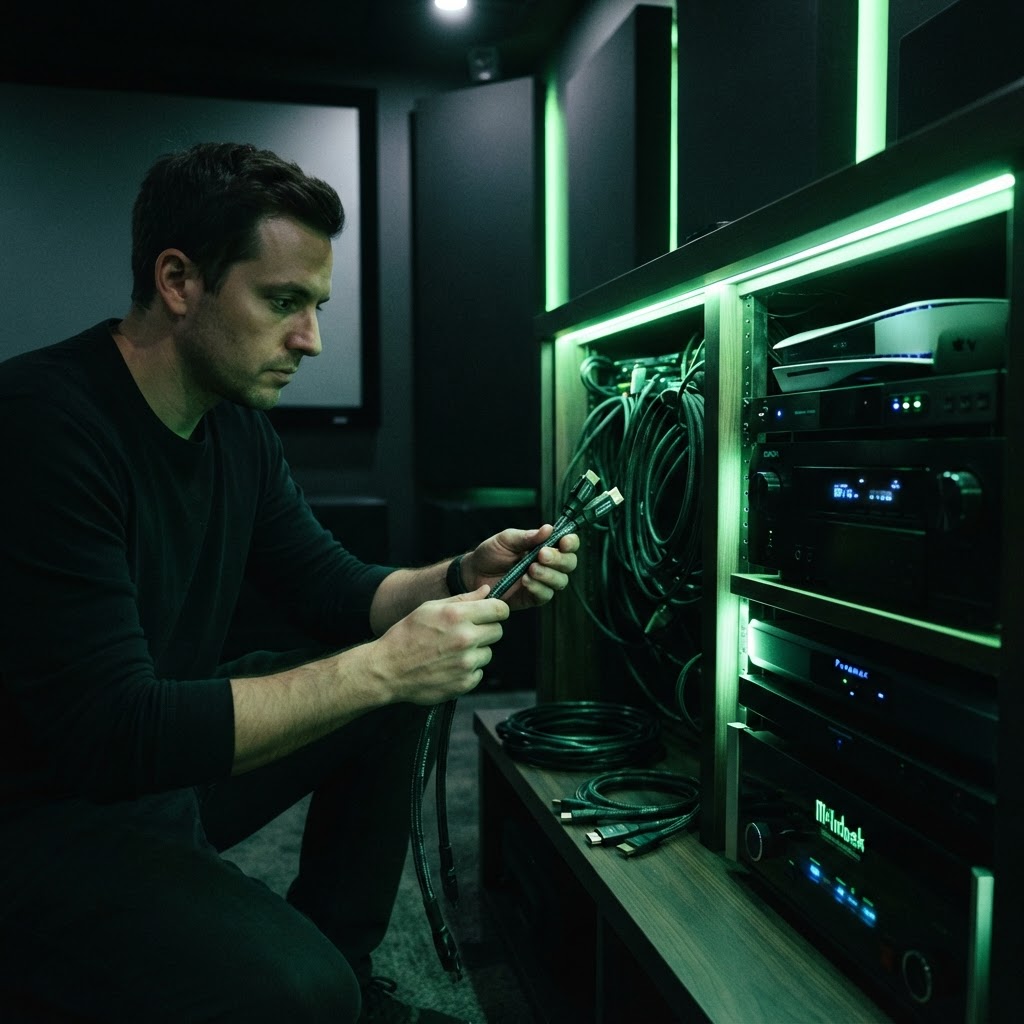
For standard installations, keep your HDMI cables as short as possible. Longer cables, especially those over 15 feet, are more susceptible to signal degradation. If you must run a long cable to a projector or a TV across the room, look for 'Active' HDMI cables. These contain a small booster chip to ensure the signal stays strong over the longer distance. Always ensure your cable is rated for the resolution and frame rate of your source device, such as your gaming console or streaming player.
Need a Hand With Your Tech?
Our technicians fix computers, Wi-Fi, printers and smart home devices remotely — anywhere in the US, same-day sessions available.