Getting Apple Music on Your Roku
Learn how to integrate your Apple Music library with your Roku streaming player.
Setting Up Apple Music on Roku
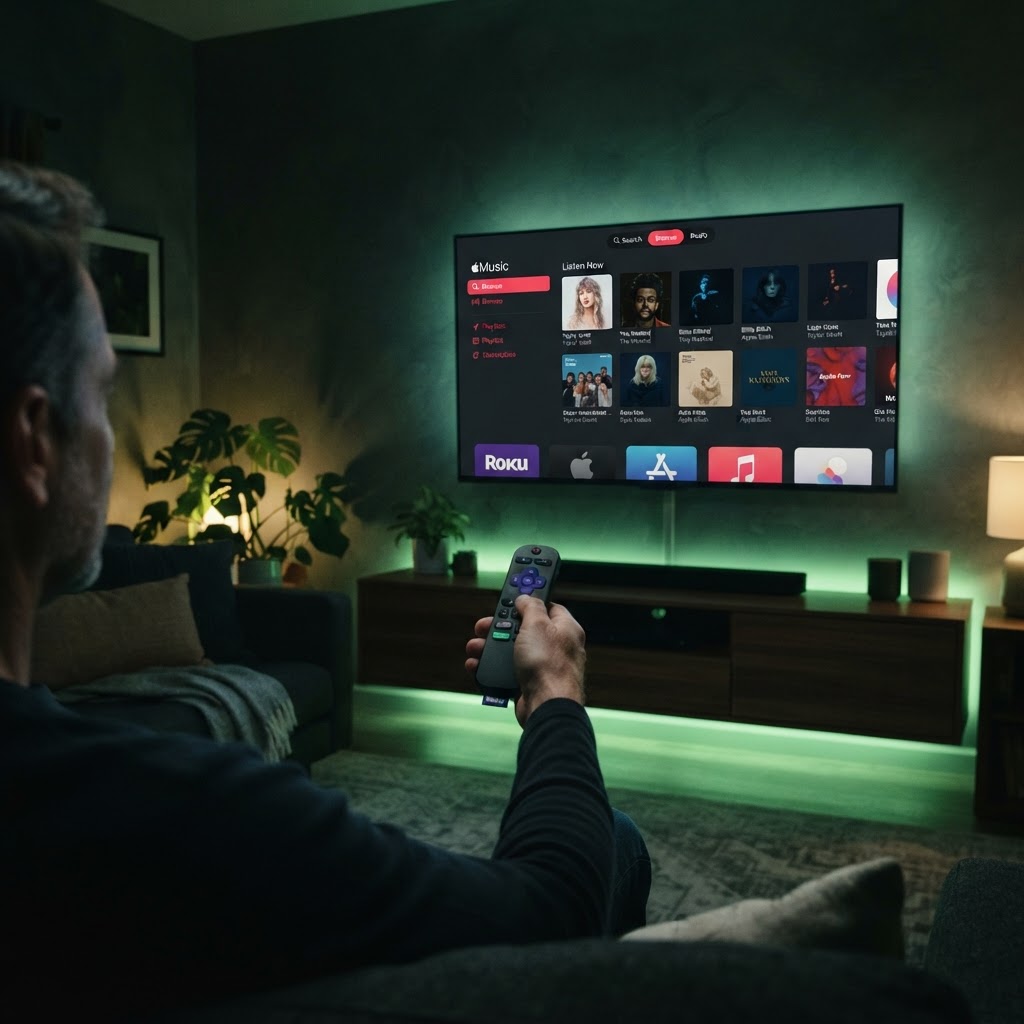
Adding Apple Music to your Roku device allows you to bridge the gap between your favorite playlists and your home entertainment system. To begin, navigate to the Roku Channel Store and search for the 'Apple Music' app. Once installed, log in with your Apple ID credentials to sync your entire library.
Optimizing Your Audio Output
For the best experience, ensure your Roku device is connected to a high-quality soundbar or AV receiver. In the Roku settings menu under 'Audio,' you can adjust your output preferences to 'Stereo' or 'Auto' to ensure your music sounds crisp without compression issues. This setup turns your television into a powerful hub for your entire Apple music collection, perfect for home gatherings or background ambiance.
Need a Hand With Your Setup?
Our pros install TVs, sound systems, and smart home tech across NYC and Long Island — same-day service available.