All ArticlesHome Theater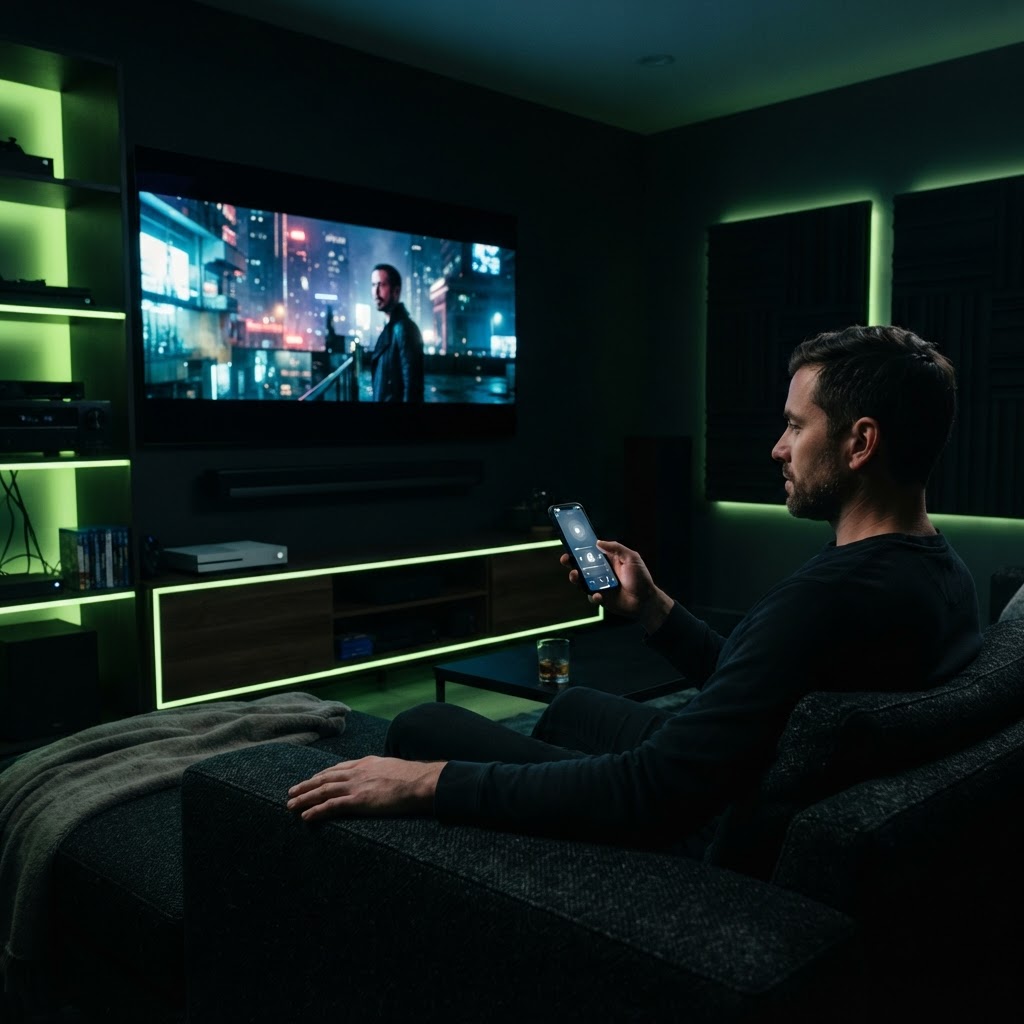
Controlling Your TV with Your Smartphone
Learn how to ditch the plastic remote and use your smartphone to control your home theater system.
August 15, 2025 3 min readBy Technico Team
Why Use a Phone Remote? Many modern smart TVs come with a dedicated manufacturer app that acts as a remote control. Using your phone provides a full QWERTY keyboard for searching shows and allows you to control your system even if you lose the physical remote under the couch cushions. ## Setting Up Your Mobile Remote To get started, ensure your TV and phone are on the exact same Wi-Fi network. Download your TV brand's official app—such as Roku, Samsung SmartThings, or LG ThinQ—from the app store. Once opened, the app will scan your local network for your television. After pairing, you gain access to volume, channel selection, and launch buttons for your favorite streaming apps. It is the ultimate convenience for any modern living room.
Need a Hand With Your Tech?
Our technicians fix computers, Wi-Fi, printers and smart home devices remotely — anywhere in the US, same-day sessions available.