Troubleshooting a Phone That Won't Charge
Before buying a new battery, try these simple fixes for charging issues.
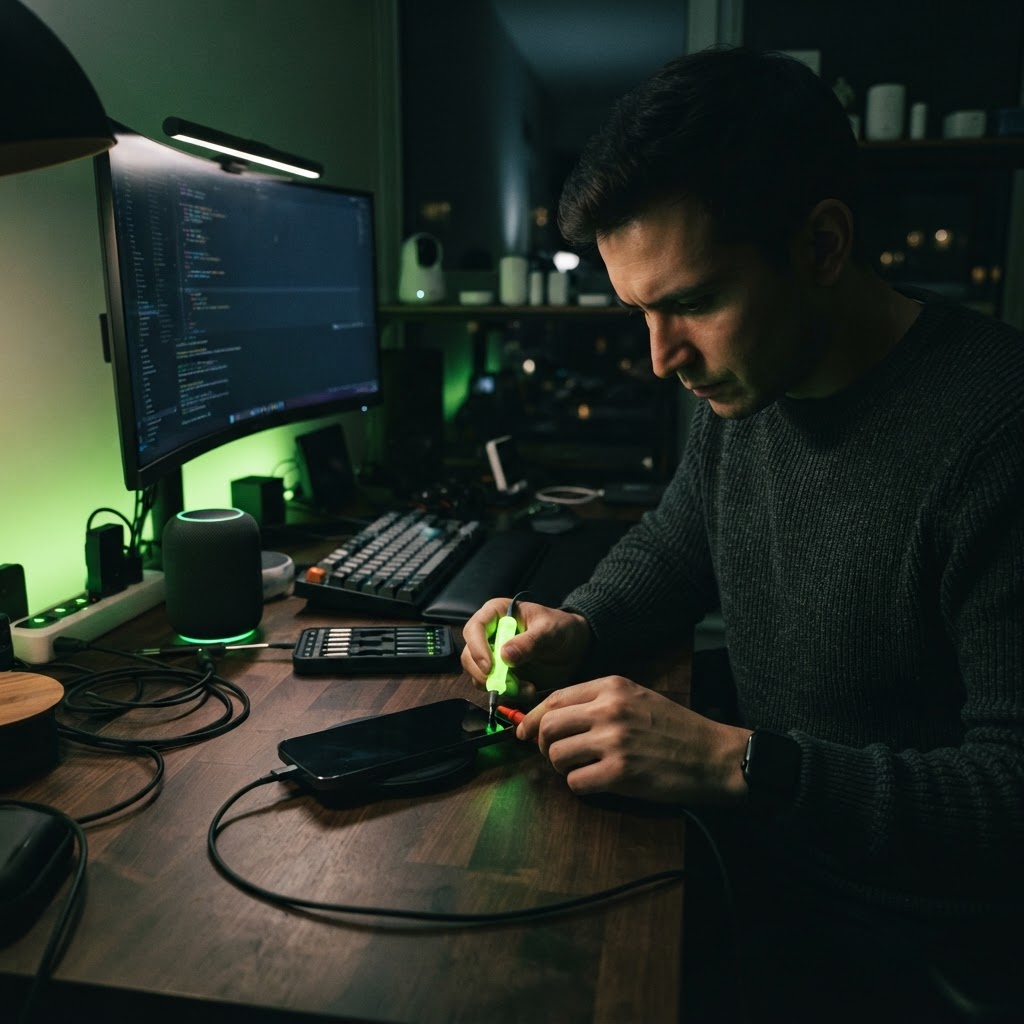
Inspecting the Charging Port
Lint and debris from your pocket are the number one cause of charging failure. Use a wooden or plastic toothpick to gently scrape the bottom of the charging port. You will be surprised at how much compressed fabric can prevent a cable from making a solid connection.
Testing Cables and Adapters
Often, the cable is the point of failure rather than the phone. Try a different certified cable and a different wall adapter. If the phone begins charging, you know it was just a failed accessory. If it still doesn't charge, try performing a hard reboot of the device, which can clear software errors preventing the phone from recognizing the incoming power.
Need a Hand With Your Tech?
Our technicians fix computers, Wi-Fi, printers and smart home devices remotely — anywhere in the US, same-day sessions available.