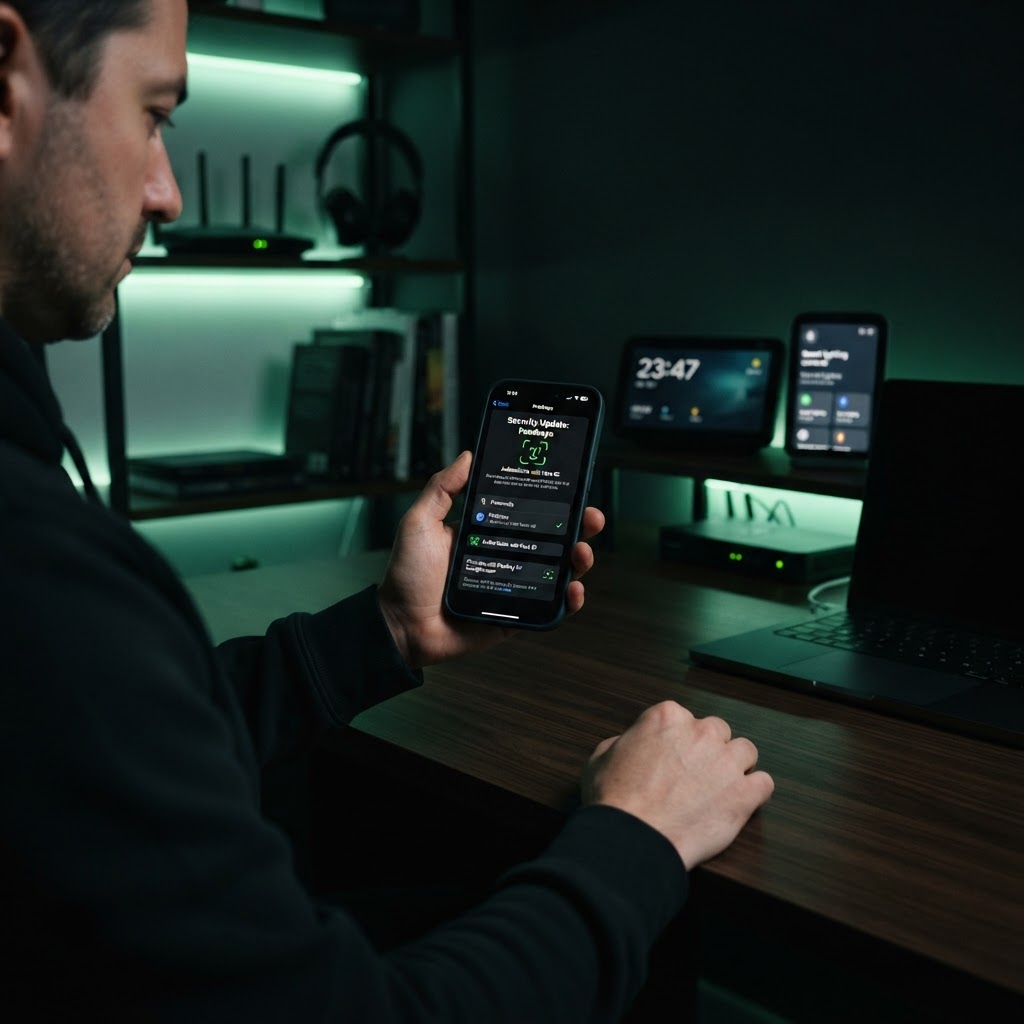
Seamlessly Transferring Data to a New iPhone
Moving to a new phone doesn't have to be a headache with the Quick Start feature.
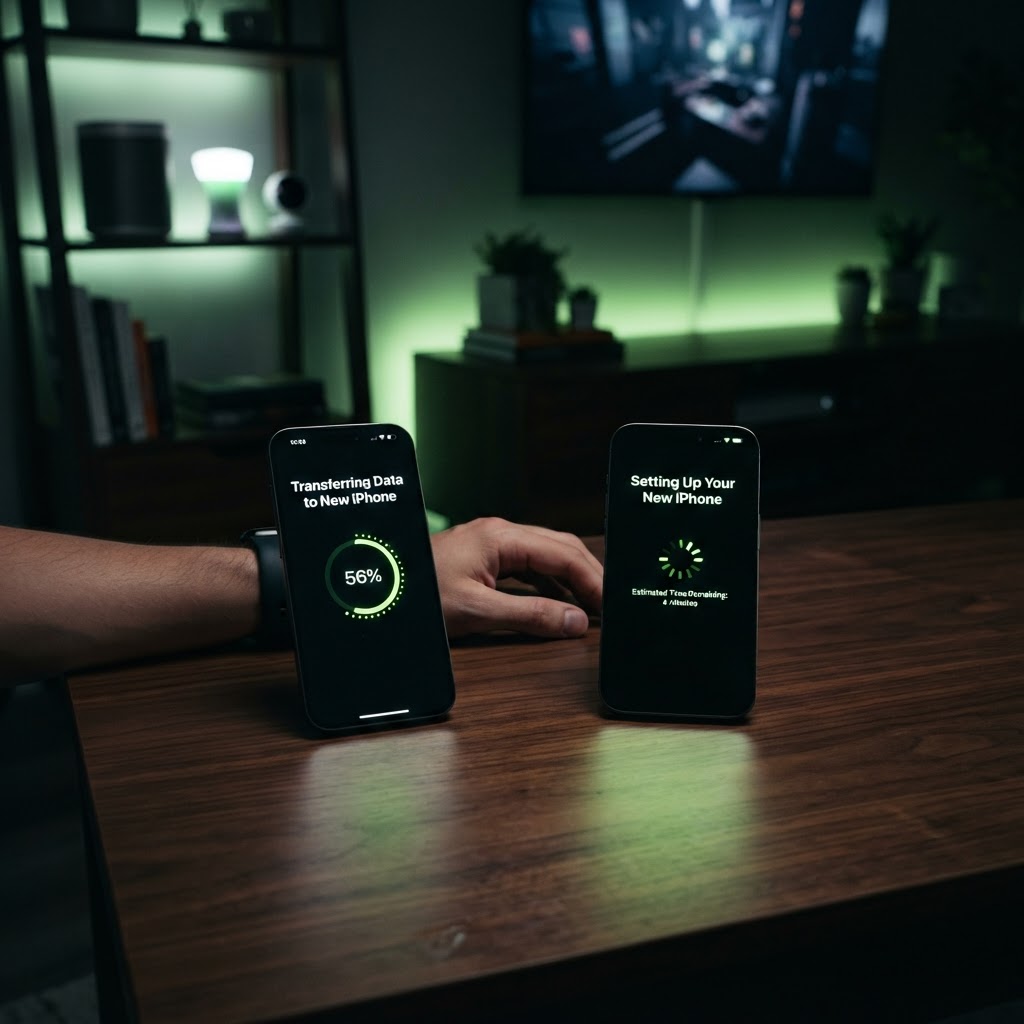
Using Quick Start
When you power on your new iPhone, place it next to your old device to initiate 'Quick Start.' This process creates a secure peer-to-peer connection that transfers your Apple ID, settings, and apps directly without needing a computer.
Cloud Backup Restoration
If you prefer to move everything over during the night, perform an iCloud backup on your old device first. During the setup of the new phone, choose 'Restore from iCloud Backup.' Ensure you are on a fast Wi-Fi network, as this method pulls all your data from the cloud, making it the most reliable way to recover every message and preference exactly as it was.
Need a Hand With Your Tech?
Our technicians fix computers, Wi-Fi, printers and smart home devices remotely — anywhere in the US, same-day sessions available.