How to Update Alexa and Use Its Best Features
Keep your Echo devices running smoothly by managing updates and unlocking hidden functionality.

Managing Alexa Updates
Unlike your smartphone, Amazon Echo devices update automatically in the background. If you believe your device is lagging or missing features, you can force a check by saying, 'Alexa, check for software updates.' Ensure your device is plugged in and connected to Wi-Fi to allow the installation process to complete without interruption.
Maximizing Your Echo Experience
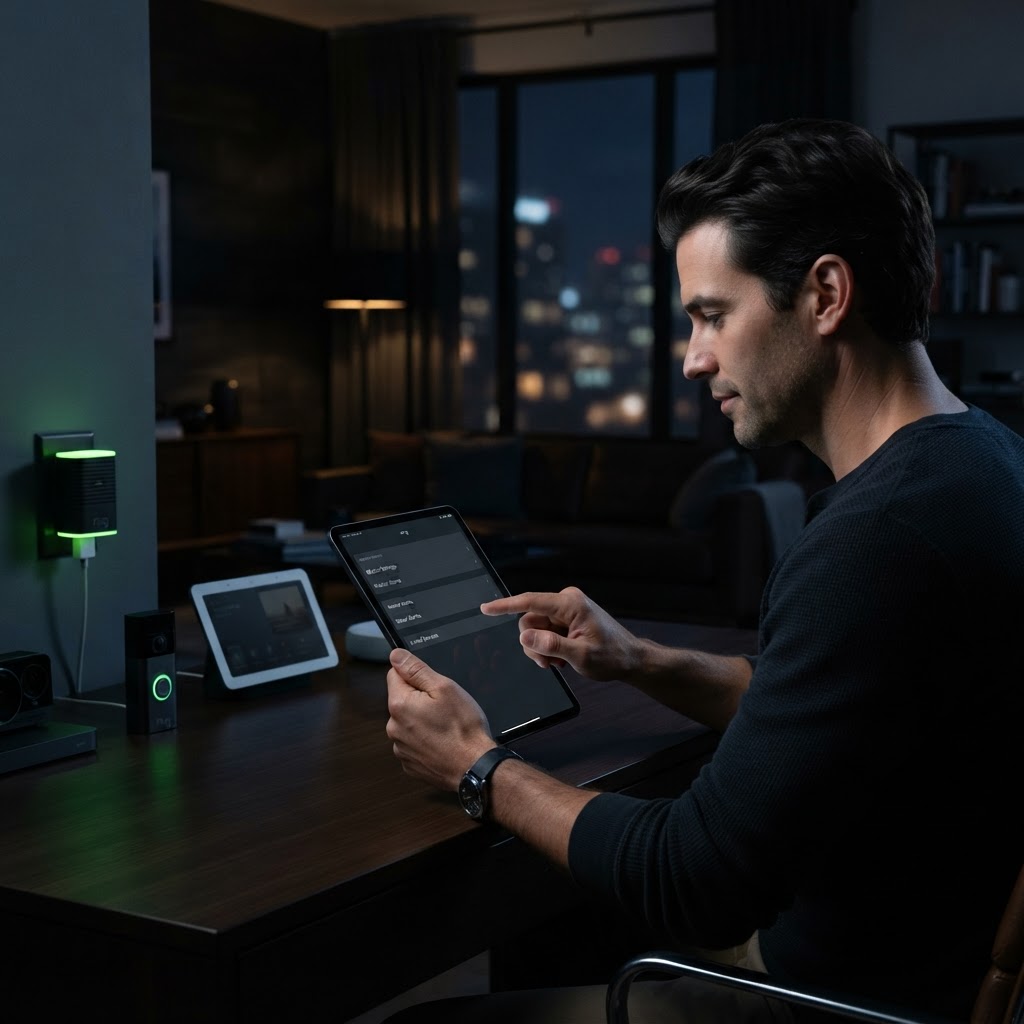
Beyond basic timers, use 'Alexa Routines' to automate your home. By going into the Alexa app, you can string together multiple actions—like turning on the lights and starting a news briefing—all triggered by a single phrase like 'Alexa, start my day.' Regularly check the 'Things to Try' section in the app to discover newly added capabilities.
Need a Hand With Your Setup?
Our pros install TVs, sound systems, and smart home tech across NYC and Long Island — same-day service available.