Ring Video Doorbell Settings You Should Change
Unlock the full potential of your Ring doorbell by fine-tuning these specific configuration settings.
Refining Motion Zones
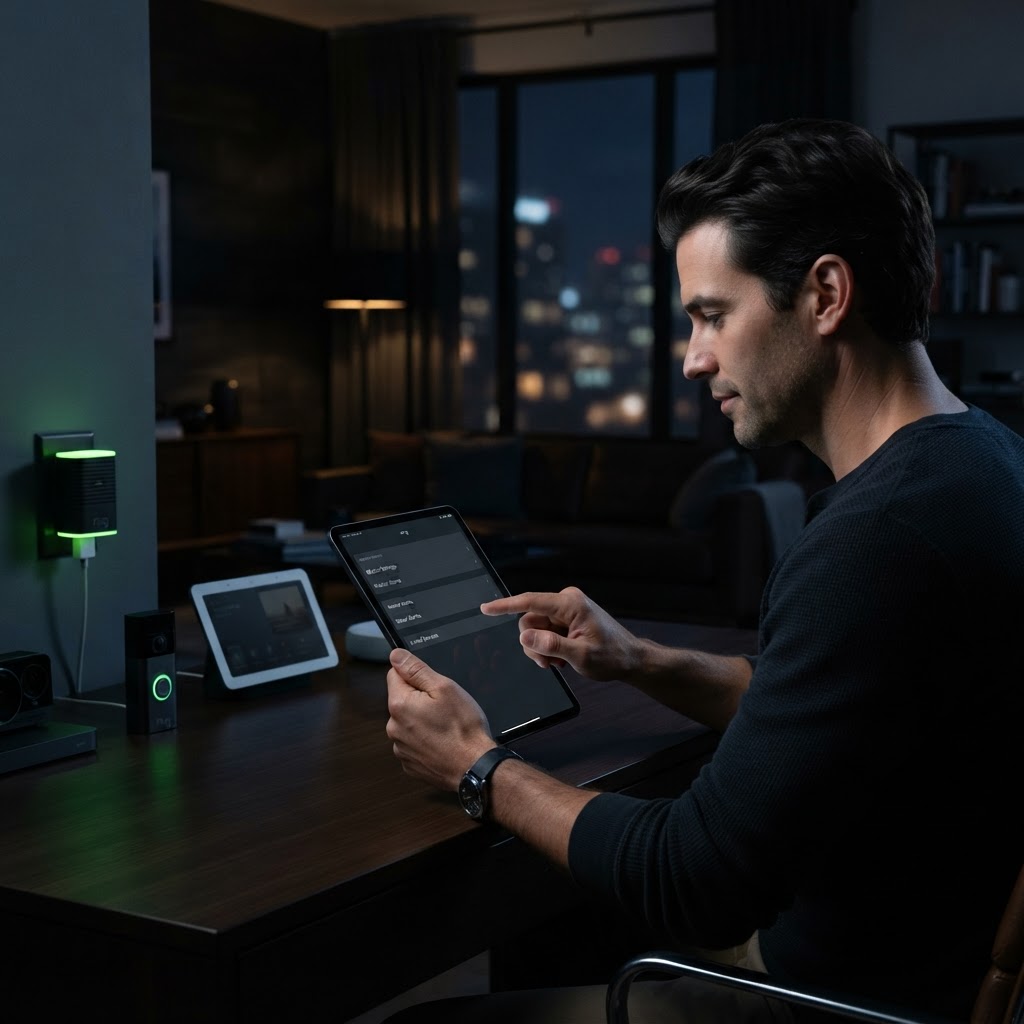
Out of the box, most doorbells track everything that moves. If you live on a busy NYC street, this leads to notification fatigue. Go into your motion settings and draw specific zones that ignore sidewalks or moving traffic. By narrowing your focus to your entryway and porch, you drastically reduce false alerts while ensuring you capture actual delivery or visitor activity.
Optimizing Video and Power
Check your video recording length settings to ensure you capture the full context of an event rather than a ten-second snippet. Additionally, if your device is battery-operated, enable 'Advanced Motion Detection' to adjust the sensitivity. This preserves battery life significantly by preventing the camera from 'waking up' for minor ambient changes like shifting shadows or swaying trees.
Need a Hand With Your Setup?
Our pros install TVs, sound systems, and smart home tech across NYC and Long Island — same-day service available.