How to Set Up Hot Corners on a Mac
Maximize your macOS efficiency by assigning quick actions to the corners of your screen.
What Are Hot Corners?
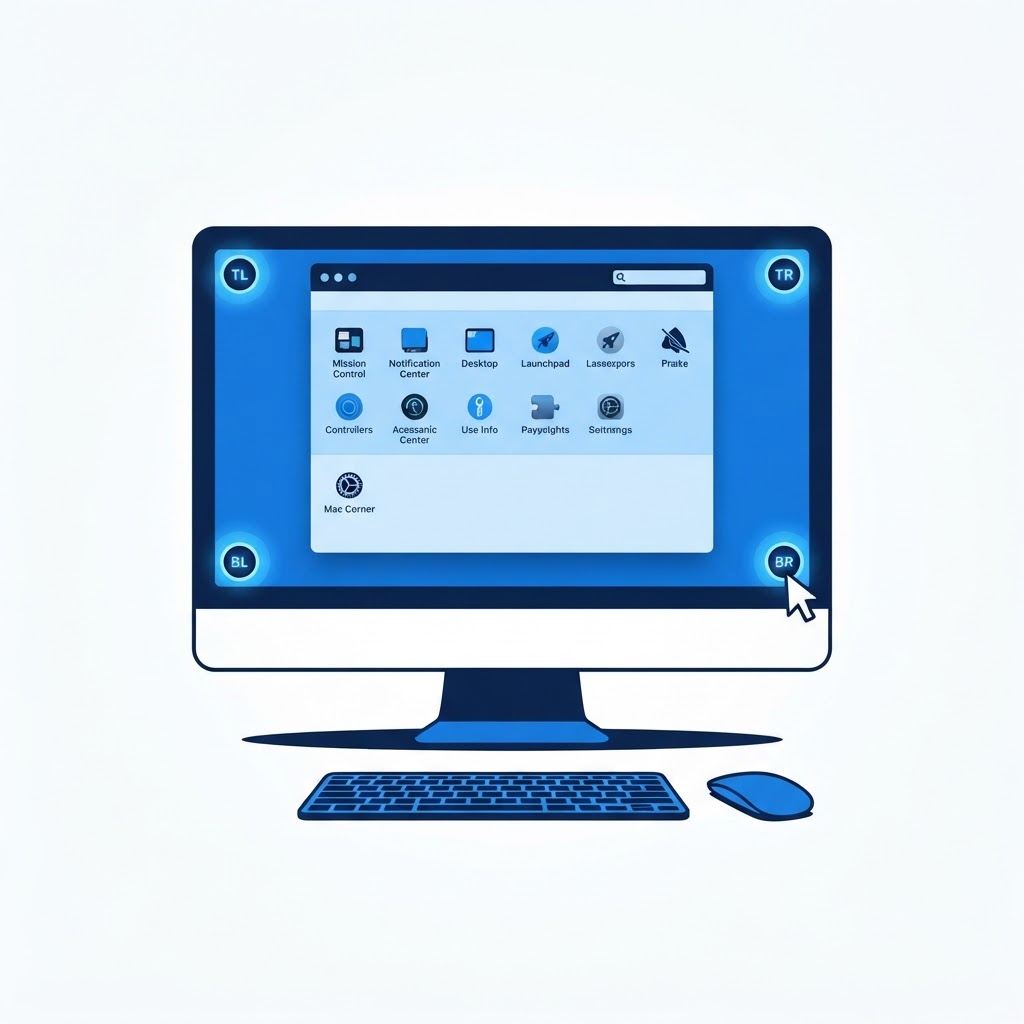
Hot Corners allow you to trigger specific system actions just by moving your mouse cursor to one of the four corners of your desktop. It is a powerful way to clear your workspace, lock your computer, or open Launchpad without clicking a single button.
Configuring Your Shortcuts
To set this up, go to 'System Settings,' navigate to 'Desktop & Dock,' and click the 'Hot Corners' button at the bottom. You can then assign tasks to each corner. For example, setting the bottom-right corner to 'Quick Note' is excellent for productivity, while setting the top-left to 'Lock Screen' is a great security habit for a busy office environment.
Need Immediate Remote Tech Support?
A certified US technician connects to your computer remotely, often within 2 hours. Pick a flat-rate service and check out in under a minute.