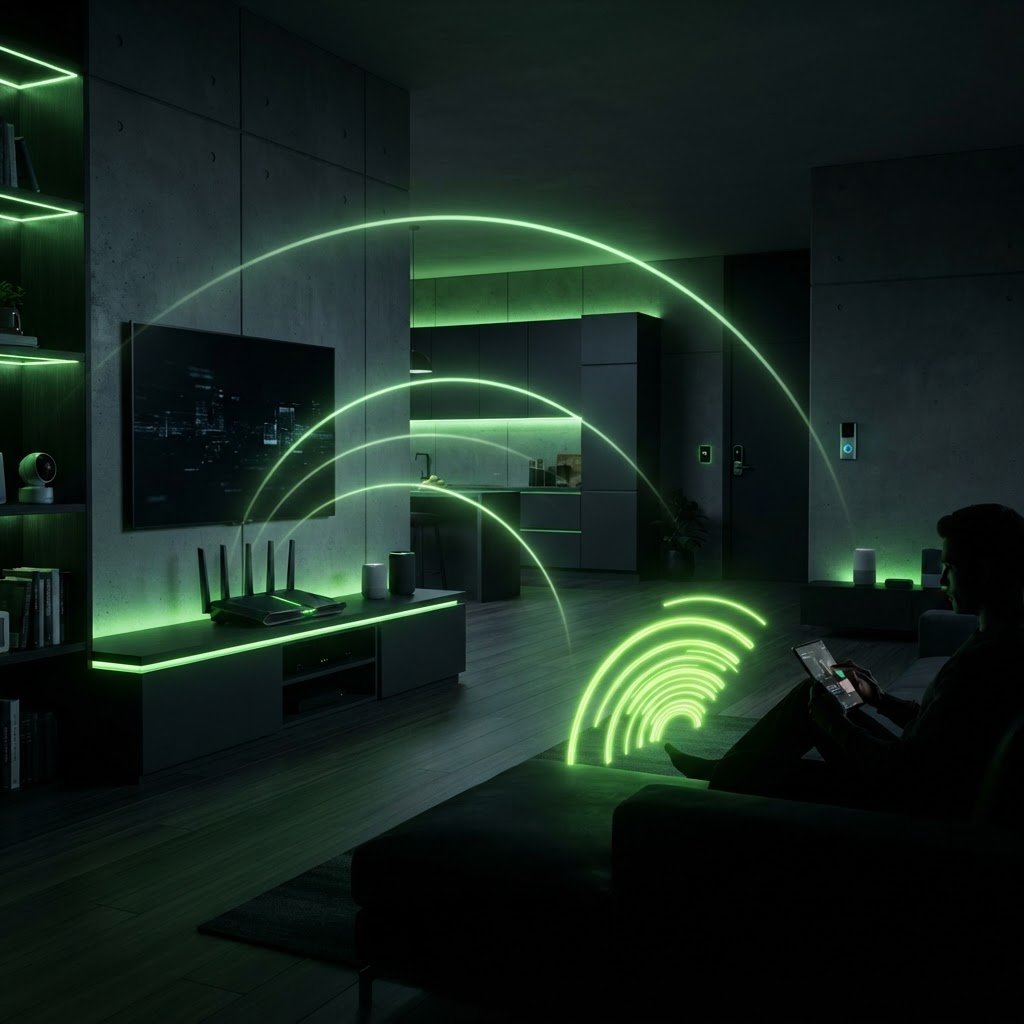
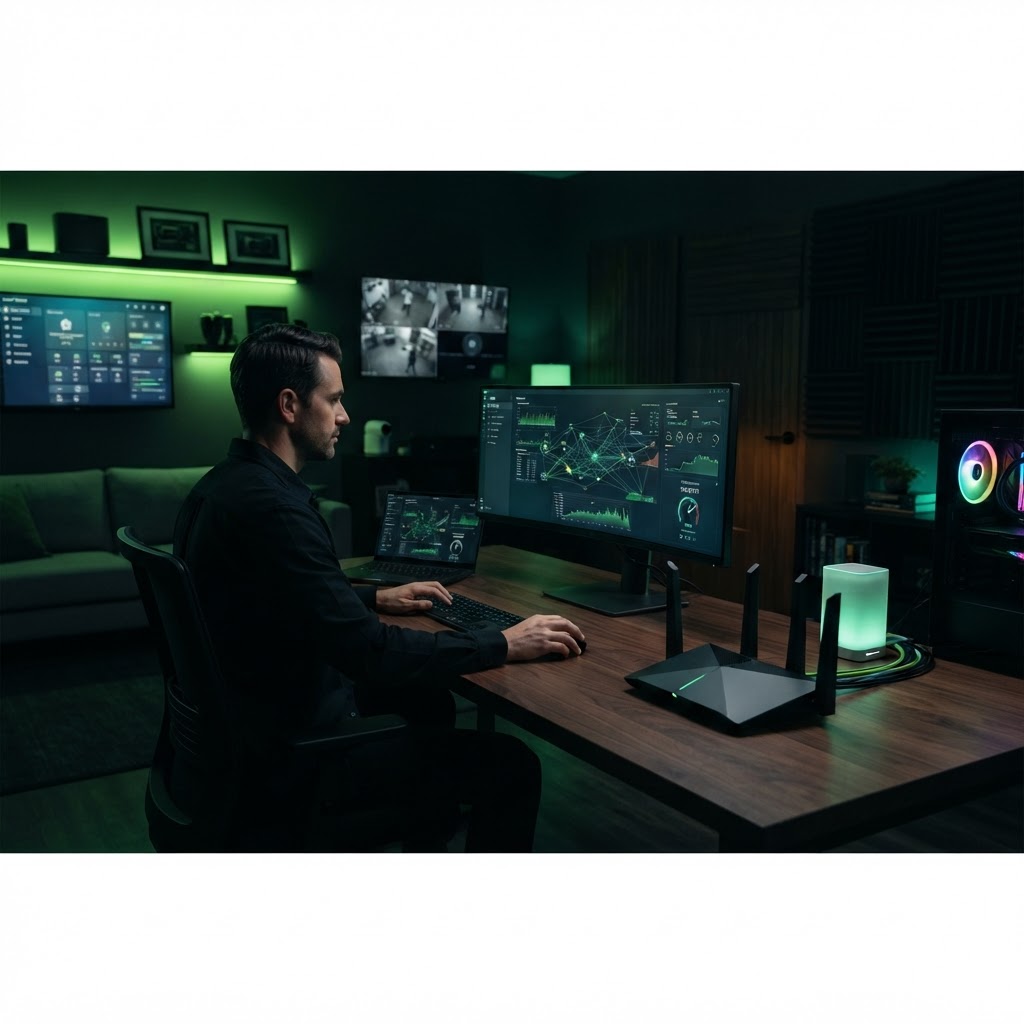
How to Set Up a Home Network
A step-by-step guide to building a robust and secure foundation for your smart home.
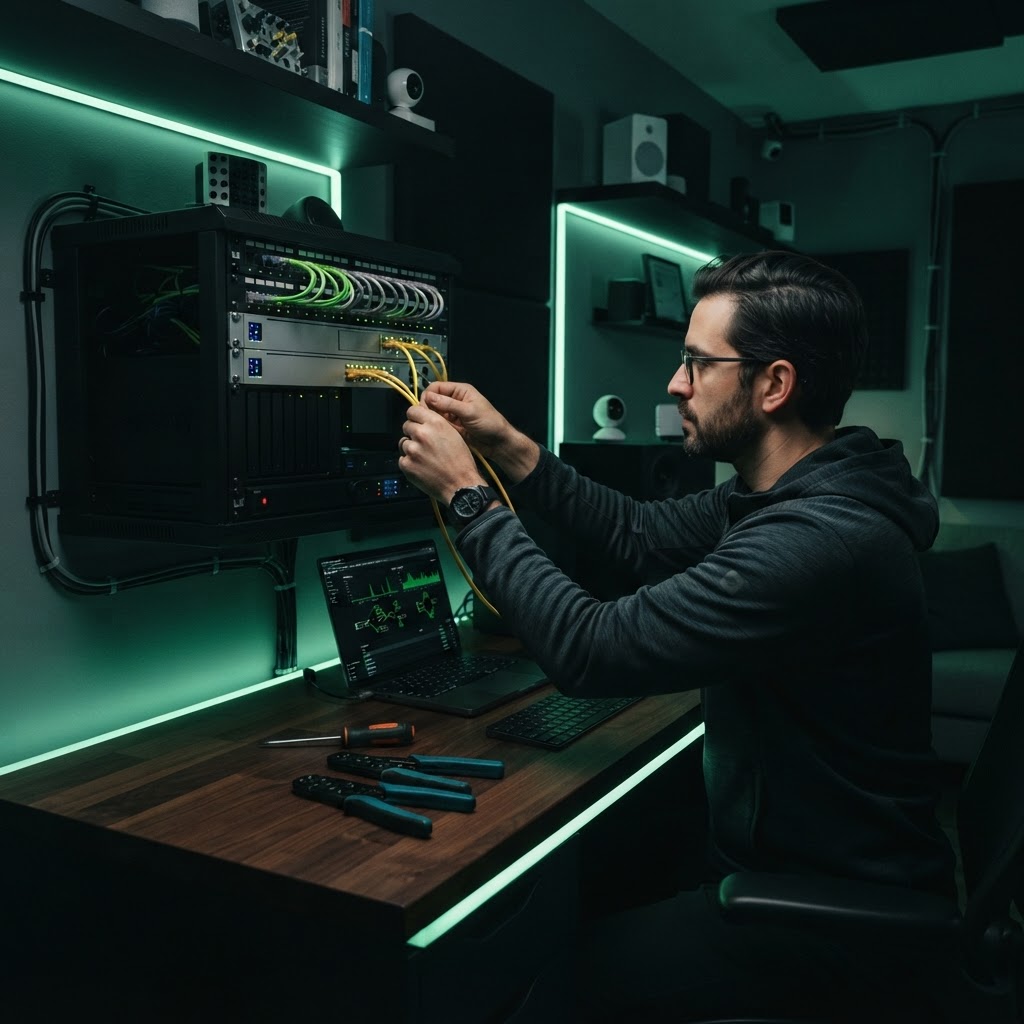
Establishing the Gateway
Start by ensuring your modem is connected directly to the service provider's incoming line. Once the modem is active, connect it to your router via an Ethernet cable. Use a high-quality Cat6 cable to ensure there are no physical bottlenecks between your modem and router. This connection is the foundation of your home digital infrastructure, so do not settle for damaged or low-grade wiring.
Configuring Security
Once the hardware is powered up, access the administrative portal to change the default network name and, most importantly, the password. Use a strong, unique WPA3 encryption key. After securing the network, ensure your firmware is updated to the latest version provided by the manufacturer. Finally, create a separate 'Guest' network for visitors; this keeps your primary devices isolated from guests and prevents unauthorized access to your smart home equipment, cameras, or computers.
Need a Hand With Your Setup?
Our pros install TVs, sound systems, and smart home tech across NYC and Long Island — same-day service available.