All ArticlesNetworking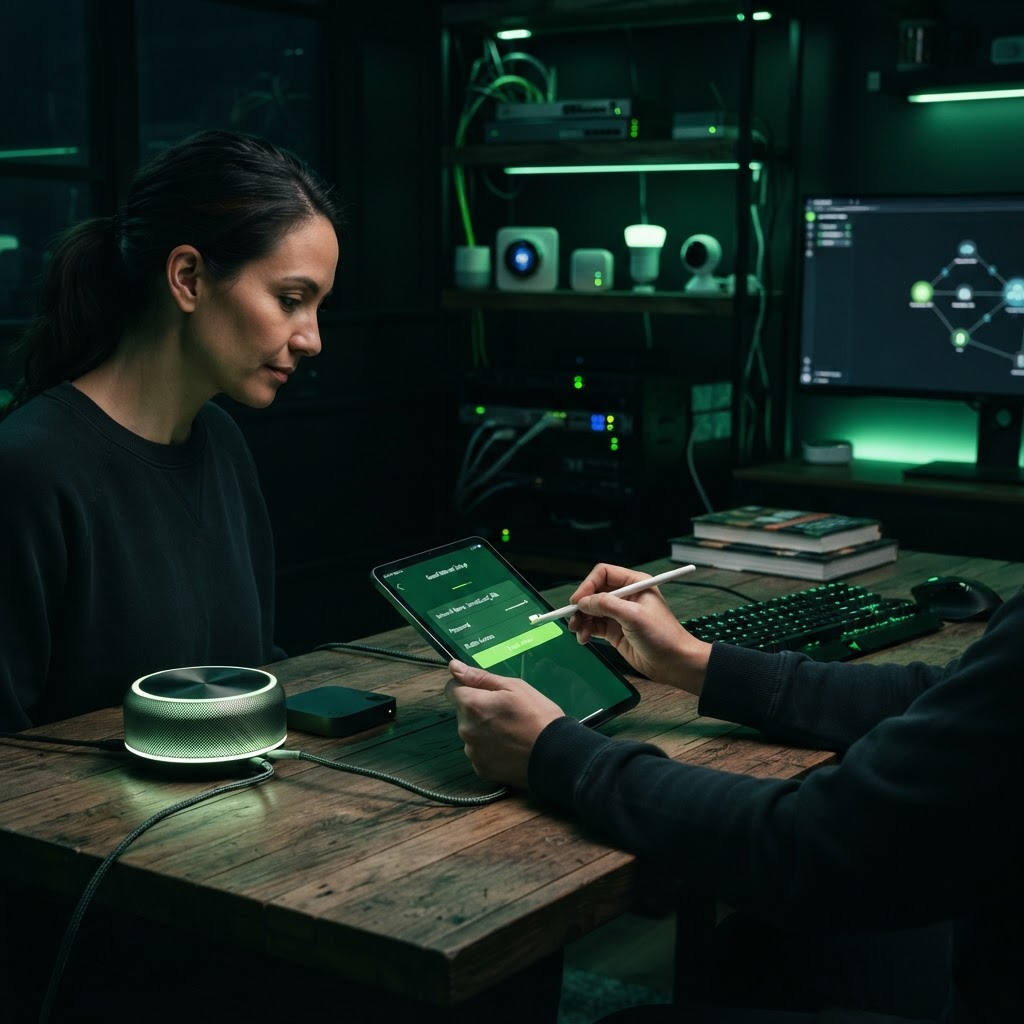
How to Set Up a Guest WiFi Network
Protect your primary network by creating a separate access point for visitors.
January 3, 2026 2 min readBy Technico Team
Why Use a Guest Network
Guest networks act as a firewall between your visitors and your personal devices. By isolating guest traffic, you prevent potential security breaches and ensure your own printers and smart home hubs remain invisible to guests.
Proper Configuration
Log into your router settings and enable the 'Guest' feature. Create a unique, strong password and ensure the network is set to 'isolation mode,' which prevents connected guests from communicating with one another.
Need a Hand With Your Setup?
Our pros install TVs, sound systems, and smart home tech across NYC and Long Island — same-day service available.