All ArticlesNetworking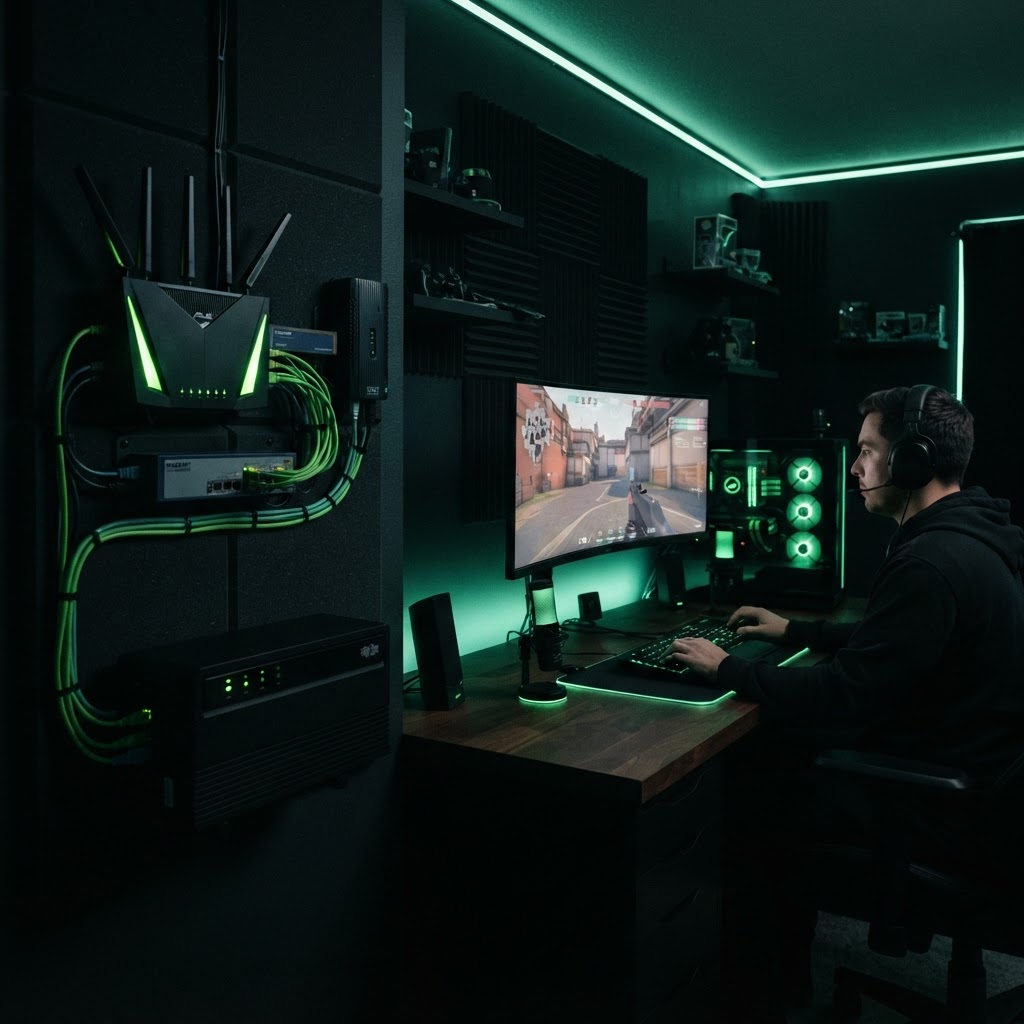
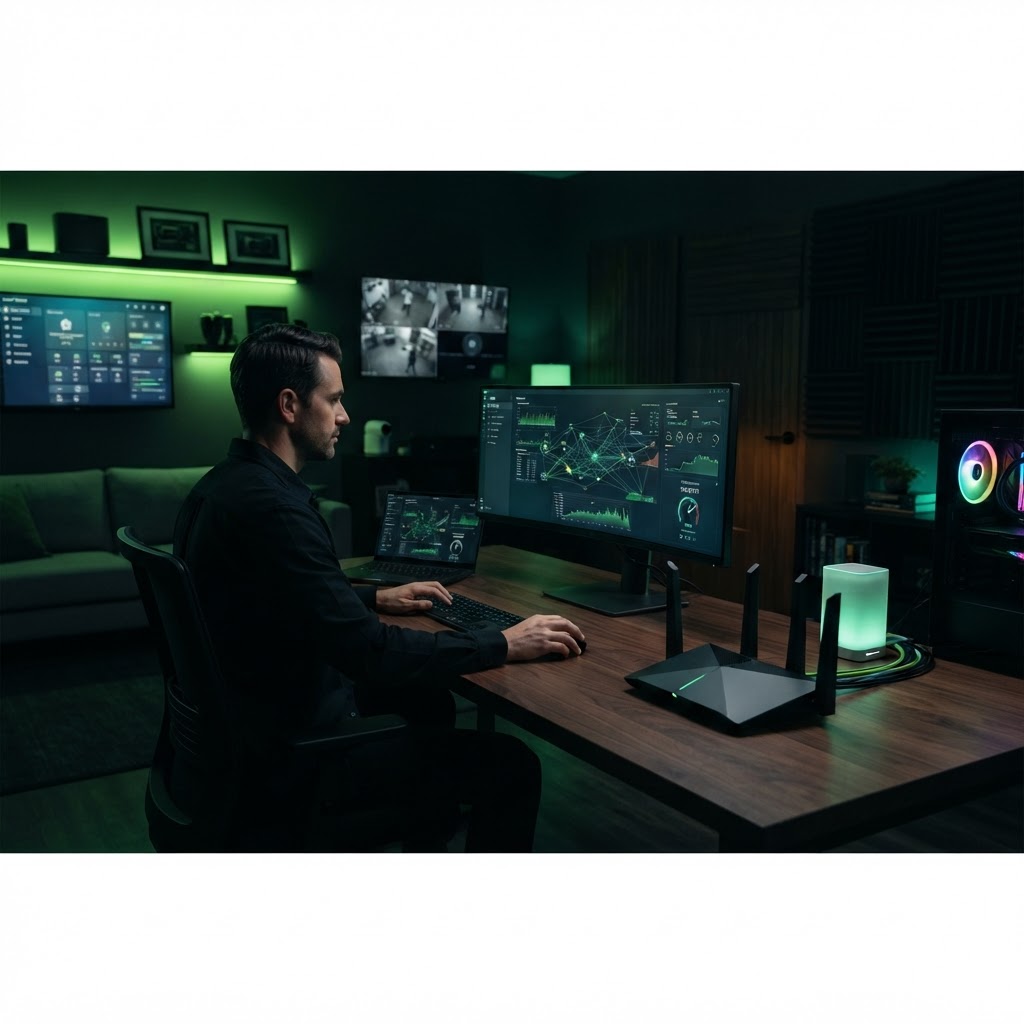
How to Reduce WiFi Lag for Gaming and Streaming
Optimize your network settings to prioritize high-demand traffic.
December 31, 2025 3 min readBy Technico Team
Enable Quality of Service (QoS)
Most modern routers have a QoS setting. Use this to prioritize gaming consoles or streaming devices over background tasks. This tells your network to handle traffic for these devices first, significantly reducing stutter during high usage.
Change Your Wireless Channel
In crowded areas, WiFi channels get congested. Use your router's analysis tool to scan for the least crowded frequency channel and switch to it to minimize interference from neighboring networks.
Need a Hand With Your Setup?
Our pros install TVs, sound systems, and smart home tech across NYC and Long Island — same-day service available.