How to Organize Your Gmail Inbox
Master your emails with simple filtering and labeling techniques that save time.
Leverage Custom Labels and Filters
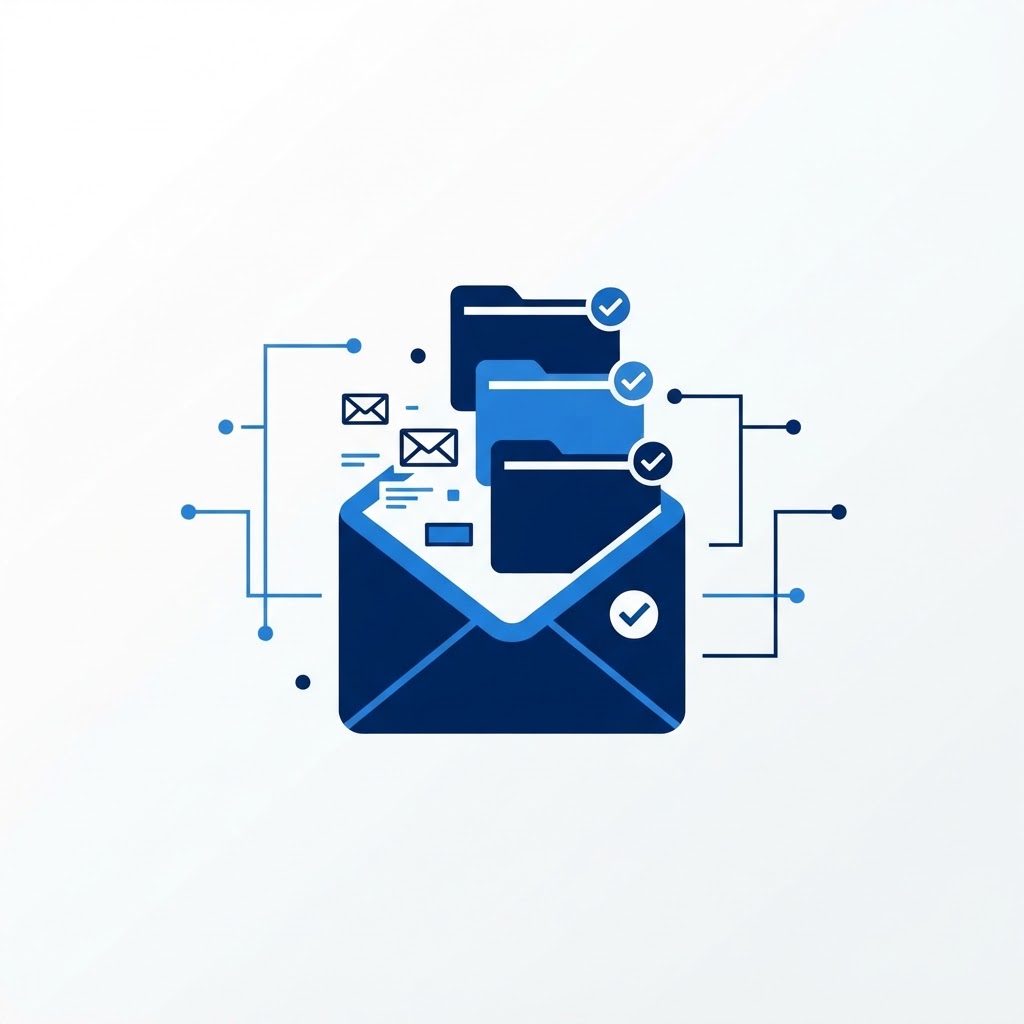
Stop manually sorting emails by using Gmail's filter system. Create rules that automatically apply labels to specific senders or keywords—for example, marking all 'Newsletter' emails to bypass your main inbox. This keeps your primary view clear for important communications.
The 'Archive' Mentality
Don't use your inbox as a to-do list. When you are finished with an email, archive it immediately instead of deleting it. It stays searchable forever if you need it, but it stays out of your daily view. Following the 'Inbox Zero' philosophy by archiving finished items is the fastest way to reclaim your focus.
Need Immediate Remote Tech Support?
A certified US technician connects to your computer remotely, often within 2 hours. Pick a flat-rate service and check out in under a minute.