How to Clean and Sanitize Your Computer Keyboard
Remove dust and germs from your keyboard to improve hygiene and typing feel.
The Deep Clean Routine
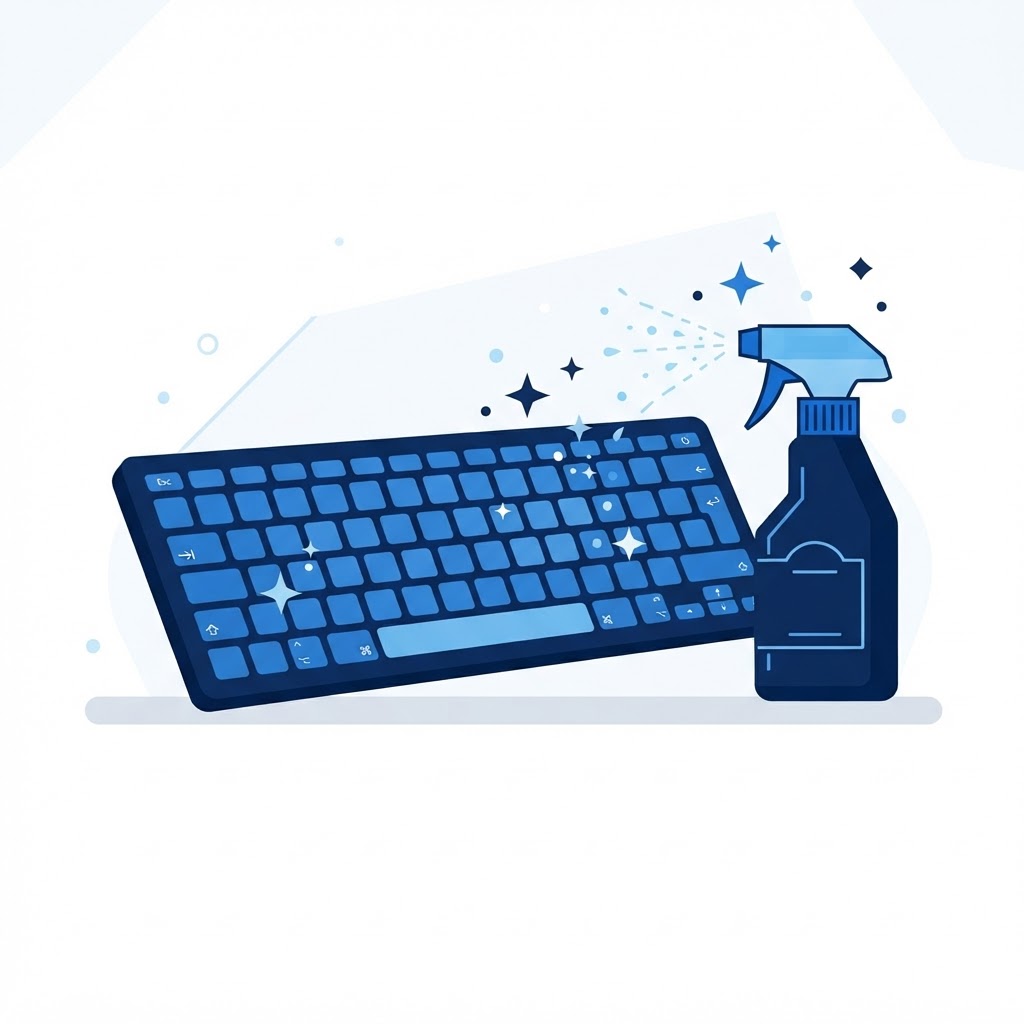
First, unplug your keyboard or turn off your laptop. Turn the device upside down and give it a gentle shake to dislodge loose debris. Use a can of compressed air, holding it at an angle to blow out the dust trapped between the keys.
Safe Sanitization
To sanitize, use a lightly dampened microfiber cloth with a small amount of 70% isopropyl alcohol. Wipe the tops of the keys and the surrounding chassis. Never use liquid cleaners directly on the keyboard to avoid shorting out the internal circuitry. Let it air dry completely before reconnecting power.
Need Immediate Remote Tech Support?
A certified US technician connects to your computer remotely, often within 2 hours. Pick a flat-rate service and check out in under a minute.