How to Change Alexa's Voice and Wake Word
Personalize your smart assistant by updating the name it responds to and selecting a new voice profile.
Changing the Wake Word
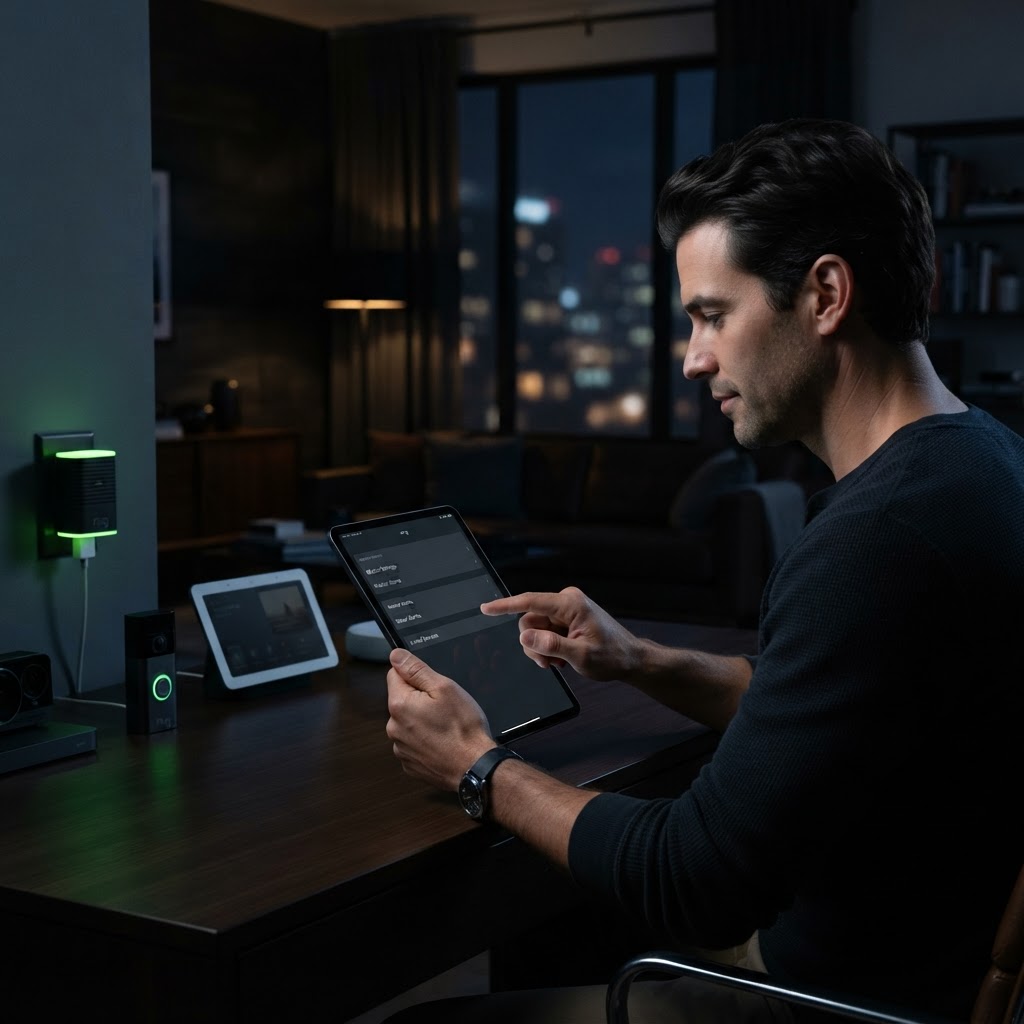
If you have a name that sounds like 'Alexa' or simply want to minimize accidental triggers, you can change the wake word. In the Alexa app, navigate to your device settings, select 'Wake Word,' and choose from a list that includes 'Amazon,' 'Echo,' 'Computer,' or 'Ziggy.'
Selecting a New Voice
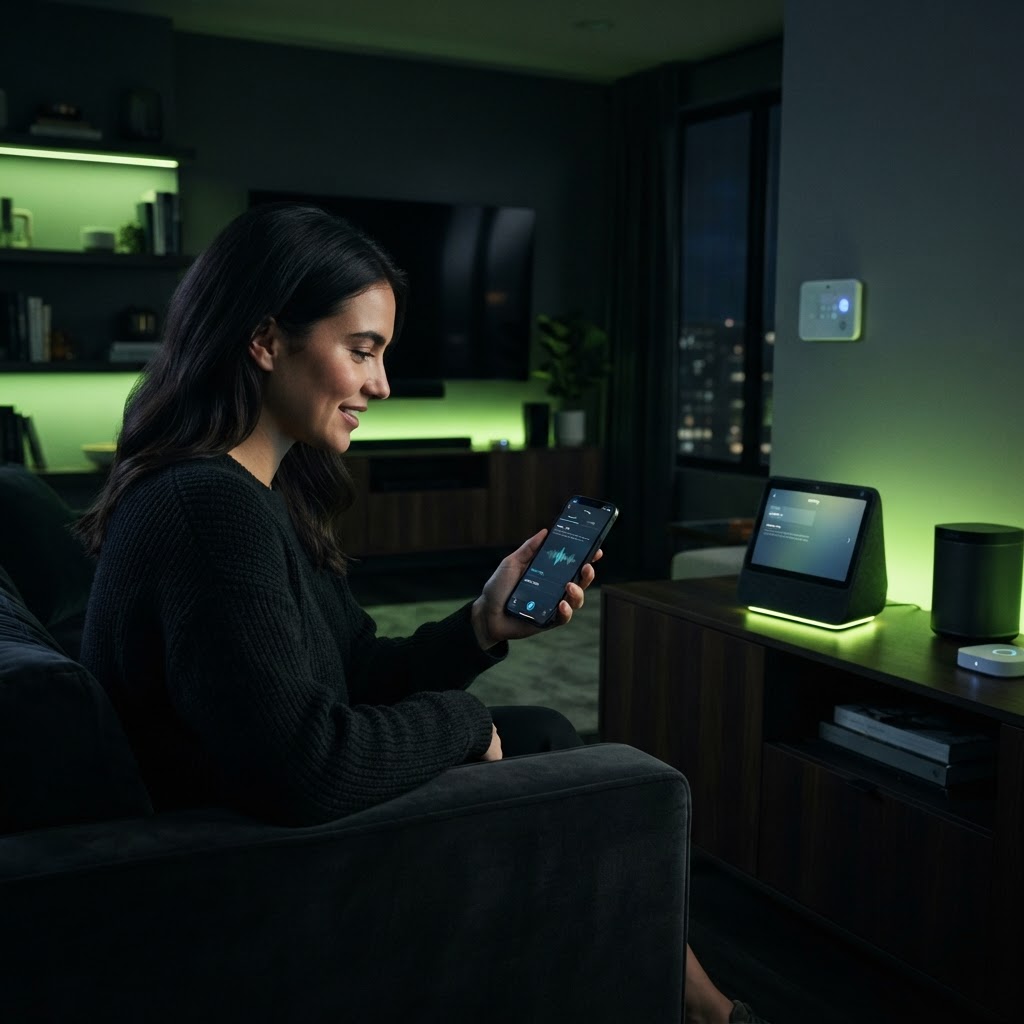
If you prefer a different tone, you can change Alexa's voice by simply saying, 'Alexa, change your voice.' The device will walk you through the options, including different regional accents. This simple change can make your interaction with the smart speaker feel more natural and personalized to your preference.
Need a Hand With Your Setup?
Our pros install TVs, sound systems, and smart home tech across NYC and Long Island — same-day service available.