How to Calibrate Your TV for Sports
Get the best motion and color settings for watching your favorite teams.
Disable Excessive Processing
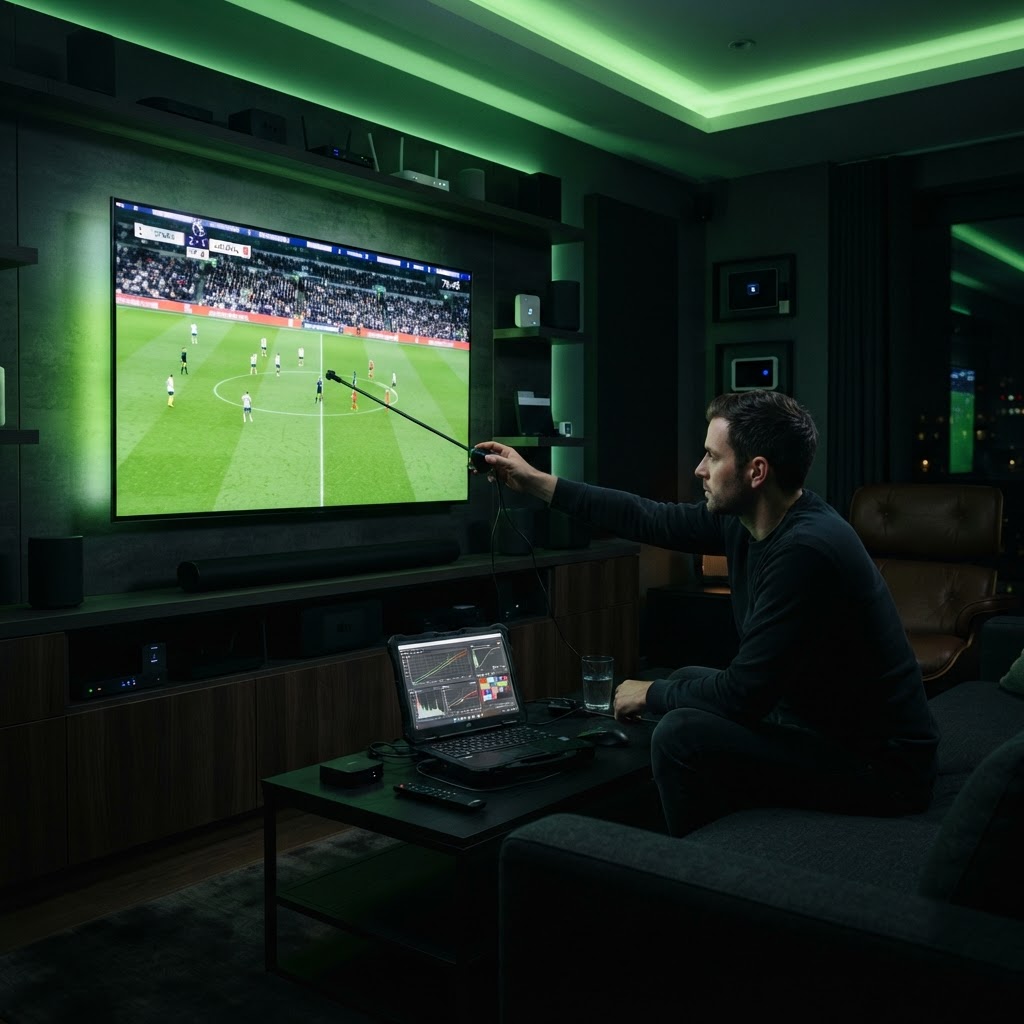
Turn off motion smoothing features like 'Soap Opera Effect' or 'Auto Motion Plus' when watching sports. While these settings aim to smooth movement, they often create distracting artifacts around the players and the ball. You want the natural motion of the broadcast, not the TV's artificial calculations.
Brightness and Color
Sports are typically broadcast in well-lit studio environments. Increase your TV's 'Backlight' or 'OLED Light' setting to ensure the image is bright enough to cut through ambient daylight in your room. Slightly bumping up the 'Color' saturation can also make team jerseys and the field pop more during afternoon games.
Need a Hand With Your Setup?
Our pros install TVs, sound systems, and smart home tech across NYC and Long Island — same-day service available.