The Best TV Picture Settings for Every Major Brand
Unlock your TV's true potential by disabling 'dynamic' modes and optimizing for accuracy.
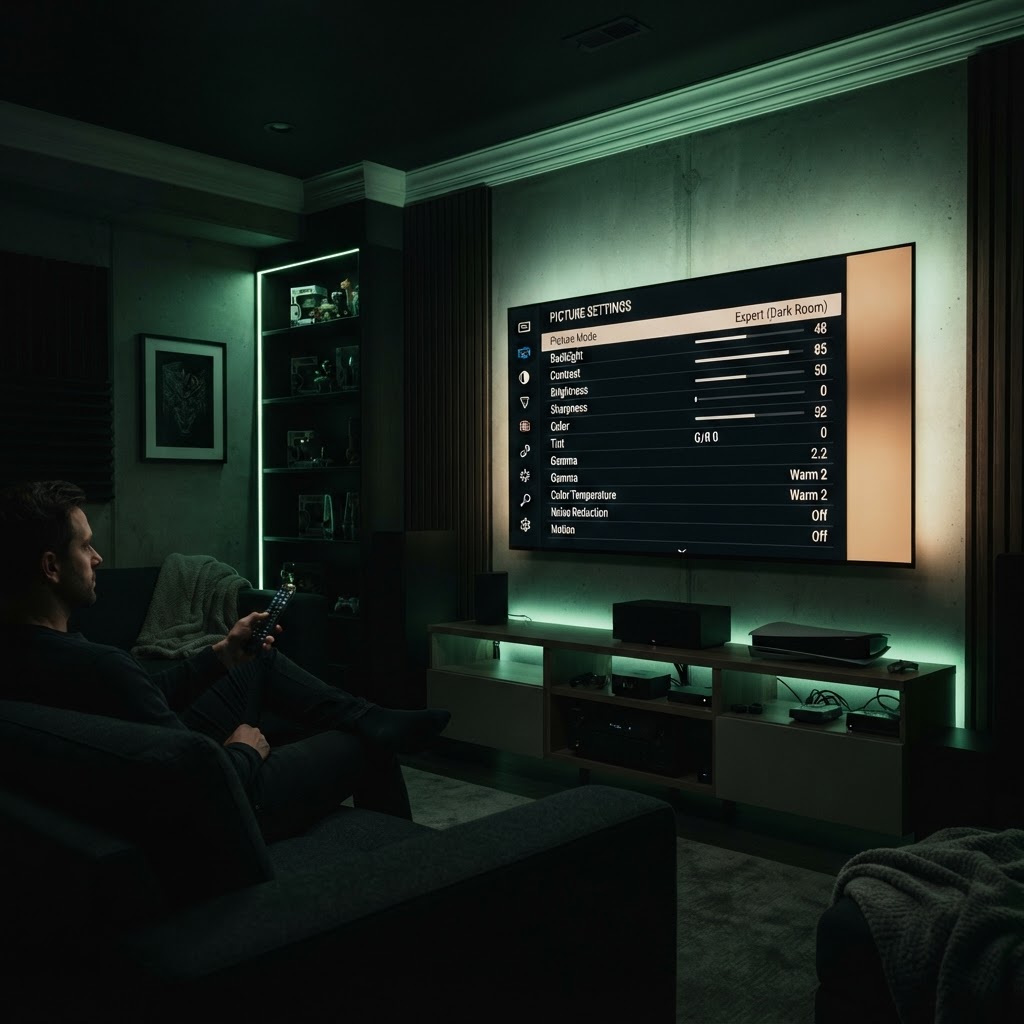
Choose 'Cinema' or 'Movie' Mode
Out of the box, most TVs are set to 'Vivid' or 'Dynamic' mode, which uses excessive blue light and over-saturated colors. Switch your settings to 'Cinema' or 'Movie' mode immediately. This provides a more natural color temperature closer to what the director intended.
Turn Off Motion Smoothing
One of the biggest detractors from picture quality is 'motion smoothing' or 'soap opera effect.' Look in your advanced settings for anything labeled 'Motion,' 'TruMotion,' or 'Auto Motion Plus' and turn it off. This removes that unnatural, overly fluid look and restores the intended filmic aesthetic.
Need a Hand With Your Setup?
Our pros install TVs, sound systems, and smart home tech across NYC and Long Island — same-day service available.